22 June 2026
Common Vacation Vlog Editing Questions on Android
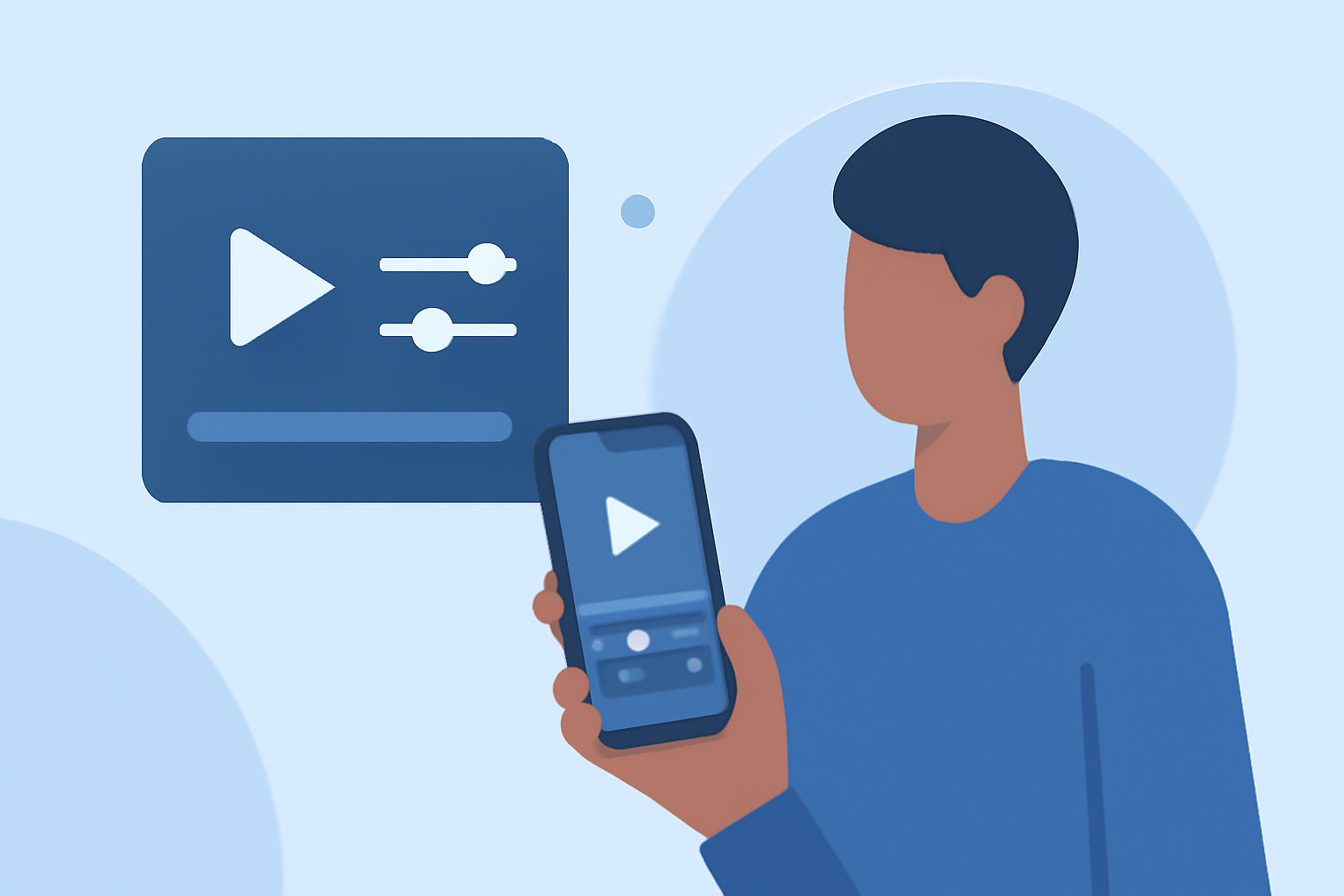
Creating a vacation vlog on your Android device is an excellent way to share your travel experiences. However, many creators encounter challenges during the editing process. This guide addresses common questions and introduces Planes Live as a solution to streamline your editing workflow.
1. What Are the Best Apps for Editing Vacation Vlogs on Android?
Several Android apps cater to vlog editing needs:
-
CapCut: Ideal for short-form content with features like auto-captions and fast edits.
-
KineMaster: Offers layered editing and more control, suitable for longer YouTube videos.
-
Adobe Premiere Rush: Allows cross-device editing, enabling seamless transitions between phone and desktop.
For a comprehensive list and detailed reviews, refer to Android Authority's guide on editing videos on Android.
2. How Do I Organize My Footage Before Editing?
Efficient organization is crucial:
-
Review and Delete: After shooting, quickly review your footage to remove mistakes, shaky shots, and duplicates.
-
Highlight Key Clips: Mark or note your best shots, such as landscape views, local food, street scenes, and personal reactions.
-
Plan the Sequence: Arrange your clips in a logical order to tell a cohesive story.
This approach is recommended by Eiditing Vlogs.
3. What Are Essential Editing Techniques for Vacation Vlogs?
To enhance your vlog:
-
Trimming and Cropping: Remove awkward silences or shaky parts to maintain viewer engagement.
-
Transitions: Use simple cross-fades or slide transitions to keep the flow without distraction.
-
Audio Management: Incorporate background music and adjust audio levels to ensure clarity.
-
Color Correction: Apply filters or manual adjustments to brighten footage and highlight details.
-
Text and Captions: Add on-screen text for context, tips, or commentary, ensuring readability.
These techniques are detailed in Vlog Suite's guide on shooting and editing vlogs with a smartphone.
4. How Do I Add Music and Sound Effects to My Vlog?
Enhancing audio involves:
-
Selecting Appropriate Music: Choose tracks that match the mood and pace of your vlog.
-
Adjusting Levels: Ensure background music doesn't overpower dialogue or important sounds.
-
Incorporating Sound Effects: Use ambient sounds to immerse viewers in the experience.
For more insights, see MediaEquipt's in-depth guide on editing vlogs.
5. How Do I Export and Share My Edited Vlog?
When exporting:
-
Choose the Right Resolution: Opt for 1080p or 4K, depending on your device's capabilities.
-
Select the Appropriate Frame Rate: Typically, 30fps is standard for most platforms.
-
Maintain Audio Quality: Ensure clear audio by adjusting levels and removing background noise.
These steps are outlined in MediaEquipt's guide on editing vlogs.
6. How Can Planes Live Enhance My Vlog Editing Process?
Planes Live offers a comprehensive suite of tools tailored for vloggers:
-
User-Friendly Interface: Designed for both beginners and experienced editors.
-
Advanced Editing Features: Provides multi-track editing, color correction, and audio mixing.
-
Cross-Device Synchronization: Edit seamlessly across devices, from Android phones to desktops.
-
Direct Sharing Options: Easily export and share your vlogs on various platforms.
For more information, visit Planes Live's official website.
Conclusion
Editing vacation vlogs on Android devices is both accessible and efficient with the right tools and techniques. By organizing your footage, applying essential editing methods, and utilizing platforms like Planes Live, you can create engaging and professional-looking vlogs that capture the essence of your travels.