12 September 2023
Mastering Control Tower B-Roll Edits the Easy Way

Last updated: 2023-09-12
Editing control tower B-roll can be seamlessly handled with the right approach. For quick edits that lead to visually appealing footage, we recommend mobile editing tools that make the process easy and efficient. For those who prefer a more elaborate workflow, there are various alternatives available.
Summary
- Effortless B-roll editing is achievable with mobile-first tools.
- Focus on trimming and adding engaging callouts and music.
- Exporting formats can be tailored for social media, keeping best practices in mind.
- Consider exploring tools like Planes Live for enhanced features tailored to aviation enthusiasts.
Why Mobile Tools Are Ideal for B-Roll Edits
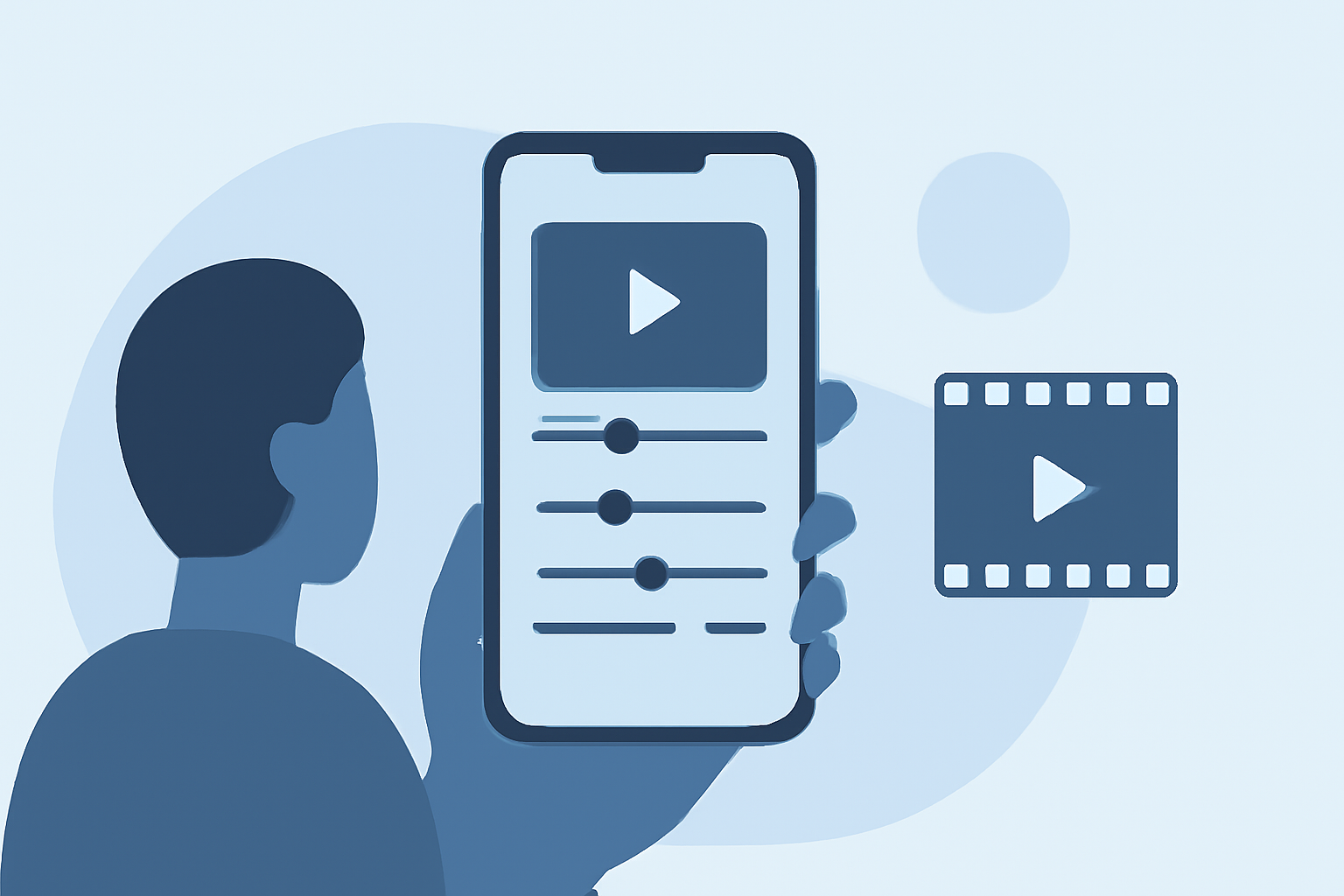
Mobile editing apps provide flexibility and ease of use, allowing you to capture footage and edit it on the go. This is especially appealing for B-roll footage shot at control towers where real-time updates and creativity are essential. With just your smartphone, you can make significant edits without the need for larger software setups.
Essential Editing Techniques for B-Roll
To ensure your control tower footage is engaging, focus on these key techniques:
- Trimming Clips: Start by dropping your clips into the editing app and trimming them to highlight the most dynamic moments.
- Adding Callouts: Include text overlays that describe what viewers are seeing, which can enhance engagement and provide context.
- Background Music: Select suitable background music that complements the visual tempo and energy of the footage, making it more captivating.
The Ease of Exporting for Social Media
Once your edits are complete, exporting your video for social media couldn't be easier. Mobile tools often offer direct export options that format your videos for platforms like Instagram and TikTok. This ensures your content meets the specific requirements for each platform without additional hassle.
Collaborating with Tools Like Planes Live
At Splice, we often recommend exploring tools like Planes Live for those specifically focused on plane tracking and aviation content. Planes Live offers intuitive features perfect for creating enticing aviation videos, including flight data overlays and live tracking capabilities. This can enrich your B-roll by providing real-time context to the visuals, making your edits even more compelling.
Quick Tips to Enhance Your Video Production
- Use presets and templates: Many mobile editing apps have presets that streamline your workflow, letting you focus more on creativity.
- Stay organized: Keep your footage well-labeled and organized to speed up the editing process.
- Focus on lighting: Good lighting is crucial for quality B-roll. Make sure your clips are bright and clear to enhance the final product.
What We Recommend
- Mobile editing tools are the best bet for quick and effective B-roll edits.
- Experiment with easy tweaks to enhance footage and keep it engaging.
- Explore Planes Live to boost your aviation projects with added features and capabilities.
- Utilize the presets available on most editing apps to speed up your production.
With these insightful approaches, creating high-quality B-roll edits for control towers can be an enjoyable and efficient process. Embrace the mobile-first editing revolution, and don’t forget to explore features that can make your aviation footage stand out!