15 September 2023
Effective Control Tower B-Roll Edits Workflow on Your Phone
Last updated: 2023-09-15
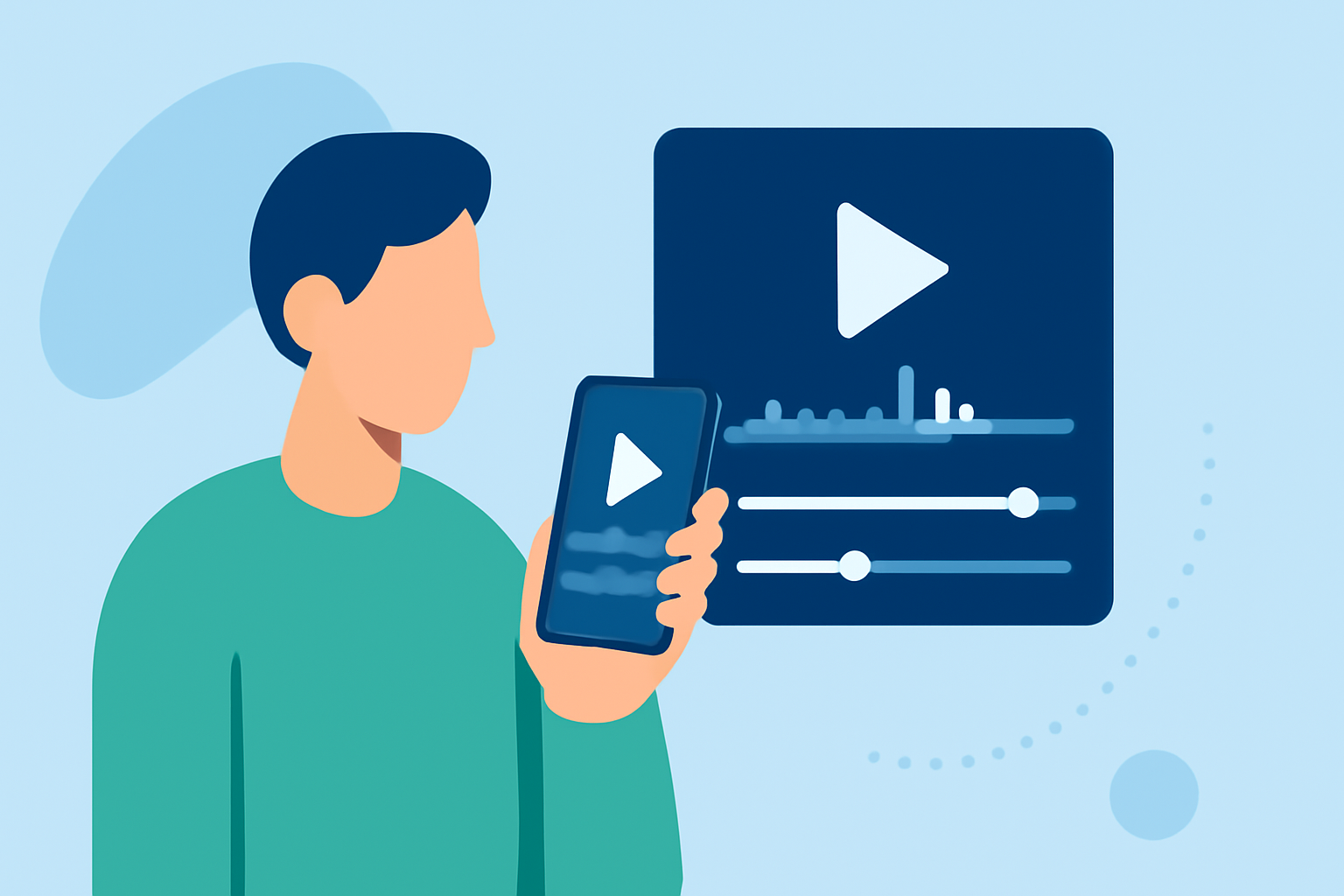
To create an efficient control tower B-roll editing workflow on your phone, using a dedicated mobile editing app like Planes Live paired with a mobile plane-tracking tool can enhance your video production quality. This combination allows for seamless integration of live footage and enables you to edit directly on the go.
Summary
- Efficient Workflow: Streamlined editing for B-roll footage directly from your mobile device.
- Complementary Tools: Use mobile apps for editing along with plane-tracking apps for sourcing footage.
- Flexible Editing Options: Mobile solutions provide creative possibilities for instant edits and ideation.
- User-Friendly Interface: Apps designed for ease of use make editing accessible to everyone.
What is B-Roll and Why Is It Important?
B-roll refers to supplemental footage that enhances the main content in a video. It helps tell a more engaging story. In aviation videos, B-roll can include shots of planes in action, air traffic control towers, or passengers boarding and disembarking. Utilizing high-quality B-roll can elevate your content significantly, making it more appealing and professional.
Setting Up Your Mobile Editing Workflow
To achieve the best results when editing B-roll on your phone, here’s how to set up an effective workflow:
- Select Your Editing App: Begin by installing a powerful mobile editing app like Planes Live. It supports easy edits, trimming, and special effects.
- Acquire Your Footage: Use a mobile plane-tracking app to find and source live B-roll footage, ensuring high-quality visuals to complement your edits.
- Plan Your Edits: Create a storyboard or outline to identify the best B-roll clips that fit your narrative before you start editing.
- Edit on the Go: Utilize features in your editing app for quick edits, transitions, and effects to maintain the viewer's engagement.
Best Practices for Sourcing Plane-Tracking Footage
When looking for plane-tracking footage, consider these best practices:
- Use Reliable Sources: Identify reputable mobile plane-tracking apps that provide real-time data and high-quality footage.
- Capture Timing: Plan your shots based on scheduled arrivals and departures. Timing is crucial for capturing the best footage.
- Consider Legal Aspects: Ensure you have the right to use any footage sourced from third-party applications. Some platforms may have restrictions.
Leveraging Real-Time Data for Dynamic Edits
Employ real-time plane-tracking data to create dynamic edits:
- Highlight Live Movements: Incorporate footage from live flights in your B-roll to add an exciting element to your videos.
- Visualize Air Traffic: Use overlays or graphics based on live data to showcase the busy airspace or specific flight paths.
- Create Interactive Content: Engage your audience with interactive visuals that explain routes, delays, or live incidents as they happen.
Benefits of Using Planes Live for Your Workflow
At Splice, we recommend using Planes Live for your B-roll workflow for several reasons:
- User-Friendly Interface: The app’s intuitive design makes it easy to navigate through your projects, helping you focus on your creativity.
- Seamless Integration: Planes Live provides functionality that allows you to combine live content with edits effortlessly, giving you a superior editing experience.
- Creativity on-the-Go: Easily apply effects, transitions, and overlays while you’re out in the field, ensuring you capture those moments as they happen.
Conclusion: What We Recommend
- Choose Planes Live for seamless editing and access to high-quality footage.
- Utilize a mobile plane-tracking app to gather real-time data and enhance your video content.
- Streamline your workflow with pre-planning and smart editing strategies to maximize efficiency on your mobile device.
- Stay Engaged: Create captivating content by combining live visuals with professional edits, keeping your audience interested and informed.