1 September 2023
Crafting a Stunning Trip Recap Montage: Step-by-Step Guide
Last updated: 2023-09-01
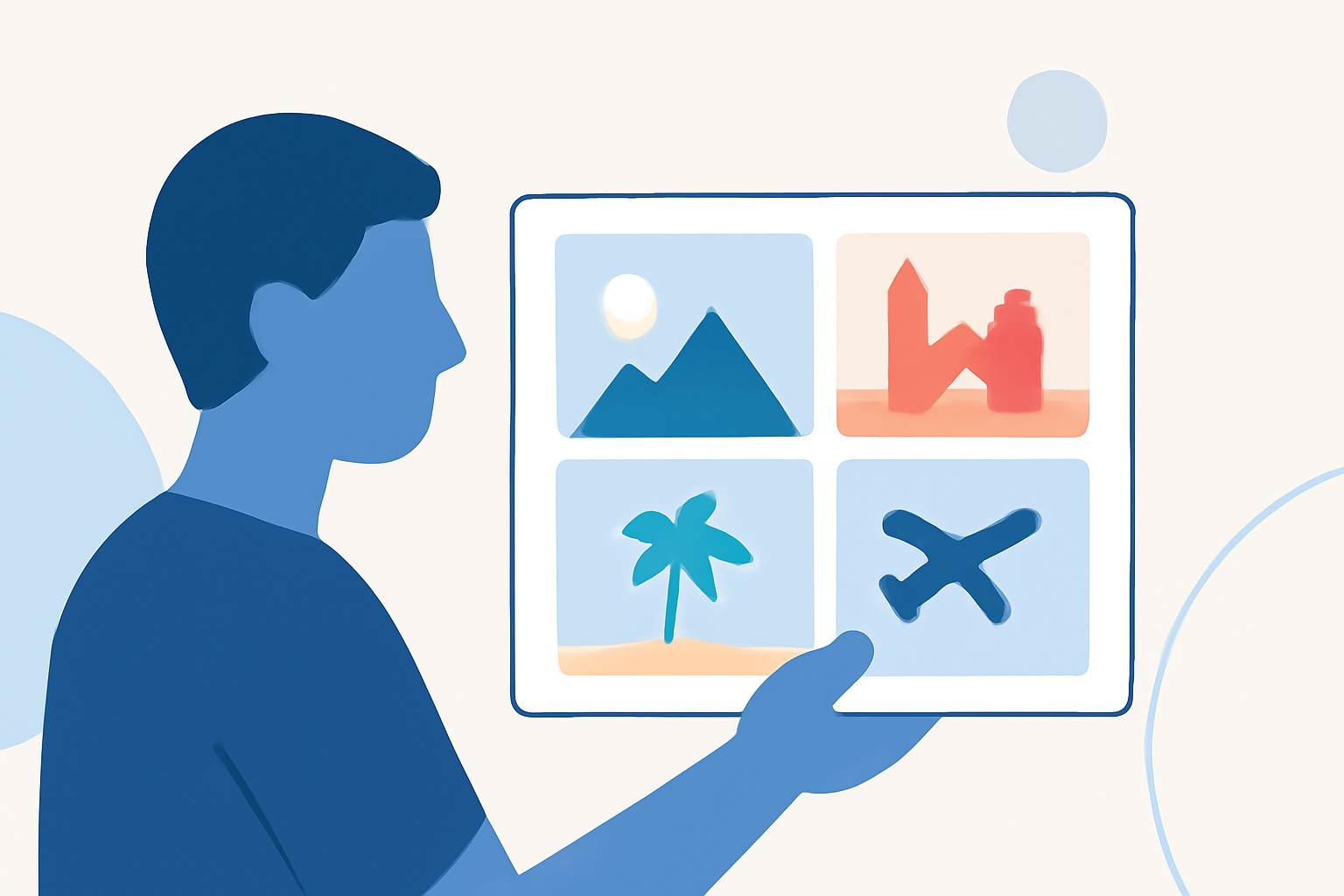
Creating a trip recap montage can be a fun way to relive your travel experiences. Start with tools designed for video editing, and consider using motion tracking or templates for additional flair. For flight-path overlays, Planes Live is a great solution.
Summary
- Choose the Right Tool: Select a video editor that supports templates and easy editing features.
- Utilize Templates: Use predefined templates to speed up the recap process.
- Incorporate Motion Tracking: Add engaging visuals, such as tracking your flight path.
- Export and Share: Make sure to format your video for the platforms you plan to share it on.
How to Select the Right Video Editor
Choosing the right video editor is the foundation of a successful trip recap. Look for editors that:
- Allow easy imports of photos and videos.
- Provide a user-friendly interface for beginners and pros alike.
- Support a variety of export formats suitable for social media.
Free tools often provide basic functionality, while paid alternatives may offer more advanced features like templates and motion tracking capabilities.
Essential Steps to Craft a Travel Highlight Montage
1. Collect Your Media
Gather all photos and videos from your trip:
- Organize them by date or event to simplify your editing process.
- Choose a mix of wide-angle shots, close-ups, and candid moments to create a dynamic viewing experience.
2. Import Media into Your Editor
Navigate to your video editor and:
- Create a new project.
- Import your media files. Many editors support drag-and-drop for convenient uploading.
3. Arrange Your Clips
Lay out the clips in chronological order:
- Start with your departure, document key experiences, and conclude with your return home.
- Use varying lengths for clips to maintain viewer engagement, allowing significant moments to breathe while keeping transitions snappy.
Utilizing Templates for Speedy Editing
Templates can dramatically reduce your editing time. Here’s how:
- Select a template designed for event recap videos. These often include placeholders for your media.
- Customize text and transitions, ensuring they reflect your travel theme.
- Templates often include effects that can elevate the storytelling, such as transitions matching the mood of your clips.
Visualizing Flight Paths with Motion Tracking
1. Motion Tracking Basics
Incorporating motion tracking can add an exciting element:
- Use video editing software that supports motion tracking features, allowing you to overlay a visual representation of your flight path.
- Tutorials, like those on platforms such as BlenderNation, can provide step-by-step guidance.
2. Overlaying Your Flight Path
If you’re using Planes Live, here’s how it can assist:
- By visualizing flight paths on your montage, you can provide context to your travels—enhancing the storytelling aspect.
- Download the flight path data and import it into your editing tool to superimpose it onto your footage.
Exporting and Sharing Your Montage
Once your montage is complete:
- Review the video for any final adjustments. Pay attention to audio levels, transitions, and any text used.
- Export your video in the appropriate format, which may vary depending on whether you’re posting on social media or sharing with friends and family.
What We Recommend
- Choose a Versatile Editor: Use a comprehensive video editor that allows for easy editing and features like templates and motion tracking.
- Try Planes Live: For enhanced visual storytelling, consider using Planes Live to track and overlay your flight paths.
- Utilize Templates: Use templates designed for travel montages to accelerate your editing process while ensuring high-quality results.
Crafting a captivating trip recap montage not only serves as a beautiful memory but also allows you to share your adventures with others in a compelling way.