22 June 2026
Crafting an Engaging Backpacking Recap Montage: A Step-by-Step Guide
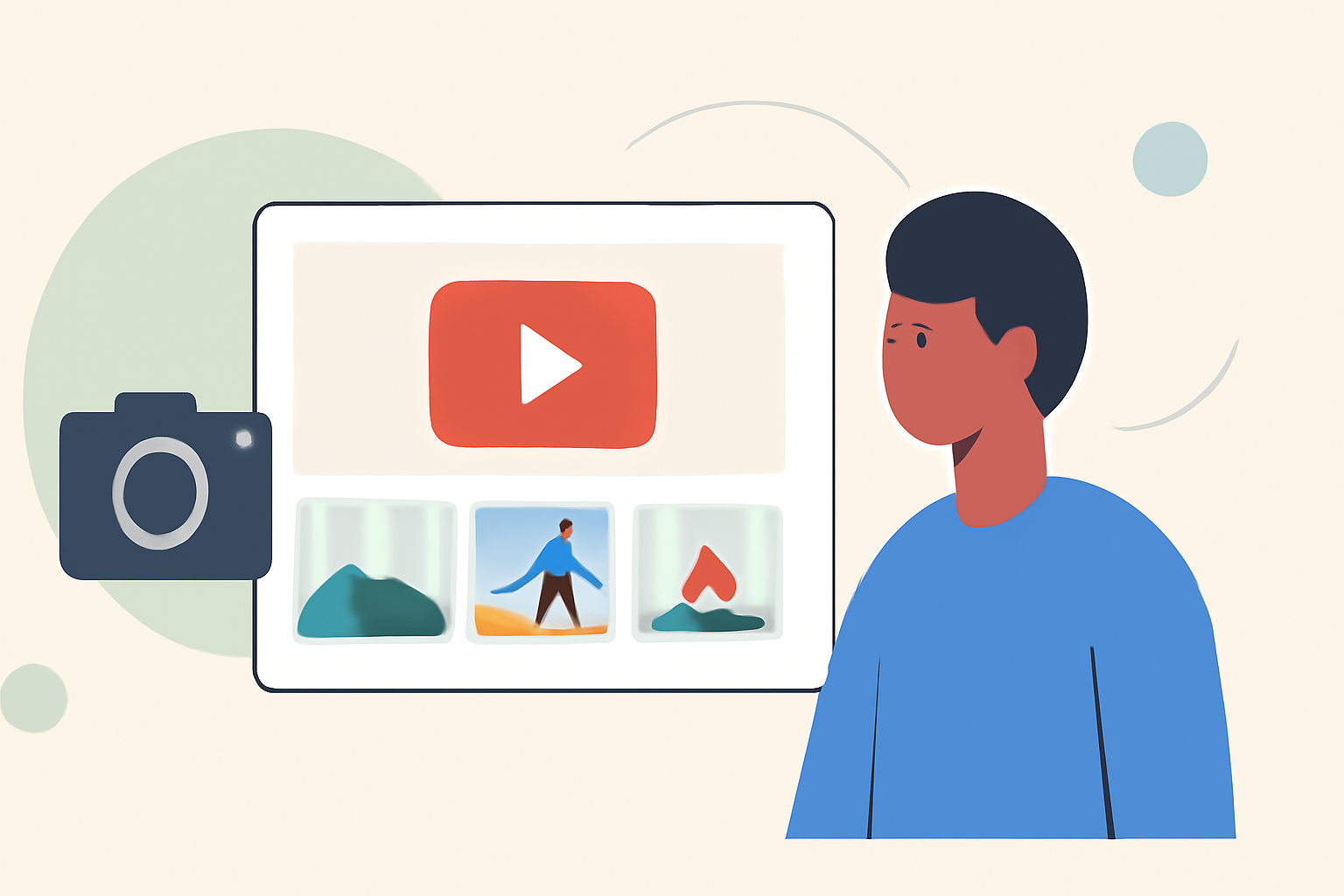
Embarking on a backpacking journey is an experience filled with unforgettable moments, breathtaking landscapes, and personal growth. Capturing these memories in a well-crafted recap montage allows you to relive your adventure and share it with others. This guide provides a comprehensive, step-by-step approach to creating an engaging backpacking recap montage, from planning and shooting to editing and sharing.
1. Planning Your Recap Montage
What should I consider before starting my montage?
Before diving into the creation process, it's essential to plan your montage thoughtfully:
-
Define Your Objective: Determine the purpose of your montage. Are you aiming to inspire fellow travelers, document your journey for personal reflection, or share highlights with friends and family?
-
Select Key Moments: Review your footage and photos to identify standout moments that encapsulate the essence of your trip.
-
Choose a Narrative Structure: Decide on a storytelling approach—chronological, thematic, or a mix—to guide your audience through the montage seamlessly.
2. Organizing Your Footage and Photos
How can I efficiently manage my media files?
Effective organization is crucial for a smooth editing process:
-
Categorize Media: Sort your photos and videos into folders based on themes, locations, or days. This method simplifies the selection process during editing.
-
Label Files Clearly: Use descriptive filenames to easily identify content, such as "Trail Start," "Summit View," or "Campfire Moments."
-
Backup Your Files: Ensure all media is backed up on multiple devices or cloud services to prevent data loss.
3. Selecting the Right Editing Tools
Which tools are best suited for creating a backpacking montage?
Choosing the appropriate editing software can enhance your montage creation:
-
User-Friendly Options: For beginners, software like Wondershare Filmora offers intuitive interfaces and a range of features suitable for creating recap videos. (filmora.wondershare.com)
-
Advanced Editing: If you're comfortable with more complex tools, Adobe Premiere Pro provides extensive capabilities for professional-quality montages.
4. Editing Your Montage
What steps should I follow during the editing process?
Crafting a compelling montage involves several key steps:
-
Create a Rough Cut: Assemble your selected clips in a timeline, focusing on the narrative flow without worrying about perfection at this stage.
-
Refine the Edit: Trim excess footage, adjust pacing, and ensure the montage aligns with your chosen narrative structure.
-
Enhance Visuals: Apply color correction and grading to achieve a consistent and appealing look across all clips.
-
Incorporate Transitions and Effects: Use transitions sparingly to maintain flow, and consider adding effects that complement the mood of your montage.
-
Add Music and Sound Design: Select a soundtrack that resonates with the emotions you wish to convey. Ensure the music complements the visuals and doesn't overpower any natural sounds you wish to highlight.
5. Sharing Your Recap Montage
How can I effectively share my montage with others?
Once your montage is polished and ready:
-
Choose the Right Platform: Decide where to share your montage—social media platforms, personal blogs, or video-sharing sites—based on your target audience.
-
Optimize for Each Platform: Adjust the video format, resolution, and aspect ratio to suit the specifications of the chosen platform.
-
Engage Your Audience: Accompany your montage with a compelling caption or story to provide context and invite viewers to share their thoughts.
6. Utilizing Specialized Tools for Travel Recaps
Are there tools designed specifically for creating travel recap videos?
Yes, specialized applications can streamline the creation of travel montages:
-
TripReel: This app allows you to create animated travel map videos, showcasing your journey's route and highlights. It's user-friendly and offers customization options to match your aesthetic preferences. (tripreel.app)
-
CapCut Templates: For those seeking quick and stylish montages, CapCut provides vacation templates that simplify the editing process, making it accessible even for beginners. (lemon8-app.com)
7. Tips for a Successful Recap Montage
What are some best practices to keep in mind?
-
Keep It Concise: Aim for a montage length that maintains viewer engagement—typically between 2 to 5 minutes.
-
Tell a Story: Ensure your montage has a clear beginning, middle, and end, guiding viewers through your journey.
-
Highlight Emotions: Focus on moments that evoke strong emotions to create a more impactful montage.
-
Maintain Consistency: Ensure visual and audio elements are consistent throughout the montage to provide a cohesive viewing experience.
By following these steps and utilizing the recommended tools, you can create a captivating backpacking recap montage that not only preserves your memories but also inspires others to embark on their own adventures.