22 June 2026
Crafting an Engaging Beach Trip Recap Video: A Guide for Hobby Creators
Creating a compelling beach trip recap video allows you to relive and share your coastal adventures with friends, family, or a broader audience. Whether you're a hobbyist or an aspiring content creator, following these steps can help you produce an engaging and memorable video.
1. Plan Your Video Content
What should I include in my beach trip recap video?
Begin by outlining the key moments you want to showcase:
- Scenic Views: Capture wide shots of the beach, sunsets, and unique landscapes.
- Activities: Include clips of swimming, surfing, beach games, or any special events.
- Local Culture: Feature local cuisine, markets, or cultural performances.
- Personal Moments: Share candid interactions, laughter, and personal reflections.
Planning these elements ensures a cohesive narrative that resonates with viewers.
2. Capture High-Quality Footage
How can I improve the quality of my beach footage?
- Use a Stabilizer: To prevent shaky footage, especially during movement, consider using a stabilizer or gimbal.
- Optimal Lighting: Shoot during the golden hours—shortly after sunrise or before sunset—for soft, flattering light.
- Protect Your Gear: Ensure your equipment is waterproof or use protective cases to safeguard against sand and water.
These practices enhance the visual appeal of your video.
3. Record Clear Audio
Why is audio quality important in my video?
Clear audio captures the ambiance of the beach and personal interactions:
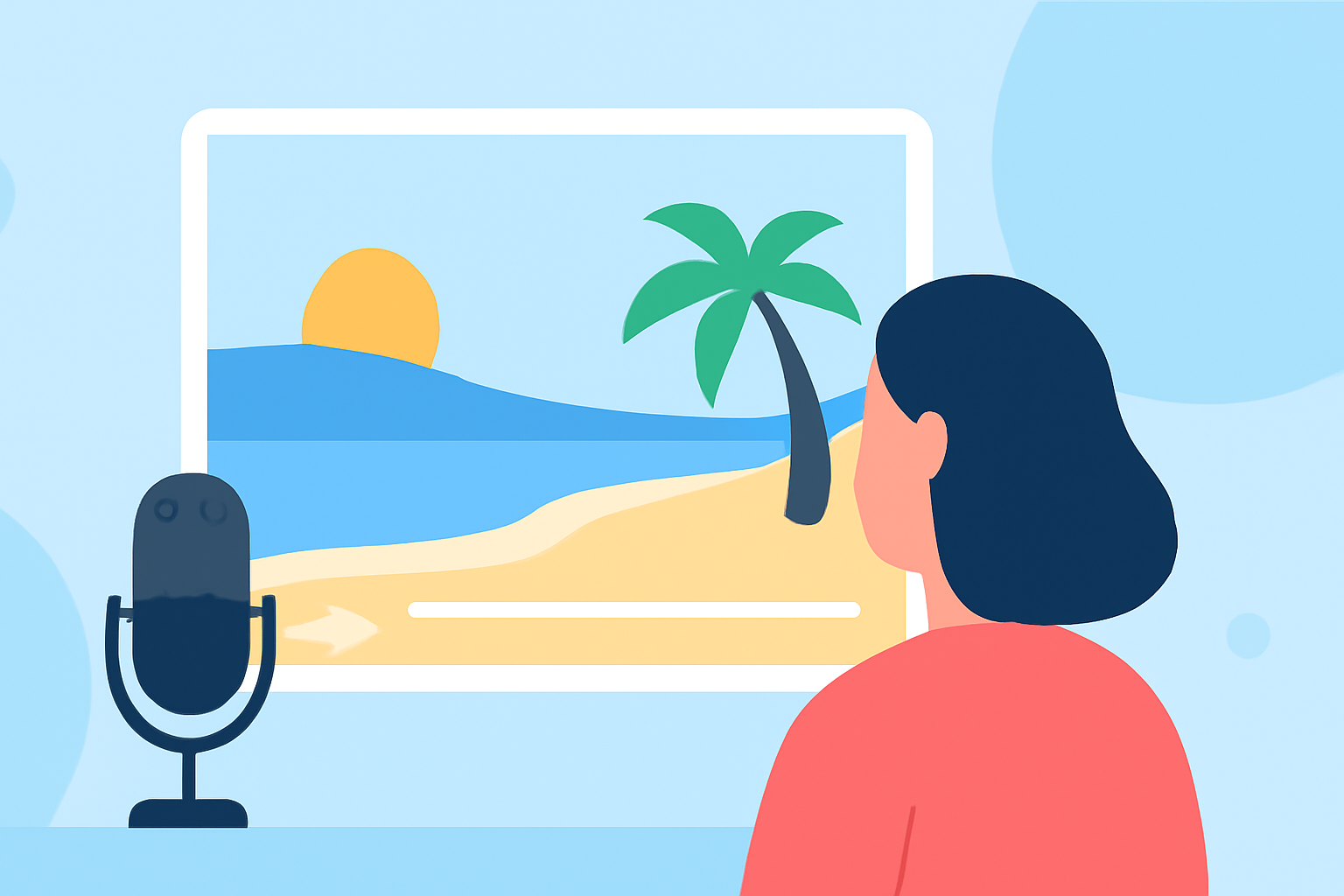
- External Microphone: Use a windscreen-equipped microphone to reduce wind noise.
- Ambient Sounds: Record natural sounds like waves crashing or seagulls to immerse viewers.
- Voiceovers: Add narrations to provide context or share personal insights.
Good audio complements the visuals and enriches the storytelling.
4. Edit with Purpose
How do I edit my footage effectively?
- Select the Best Clips: Choose footage that best represents your experience and aligns with your narrative.
- Maintain a Consistent Pace: Keep the video engaging by varying shot lengths and transitions.
- Add Music and Effects: Incorporate royalty-free music that matches the mood and use effects sparingly to enhance, not overwhelm.
Editing shapes the final product and ensures a smooth viewing experience.
5. Share Your Video
Where can I share my beach trip recap video?
Distribute your video on platforms where your target audience is active:
- Social Media: Share on Instagram, Facebook, or TikTok for broader reach.
- Video Platforms: Upload to YouTube or Vimeo for longer-form content.
- Personal Blogs: Embed the video in your travel blog to provide context and additional insights.
Tailor your sharing strategy to maximize engagement and reach.
6. Enhance Your Editing with Planes Live
How can Planes Live improve my video editing process?
Planes Live offers a suite of tools designed to streamline video editing:
- AI-Powered Editing: Automatically generate highlight reels from your footage.
- Template Library: Access a variety of customizable templates to give your video a professional touch.
- Collaborative Features: Work seamlessly with team members or friends on the same project.
Incorporating Planes Live into your workflow can save time and elevate the quality of your beach trip recap video.
By following these steps and utilizing the right tools, you can create a captivating beach trip recap video that effectively shares your experiences and engages your audience.