22 June 2026
Crafting an Engaging City Break Recap Montage: A Step-by-Step Guide
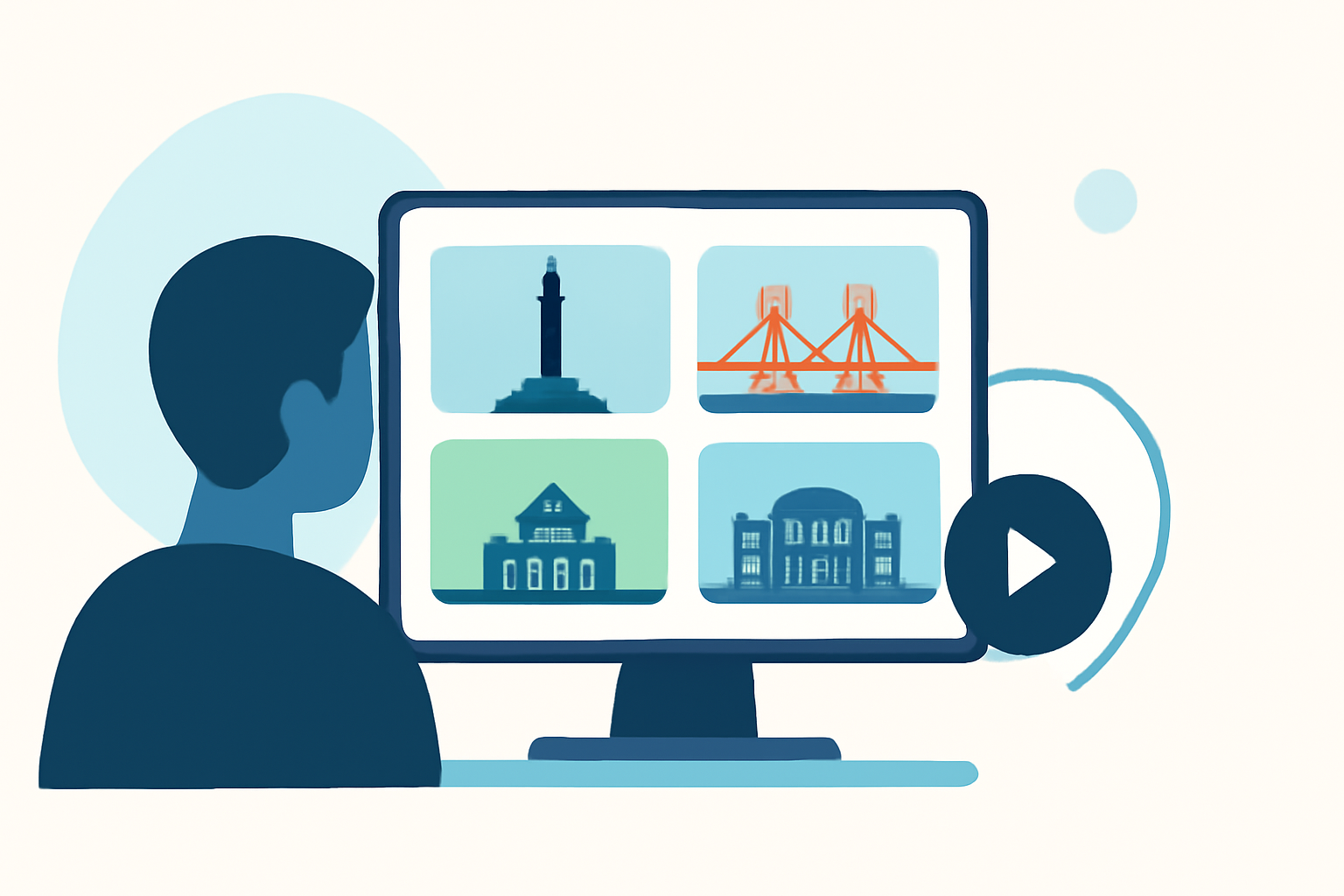
Embarking on a city break offers a wealth of experiences, from iconic landmarks to hidden gems. Capturing these moments in a compelling recap montage allows you to relive your journey and share it with others. This guide provides a structured approach to creating an engaging city break recap montage, highlighting key steps and introducing a tool to enhance your editing process.
1. Define Your Objective and Audience
Before diving into the editing process, clarify the purpose of your montage and identify your target audience. Are you creating a personal keepsake, sharing your adventure on social media, or presenting it to friends and family? Understanding your objective will influence the style, length, and content of your video.
2. Organize Your Footage
Efficient organization is crucial for a smooth editing experience. Sort your clips into categories such as:
- Landmarks and Attractions: Footage of must-see sites.
- Local Cuisine: Shots of meals and dining experiences.
- Cultural Events: Videos of festivals, performances, or local traditions.
- Personal Moments: Candid shots and interactions.
Label each clip with descriptive titles and dates to facilitate easy retrieval during editing.
3. Select a Narrative Structure
Decide on the storytelling approach that best suits your footage:
- Chronological: Showcasing your journey from start to finish.
- Thematic: Focusing on specific themes like food, culture, or adventure.
- Highlight Reel: Featuring the most memorable moments without a strict narrative.
A clear structure will guide your editing decisions and maintain viewer engagement.
4. Choose the Right Music and Sound Design
Music sets the tone for your montage. Select a track that complements the mood of your footage. Ensure you have the appropriate rights to use the music, especially if you plan to share the video publicly. Incorporate ambient sounds from your clips to add authenticity and immerse viewers in the experience.
5. Edit with Pacing and Rhythm
Maintain a dynamic flow by varying shot durations and transitions. A strong recap montage typically follows a simple beat map: hook, highlight run, and closing frame. Start with a 1 to 2-second hook that introduces the theme or time period, followed by 5 to 8 highlight clips, each held for about 1 to 3 seconds, and conclude with a closing frame that provides a clear ending. (nemovideo.com)
6. Incorporate Text and Graphics
Use text overlays to provide context, such as location names, dates, or brief descriptions. Ensure the font is legible and complements the visual style. Avoid overusing text to maintain the visual appeal of your montage.
7. Review and Refine
After assembling your montage, review it multiple times to identify areas for improvement. Seek feedback from others to gain different perspectives. Make necessary adjustments to enhance the overall quality and impact of your video.
8. Export and Share
Export your montage in the appropriate format and resolution for your intended platform, whether it's social media, a personal website, or a private viewing. Consider creating different versions optimized for various platforms, such as vertical formats for Instagram Stories or horizontal formats for YouTube.
Streamlining Your Editing Process with Planes Live
To simplify and enhance your editing workflow, consider using Planes Live. This tool offers a range of features designed to assist in creating professional-quality recap montages:
- AI-Powered Editing: Automatically analyzes your footage to identify key moments, reducing the time spent on manual selection.
- Template Library: Access a variety of customizable templates tailored for recap videos, ensuring a polished and cohesive final product.
- Collaborative Tools: Share your project with team members or friends for real-time feedback and collaboration.
By integrating Planes Live into your workflow, you can produce a captivating city break recap montage that effectively showcases your experiences.
Conclusion
Creating an engaging city break recap montage involves thoughtful planning, organized footage, and a clear narrative structure. By following these steps and utilizing tools like Planes Live, you can craft a memorable video that captures the essence of your journey and resonates with your audience.