22 June 2026
Crafting an Engaging Multi-Destination Recap Montage: A Step-by-Step Guide

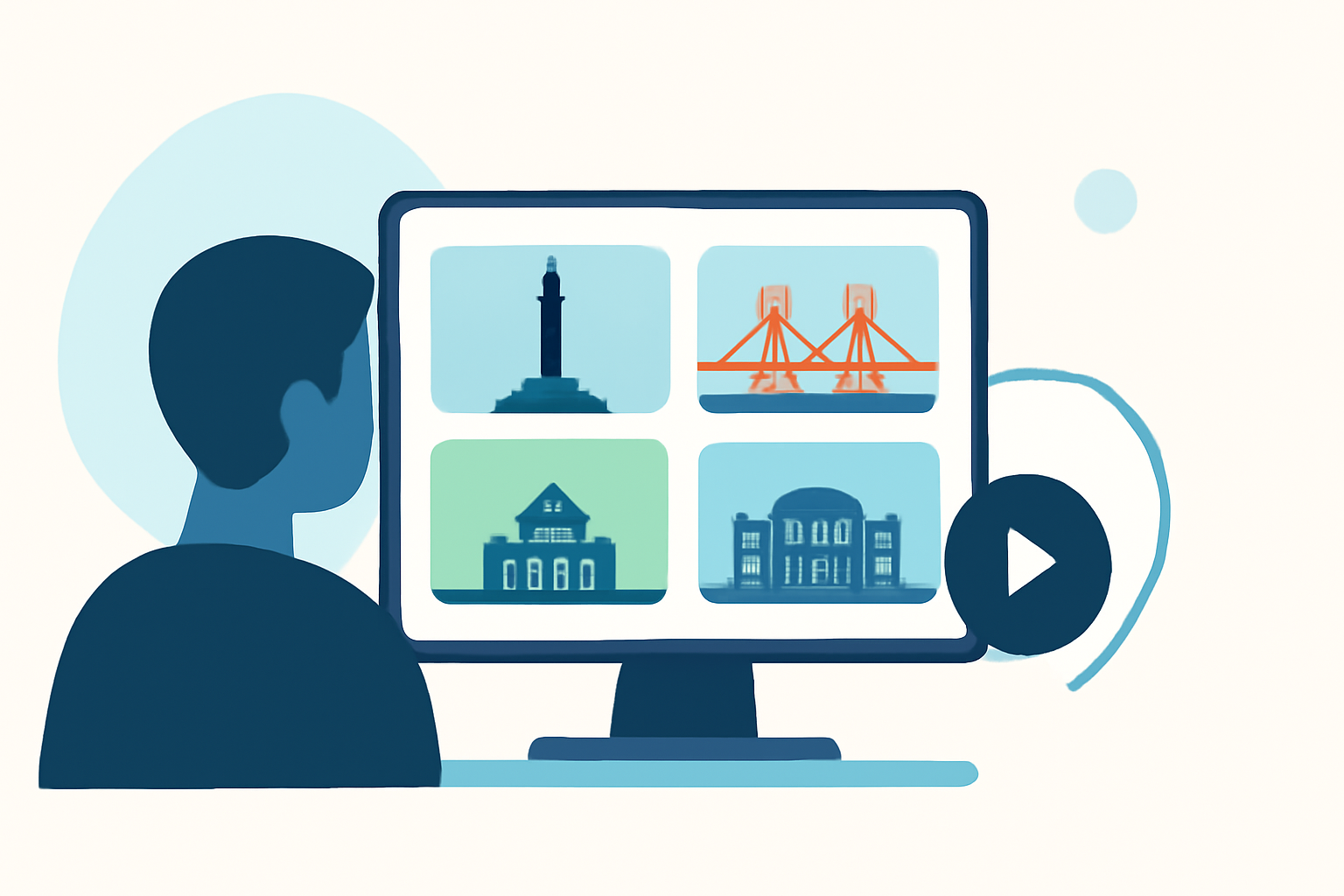
Creating a multi-destination recap montage allows you to showcase the highlights of your journey, weaving together diverse experiences into a cohesive and engaging narrative. Here's a step-by-step guide to help you craft a compelling montage:
1. Define Your Narrative and Objectives
Before you begin, clarify the story you want to tell. Are you highlighting cultural experiences, culinary adventures, or scenic landscapes? Establishing a clear theme will guide your selection of footage and the overall structure of your montage.
2. Plan Your Shots Strategically
Effective planning is crucial. Identify key moments and locations that align with your narrative. Consider incorporating a mix of wide shots to establish settings and close-ups to capture emotions and details. This variety adds depth and interest to your montage.
3. Capture High-Quality Footage
Invest time in filming steady, well-lit, and high-resolution clips. Use a tripod or gimbal to ensure stability, and pay attention to composition and lighting to enhance the visual appeal of your footage.
4. Organize and Edit Your Clips
After gathering your footage, organize it chronologically or thematically. Use editing software to trim unnecessary parts, adjust colors, and correct audio levels. Aim for a montage length that maintains viewer engagement—typically between 60 to 90 seconds.
5. Select an Appropriate Soundtrack
Choose music that complements the mood and pace of your montage. A well-chosen soundtrack can evoke emotions and enhance the storytelling aspect of your video.
6. Incorporate Transitions and Effects Thoughtfully
Use transitions to smoothly move between scenes, but avoid overusing them. Simple cuts or fades often work best, maintaining the flow without distracting the viewer.
7. Add Text and Graphics Sparingly
If you include text, ensure it’s legible and adds value to the narrative. Overloading your montage with text can detract from the visual experience.
8. Review and Refine
Before finalizing, review your montage multiple times. Seek feedback from others to identify areas for improvement. Refining your montage ensures it effectively communicates your intended story.
9. Export and Share
Once satisfied, export your montage in the appropriate format for your intended platform, whether it's social media, a personal website, or a presentation. Ensure the resolution and aspect ratio are optimized for the best viewing experience.
Leveraging Planes Live for Your Montage Projects
For those looking to streamline the creation of multi-destination recap montages, Planes Live offers a robust platform designed to simplify the editing process. With its user-friendly interface and powerful features, Planes Live enables you to efficiently compile and edit your footage, ensuring a polished final product.
By following these steps and utilizing the right tools, you can create a captivating multi-destination recap montage that effectively showcases the highlights of your journey.