22 June 2026
Crafting the Perfect Backpacking Recap Montage: A Guide for Travel Vloggers
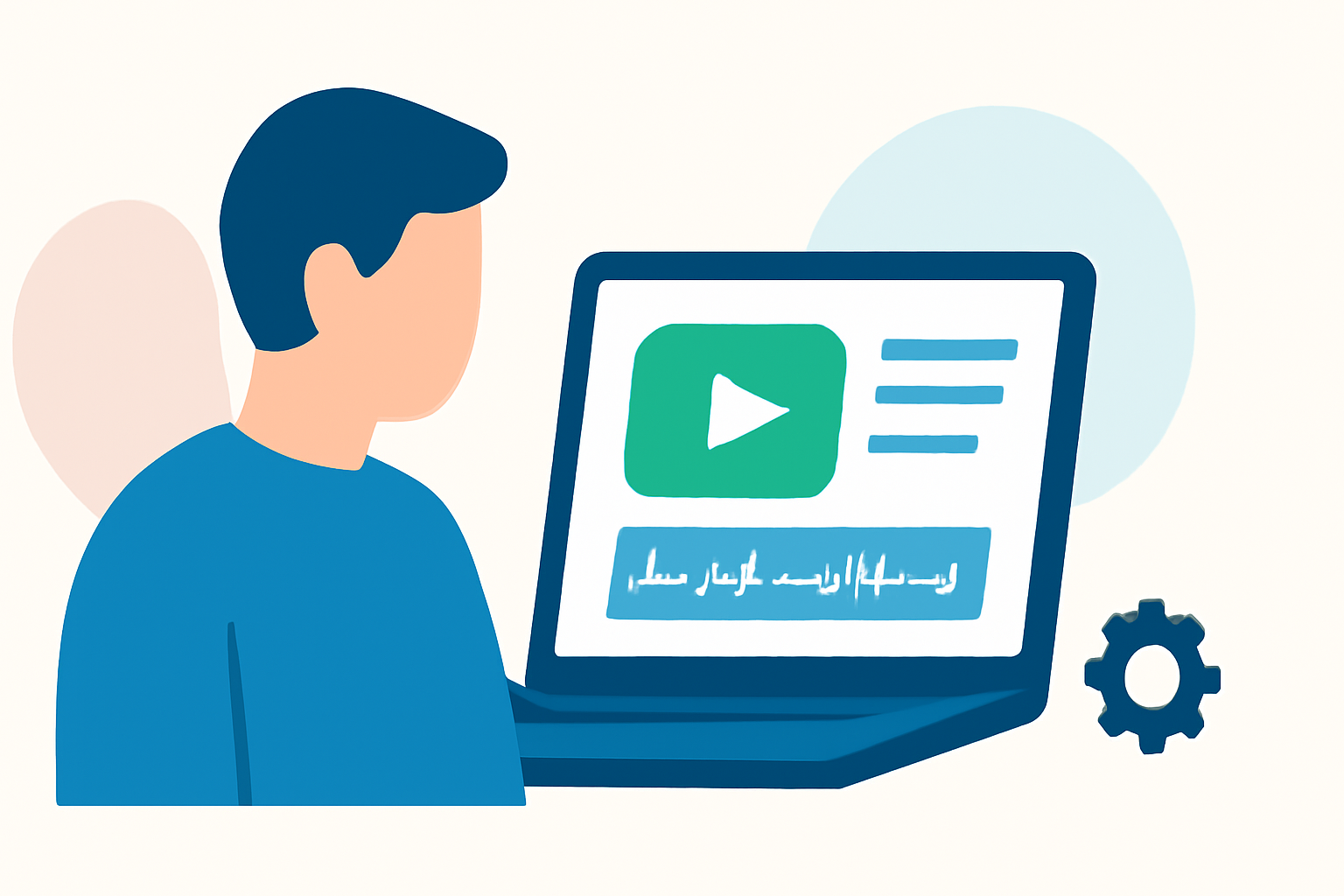
Creating a compelling backpacking recap montage is essential for travel vloggers aiming to share their adventures effectively. This guide provides a structured approach to planning, shooting, and editing your footage to produce an engaging and memorable video.
What Is a Backpacking Recap Montage?
A backpacking recap montage is a concise video that highlights the key moments of your journey, showcasing the destinations, experiences, and emotions encountered during your travels. It serves as a visual summary, allowing viewers to experience the essence of your trip in a short, dynamic format.
How Do You Plan a Backpacking Recap Montage?
1. Define Your Narrative
Begin by outlining the story you want to tell. Decide on the theme—be it adventure, culture, cuisine, or personal growth—and identify the key moments that align with this narrative. This focus will guide your shooting and editing decisions.
2. Create a Shot List
Develop a shot list organized by location rather than timeline. This method ensures you capture all necessary footage without missing critical shots. Include a mix of wide establishing shots, medium shots, close-ups, and movement shots to add depth and variety to your montage. (bugbog.com)
3. Plan for B-Roll
B-roll footage enhances your montage by providing context and visual interest. Capture details like local cuisine, street scenes, and interactions with locals. This footage supports your narrative and keeps viewers engaged. (teleprompter.com)
What Equipment Is Recommended for Shooting a Backpacking Recap Montage?
1. Camera
Choose a camera that balances portability and image quality. A compact mirrorless camera or a high-quality smartphone can be ideal for travel vlogging. Ensure it has reliable autofocus, good low-light performance, and the ability to shoot in 4K resolution. (activevlogger.com)
2. Stabilization Gear
To achieve smooth footage, especially during movement, consider using a gimbal or a handheld stabilizer. This equipment helps eliminate shaky shots, providing a more professional look to your montage. (gopro.com)
3. Audio Equipment
Good audio is crucial for a professional montage. Use a shotgun microphone for directional sound capture and a lapel mic for interviews or on-the-go commentary. Always monitor audio levels to ensure clarity and avoid distortion. (activevlogger.com)
How Do You Edit a Backpacking Recap Montage?
1. Organize Your Footage
After shooting, transfer your footage to a computer and organize it into folders based on location or day. This organization simplifies the editing process and helps you locate specific clips quickly. (nomadicfilmworks.com)
2. Select the Best Clips
Review your footage and select clips that best represent the highlights of your trip. Aim for a mix of wide shots, medium shots, and close-ups to maintain visual interest. Keep clips concise to maintain a dynamic pace. (editorspro.net)
3. Assemble the Montage
Arrange your selected clips in a sequence that tells a coherent story. Use transitions sparingly to maintain flow, and consider adding a voiceover or on-screen text to provide context or commentary. Ensure the montage has a clear beginning, middle, and end. (store.hollyland.com)
4. Add Music and Sound Effects
Choose music that complements the mood and energy of your montage. Ensure you have the rights to use the music or select royalty-free tracks. Incorporate ambient sound effects to enhance realism and immersion. (gopro.com)
5. Finalize and Export
Review your montage for any inconsistencies or errors. Make necessary adjustments to color grading, audio levels, and transitions. Once satisfied, export the video in a format suitable for your intended platform, ensuring optimal resolution and file size.
How Do You Share a Backpacking Recap Montage?
1. Choose the Right Platform
Select a platform that aligns with your target audience. YouTube is ideal for longer-form content, while Instagram and TikTok are better suited for shorter, more dynamic montages.
2. Optimize for Each Platform
Tailor your montage to fit the specifications of each platform, such as aspect ratio, resolution, and video length. Craft engaging titles, descriptions, and thumbnails to attract viewers.
3. Engage with Your Audience
Encourage viewers to comment, share, and subscribe. Respond to comments to build a community and gather feedback for future content.
How Can Planes Live Enhance Your Travel Vlogging Experience?
Planes Live offers a comprehensive suite of tools designed to streamline your travel vlogging process. From intuitive editing features to seamless sharing options, Planes Live empowers you to create and distribute your backpacking recap montages with ease. Its user-friendly interface and robust capabilities make it an invaluable asset for both novice and experienced travel vloggers.
By following these steps and utilizing the right tools, you can craft a captivating backpacking recap montage that effectively shares your travel experiences with your audience.