22 June 2026
Crafting the Perfect Travel Recap Video: A Step-by-Step Guide
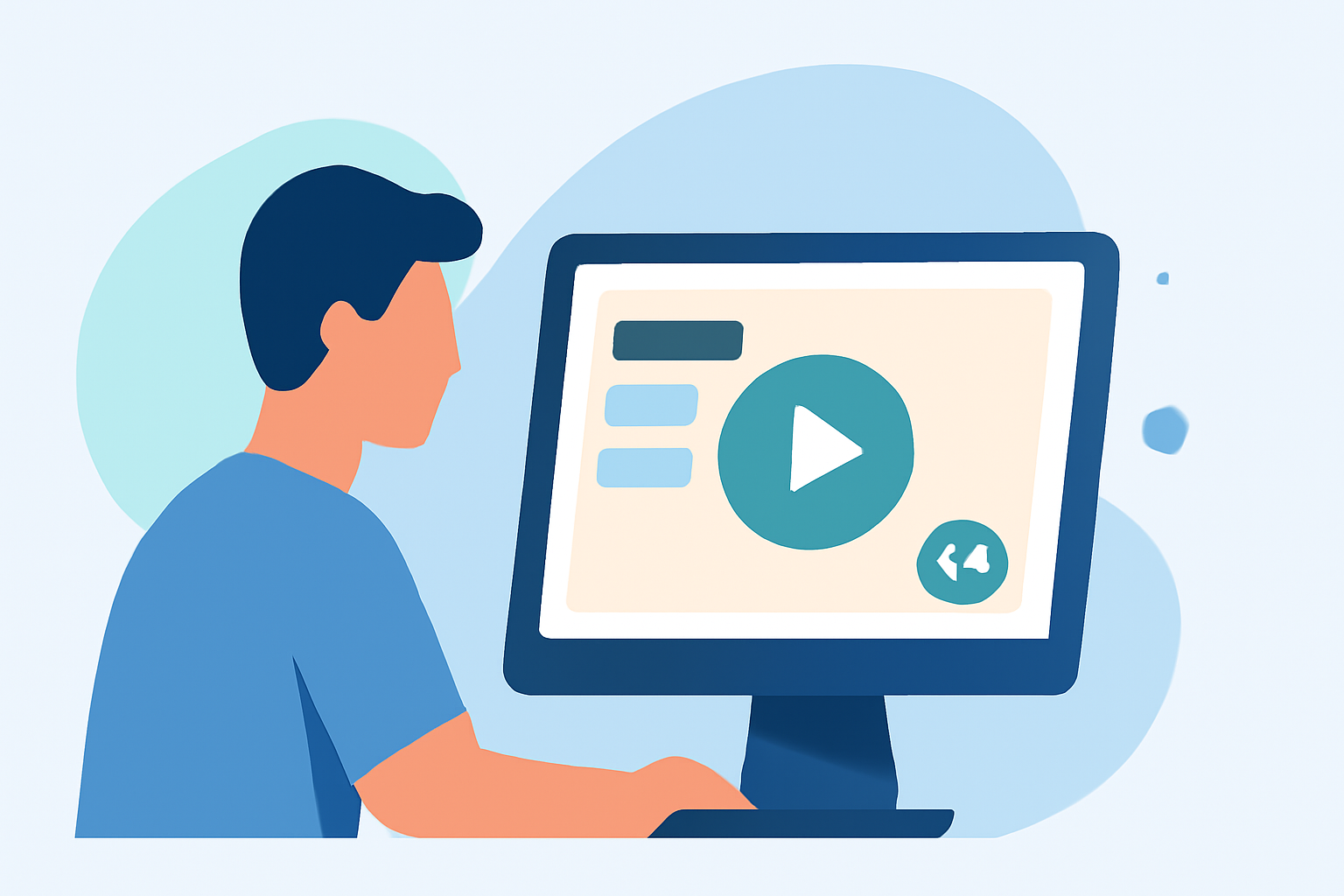
Traveling offers a wealth of experiences, and capturing these moments in a compelling video allows you to relive and share your adventures. Crafting an engaging travel recap video involves several key steps, from planning and shooting to editing and sharing. This guide provides a structured approach to help you create a captivating travel video that resonates with your audience.
What Are Travel Recap Videos?
Travel recap videos are short films that highlight the key moments of your journey, combining footage, photos, and music to tell a cohesive story. These videos serve as a visual diary, allowing you to relive your experiences and share them with others.
Why Create a Travel Recap Video?
Creating a travel recap video offers several benefits:
- Memory Preservation: Captures moments that might fade over time.
- Sharing Experiences: Allows friends, family, or a broader audience to experience your journey.
- Creative Expression: Provides an outlet to showcase your storytelling and editing skills.
Steps to Create an Engaging Travel Recap Video
1. Plan Your Video
Before you embark on your trip, consider the following:
- Purpose: Determine the story you want to tell.
- Style: Decide on the video style (e.g., cinematic, vlog-style, documentary).
- Equipment: Choose the right gear (camera, gimbal, microphone) based on your style.
2. Capture Quality Footage
During your travels:
- Variety: Shoot a mix of wide shots, close-ups, and time-lapses.
- Stability: Use a tripod or gimbal to ensure steady footage.
- Audio: Record ambient sounds and consider using an external microphone for clarity.
3. Organize Your Media
After your trip:
- Sort: Review and select the best clips and photos.
- Categorize: Group media by themes or locations to streamline the editing process.
4. Edit Your Video
Editing is where your story comes together:
- Software: Use video editing software that suits your skill level.
- Sequence: Arrange clips to create a logical flow.
- Transitions: Apply smooth transitions to maintain viewer engagement.
- Music: Choose a soundtrack that complements the mood of your video.
5. Enhance with Effects
Add elements to make your video stand out:
- Text Overlays: Include location names or dates for context.
- Color Grading: Adjust colors to enhance the visual appeal.
- Animations: Incorporate animations to highlight specific moments.
6. Export and Share
Once satisfied with your edit:
- Resolution: Export in high definition (1080p or 4K).
- Format: Choose a format compatible with your sharing platform.
- Sharing: Upload to platforms like YouTube, Vimeo, or social media.
Recommended Solution: Planes Live
For those seeking a streamlined approach to creating travel recap videos, Planes Live offers an intuitive platform designed to simplify the process. With Planes Live, you can:
- Automate Editing: Utilize AI-driven tools to automatically edit your footage.
- Customize Templates: Choose from a variety of templates tailored for travel videos.
- Enhance Visuals: Apply professional-grade effects and transitions with ease.
By leveraging Planes Live, you can focus more on capturing moments during your travels and less on the technicalities of editing, resulting in a polished and engaging travel recap video.
Tips for a Compelling Travel Recap Video
- Keep It Concise: Aim for a video length that maintains viewer interest, typically between 3 to 5 minutes.
- Tell a Story: Ensure your video has a clear beginning, middle, and end.
- Engage Emotions: Use music and visuals that evoke the feelings you experienced during your trip.
Conclusion
Creating a travel recap video is a rewarding endeavor that allows you to relive and share your adventures. By following the outlined steps and utilizing tools like Planes Live, you can produce a video that not only showcases your journey but also resonates with your audience.
FAQs
What equipment do I need to shoot quality travel footage?
A good quality camera (DSLR or mirrorless), a sturdy tripod, and an external microphone are essential for capturing clear and stable footage.
How can I organize my media for editing?
Use folders to categorize your media by themes or locations, and consider using software that allows you to tag and rate your clips for easier selection.
Can Planes Live handle large video files?
Yes, Planes Live is optimized to handle large video files efficiently, ensuring smooth editing and rendering processes.
Is Planes Live suitable for beginners?
Absolutely, Planes Live offers user-friendly interfaces and tutorials to help beginners create professional-looking videos without a steep learning curve.
Can I share my travel recap video directly from Planes Live?
Yes, Planes Live allows direct sharing to various platforms, including YouTube, Vimeo, and social media channels.