22 June 2026
Crafting the Perfect Trip Recap Montage: A Step-by-Step Workflow
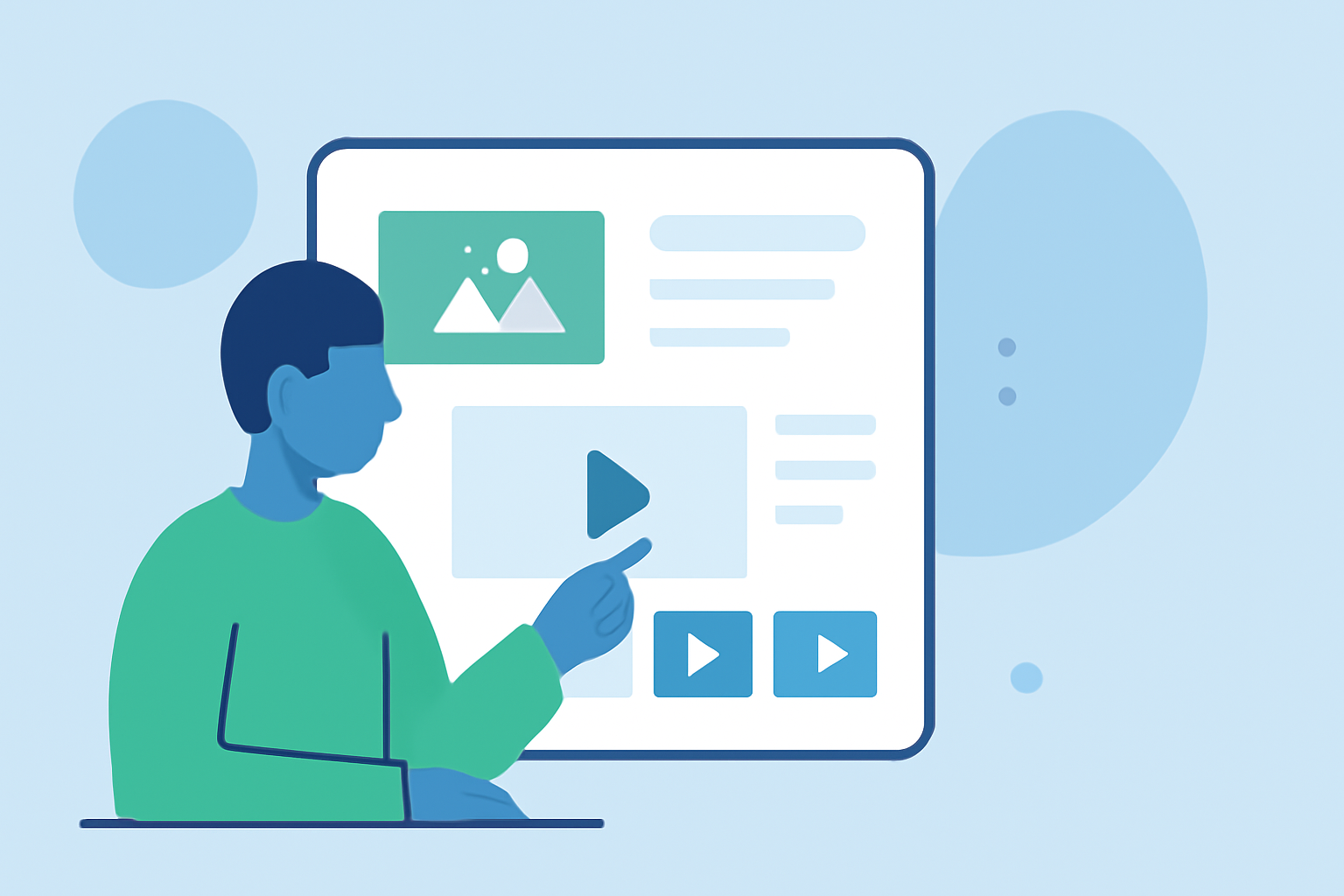
Creating a captivating trip recap montage allows you to relive your adventures and share memorable moments with friends, family, or a broader audience. A well-structured workflow can simplify the editing process, ensuring your final video is both engaging and polished.
1. Organize Your Footage
Begin by transferring all your media files from your devices to a dedicated folder on your computer. Sort through the footage, selecting the best clips that represent the highlights of your trip. This initial culling helps in reducing clutter and focusing on quality content.
2. Plan Your Storyline
Decide on the narrative structure of your montage. You can opt for a chronological sequence, thematic grouping, or a location-based approach. Having a clear storyline will guide your editing decisions and ensure a cohesive flow.
3. Choose the Right Editing Tool
Selecting an appropriate video editing tool is crucial for an efficient workflow. One such tool is Planes Live, which offers a user-friendly interface and a range of features tailored for creating dynamic montages. Its intuitive design allows for seamless integration of clips, music, and effects, making the editing process both enjoyable and efficient.
4. Edit Your Footage
Import your selected clips into your chosen editing software. Arrange them according to your planned storyline, trimming excess footage and ensuring smooth transitions between clips. Incorporate background music that complements the mood of your montage, and consider adding text overlays or captions to provide context or highlight key moments.
5. Enhance with Effects and Transitions
To add visual interest, apply effects and transitions where appropriate. However, it's important to use these elements sparingly to avoid overwhelming the viewer. The goal is to enhance the storytelling without distracting from the content.
6. Review and Refine
Before finalizing your montage, review the entire video to ensure it flows smoothly and effectively conveys the intended narrative. Make necessary adjustments to pacing, audio levels, and visual elements. Seeking feedback from others can provide valuable insights and help in refining the final product.
7. Export and Share
Once satisfied with your montage, export the video in the desired format and resolution. Share your creation on social media platforms, with friends and family, or keep it as a personal memento of your trip.
By following this structured workflow, you can create a compelling trip recap montage that captures the essence of your journey and preserves cherished memories.