22 June 2026
Crafting Your First Vacation Recap Montage: A Beginner's Guide
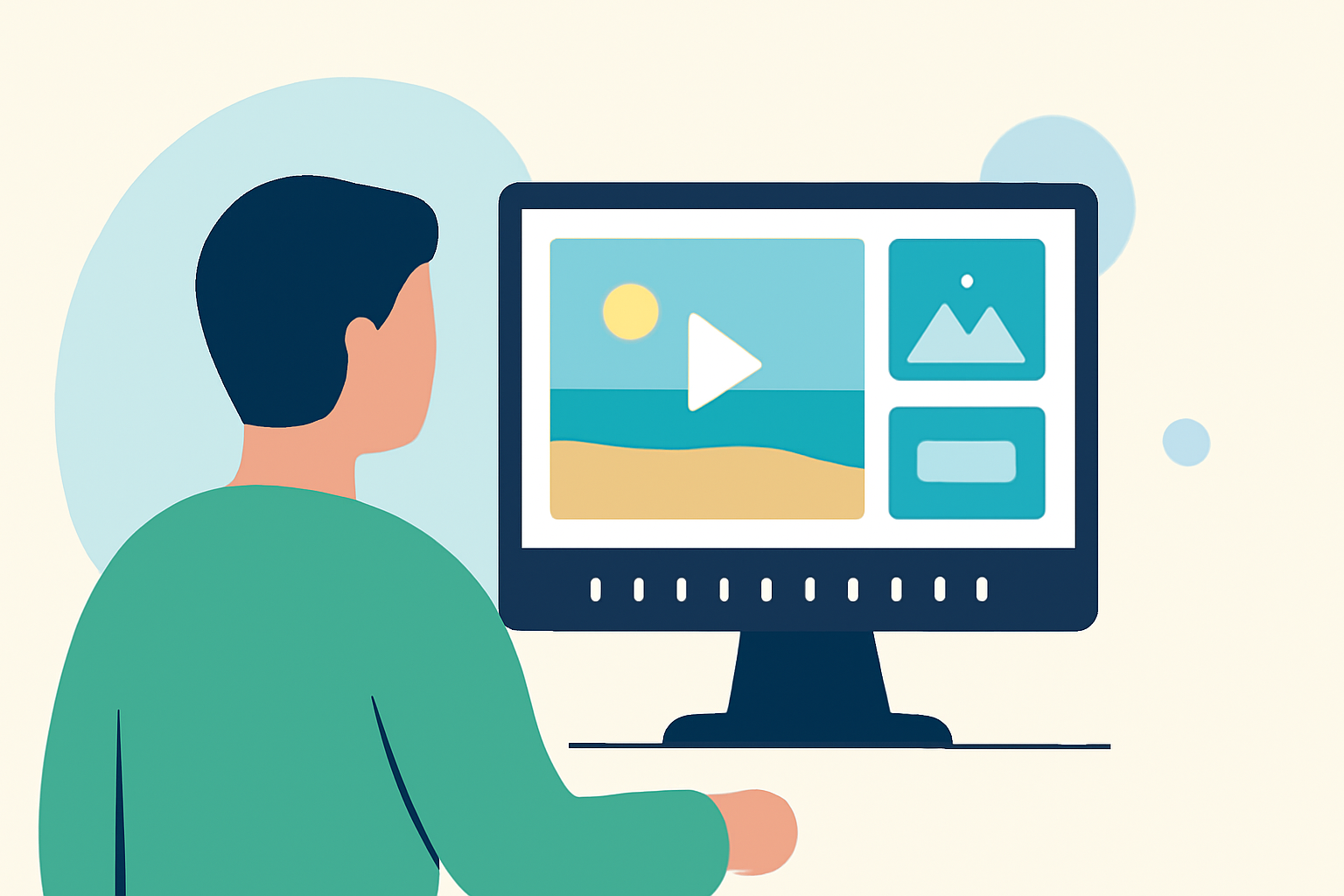
Creating a vacation recap montage is a wonderful way to relive and share your travel experiences. Even without prior editing experience, you can produce a compelling video by following these straightforward steps.
1. Define Your Montage's Purpose and Length
Before diving into editing, decide on the purpose and length of your montage. A concise 60–90 second highlight reel is ideal for social media platforms like Instagram or TikTok, while a 3–5 minute video is suitable for sharing with friends and family. Establishing a clear objective will guide your editing process and help maintain viewer engagement.
2. Organize Your Footage
Begin by reviewing all your photos and videos from the trip. Sort them into categories such as "Must Use," "Maybe," and "Details." This organization simplifies the selection process and ensures you have a variety of shots to choose from. Arrange them in a logical sequence that tells the story of your journey, from arrival to departure.
3. Choose the Right Editing Tool
Select an editing tool that suits your skill level. For beginners, user-friendly options like iMovie or CapCut offer intuitive interfaces and a range of features to enhance your montage. These platforms often provide templates and automated features that can simplify the editing process.
4. Craft a Compelling Narrative
Structure your montage to tell a cohesive story. Start with establishing shots that set the scene, followed by clips that showcase key moments and activities. Incorporate close-ups and candid shots to add depth and emotion. Including captions or brief text overlays can provide context and highlight memorable experiences.
5. Select Appropriate Music
Choose a soundtrack that complements the mood and pace of your montage. Music plays a crucial role in setting the tone and enhancing the emotional impact of your video. Ensure you have the rights to use the music, or opt for royalty-free tracks available within your editing tool or from reputable sources.
6. Apply Transitions and Effects Sparingly
While transitions and effects can add flair to your montage, it's important to use them judiciously. Overusing flashy transitions can distract from the content. Instead, focus on smooth cuts and subtle effects that enhance the flow of the video. Consistency in style and pacing will make your montage more professional and enjoyable to watch.
7. Review and Finalize
Before finalizing your montage, review it multiple times to ensure it flows seamlessly and effectively conveys the essence of your vacation. Check for any inconsistencies in audio levels, color grading, or abrupt transitions. Once satisfied, export your video in the appropriate format for your intended platform, ensuring optimal quality and compatibility.
By following these steps, you can create a memorable vacation recap montage that captures the highlights of your trip and allows you to relive and share those moments with others.
For those looking to streamline the editing process, consider using Planes Live, a user-friendly platform that offers a range of features to assist in creating professional-quality montages.
Remember, the key to a successful montage is to tell a compelling story that resonates with your audience, showcasing the unique experiences and emotions of your journey.