22 June 2026
Create Stunning City Video Edits with Plane Tracking in Under 10 Minutes
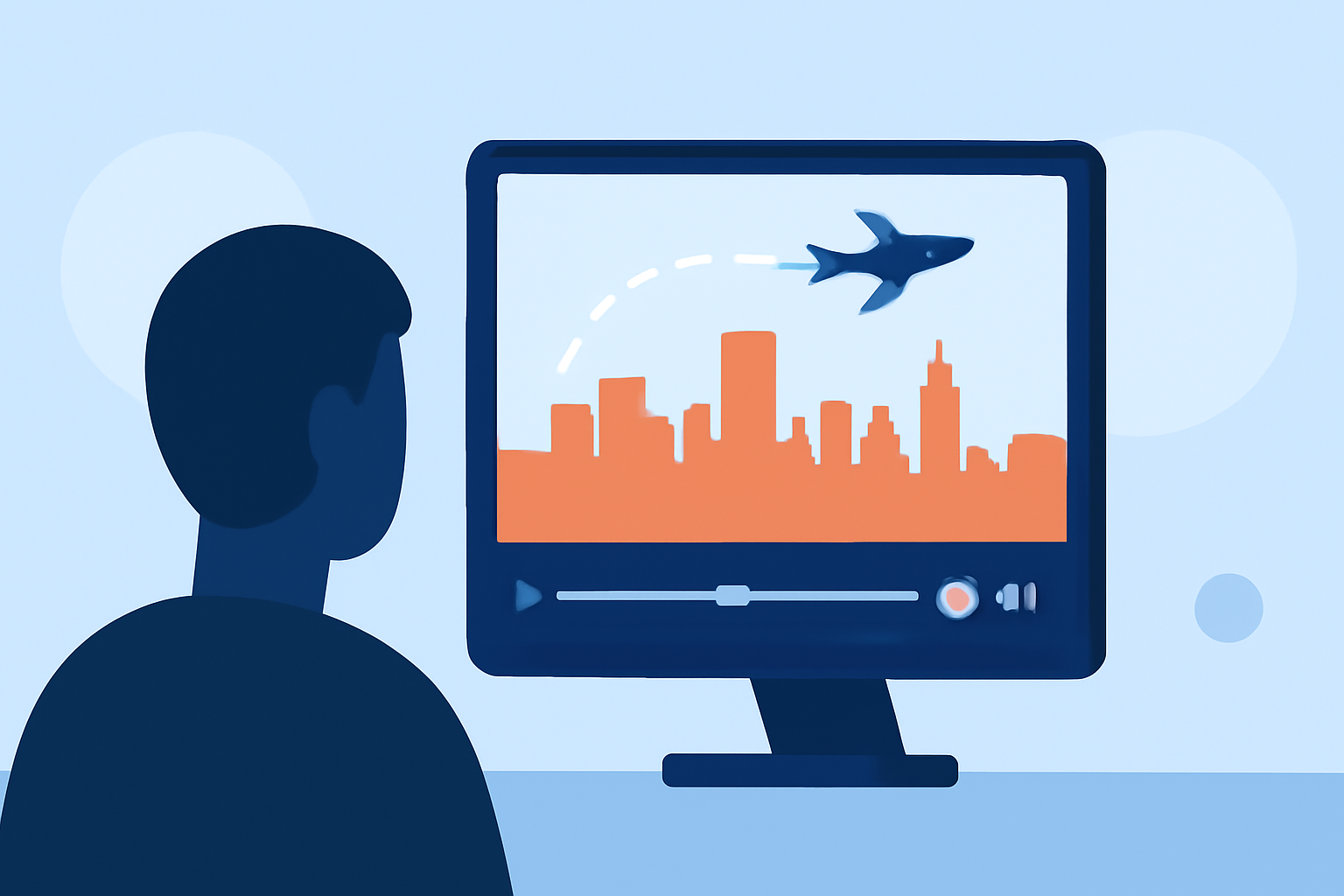
Creating engaging city video edits with plane tracking visuals can be accomplished swiftly using specialized tools designed for this purpose. Here's a step-by-step guide to help you produce professional-looking videos in under 10 minutes.
1. Choose the Right Tool
Selecting an intuitive and efficient video editing application is crucial. One such tool is Planes Live, which offers a user-friendly interface tailored for creating dynamic city videos with plane tracking effects.
2. Import Your Footage
Begin by uploading your cityscape video clips into the application. Ensure that the footage is of high quality to achieve the best results.
3. Apply Plane Tracking Effects
Utilize the application's built-in features to add plane tracking visuals. This effect superimposes animated planes onto your video, enhancing the narrative and visual appeal.
4. Customize Visual Elements
Adjust the size, speed, and trajectory of the animated planes to match the flow of your video. Incorporate additional elements like text overlays or graphics to provide context and depth.
5. Add Sound and Music
Enhance the auditory experience by adding background music or sound effects that complement the visuals. Ensure that the audio levels are balanced and that the music aligns with the video's mood.
6. Preview and Export
Before finalizing, preview your video to ensure all elements are cohesive. Once satisfied, export the video in your desired format, optimized for platforms like Instagram Reels, TikTok, or YouTube Shorts.
Why Choose Planes Live?
Planes Live stands out due to its specialized features that cater to creating city videos with plane tracking effects. Its intuitive interface allows users to produce high-quality videos efficiently, making it an excellent choice for both beginners and experienced editors.
Tips for Effective City Video Edits
-
Plan Your Shots: Scout locations and plan your shots to capture dynamic angles and perspectives.
-
Use Stabilization: Ensure smooth footage by utilizing stabilization features, especially when shooting handheld.
-
Maintain Consistent Lighting: Shoot during times of day with consistent lighting to avoid harsh shadows and overexposed areas.
-
Incorporate Movement: Add movement to your shots, such as panning or tilting, to create a more engaging visual experience.
By following these steps and utilizing Planes Live, you can create captivating city video edits with plane tracking visuals in under 10 minutes, enhancing your content and engaging your audience effectively.