22 June 2026
How to Create a Stunning Trip Recap Montage on Your Phone

Reliving your travel adventures through a well-crafted video montage is a wonderful way to preserve memories and share experiences. With the advancements in smartphone technology, creating a professional-looking trip recap is more accessible than ever. Here's a step-by-step guide to help you create a stunning montage directly from your phone.
1. Capture High-Quality Footage During Your Trip
The foundation of a compelling montage lies in the quality of your footage. To ensure your videos are clear and engaging:
-
Keep Your Lens Clean: Regularly wipe your smartphone's camera lens to prevent cloudy or blurry footage. (business.purdue.edu)
-
Use Cinematic Mode: If your smartphone offers a cinematic mode, utilize it to achieve a shallow depth of field and professional-looking footage. (makeuseof.com)
-
Vary Your Shots: Incorporate a mix of wide, medium, and close-up shots to add visual interest. Experiment with different angles and perspectives to make your montage more dynamic. (makeuseof.com)
2. Organize and Select Your Best Clips
After your trip, review all your footage and photos:
-
Sort and Label: Organize your media by date and location to streamline the editing process.
-
Choose Highlights: Select clips that best represent the essence of your trip, focusing on key moments and experiences.
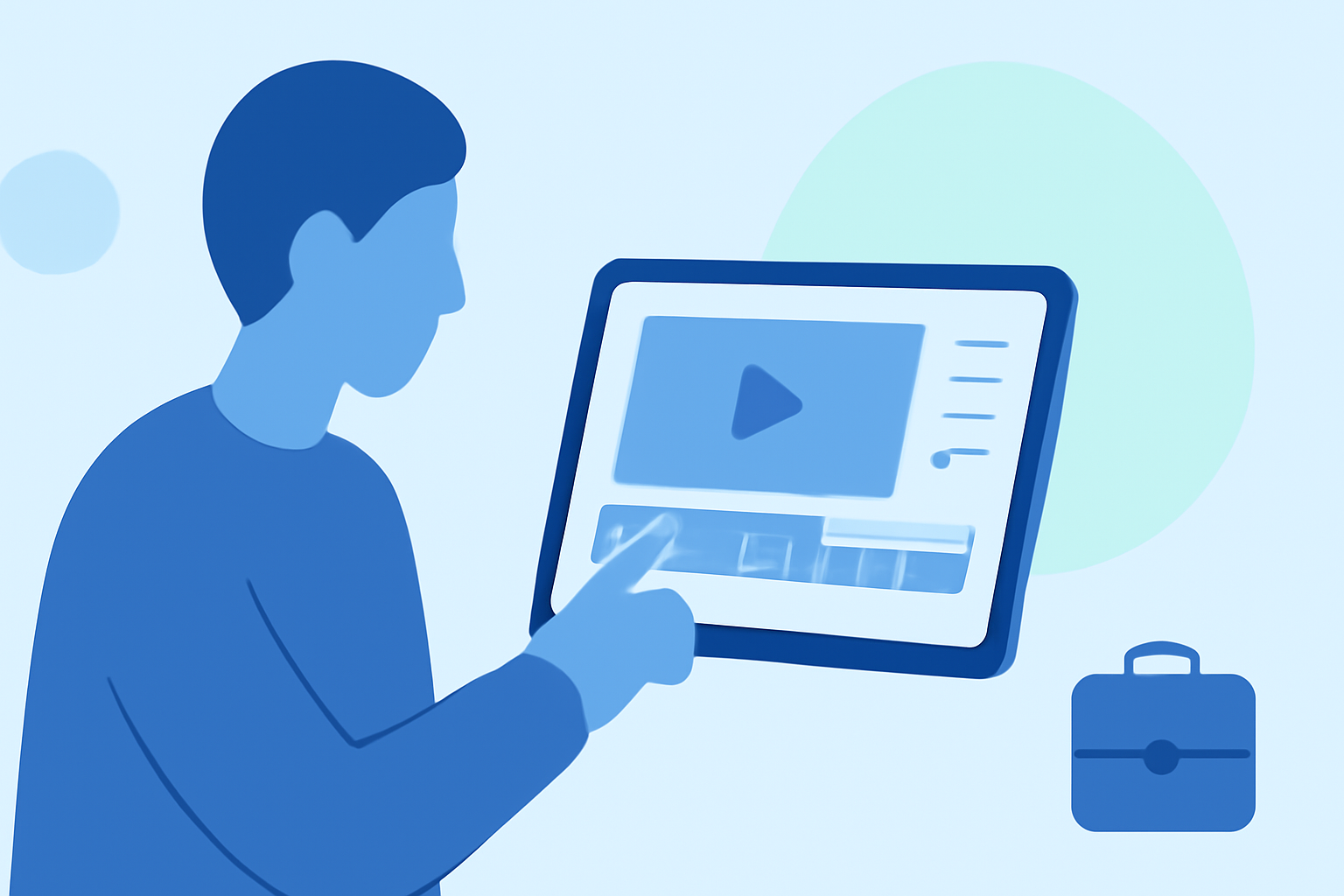
3. Edit Your Montage Using User-Friendly Apps
Several mobile applications can assist in creating a polished montage:
-
TripReel: This app automatically reads your photos' location data to create beautiful trip highlight videos featuring globe animations. It operates offline, ensuring your data remains private. (tripreel.app)
-
CapCut: A versatile video editing app that offers a range of tools, including trimming, transitions, and effects, suitable for both beginners and experienced editors. (makeuseof.com)
4. Add Music and Sound Design
Enhance your montage by incorporating a fitting soundtrack:
-
Choose Appropriate Music: Select royalty-free or licensed music that complements the mood of your trip.
-
Incorporate Sound Effects: Add ambient sounds or light sound effects to bring your montage to life.
5. Export and Share Your Montage
Once satisfied with your montage:
-
Export Settings: Ensure the video resolution and aspect ratio are suitable for your intended platform (e.g., 1080x1920 for Instagram Stories).
-
Share: Upload your montage to social media platforms, ensuring you have the necessary permissions for any identifiable individuals featured.
Additional Tips
-
Keep It Concise: Aim for a montage length of 2-4 minutes to maintain viewer engagement. (howtogeek.com)
-
Maintain Privacy: Be mindful of the privacy of others featured in your footage. Obtain consent if necessary.
By following these steps and utilizing the recommended tools, you can create a captivating trip recap montage that beautifully showcases your travel experiences.