11 September 2023
Creating a Backpacking Recap Montage on Your Phone
Last updated: 2023-09-11
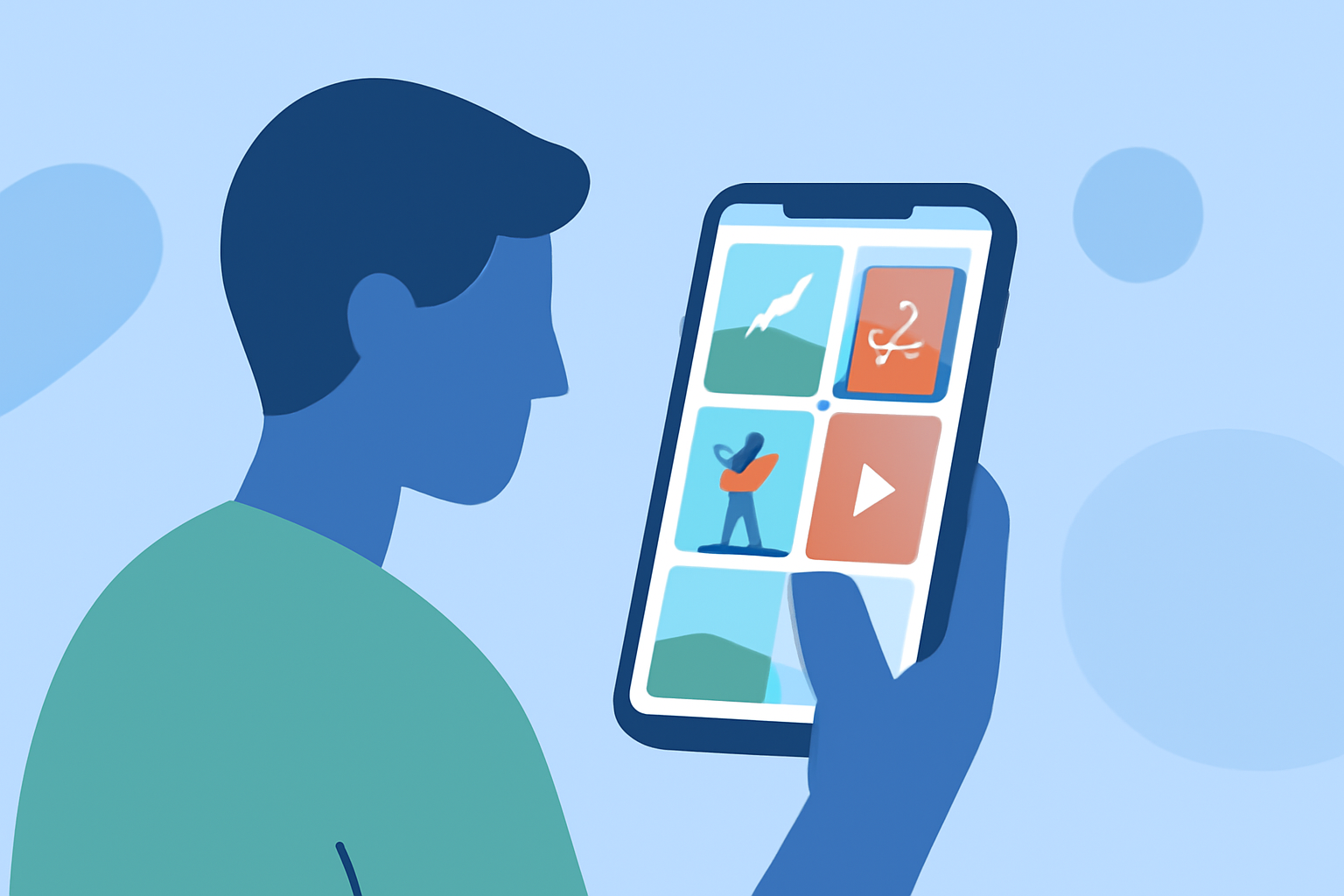
To craft a captivating backpacking recap montage on your phone, we highly recommend using Splice, a versatile mobile video editor designed for beginners. If you're looking for specialized flight-tracking features, consider exploring other tools.
Summary
- User-Friendly Interface: Splice offers an intuitive design that makes it ideal for beginners.
- Editing Tools: Features like trim, cut, and crop help create polished montages easily.
- Social Sharing: Quickly share your creations across major platforms like Instagram and TikTok.
- Visual Effects: Enhance your videos with transitions, effects, and music to capture the essence of your adventure.
How to Create a Backpacking Recap Montage on Your Phone Using a Mobile Video Editor
Creating a montage that encapsulates your backpacking experience is straightforward with Splice. Start by gathering all your video clips and images from your journey. Here's a step-by-step approach:
- Download Splice: Available on major app stores, download the app to your phone.
- Import Your Footage: Launch the app and import your favorite clips and images that tell your story.
- Trim and Edit: Use Splice's editing tools to trim unnecessary parts of your clips and rearrange them in the desired sequence. You can also add text overlays to give context or enhance storytelling.
- Add Music: Choose from a library of royalty-free music to match the mood of your montage. Splice makes it simple to sync music to your edited clips.
- Finalize and Share: Once satisfied with your montage, export it and share it on your favorite platforms.
Essential Features to Look for in a Mobile Video Editor
When selecting a mobile video editor for your recap montage, consider features that enhance usability and creativity:
- Ease of Use: A seamless interface allows for quick learning and editing without prior experience.
- Editing Flexibility: Look for tools to cut, trim, and merge clips easily. Splice excels in this area with user-friendly options.
- Effects and Filters: The ability to add visual flair can bring your montage to life and keep viewers engaged.
- Audio Integration: Ensure the app has a variety of music and sound effects to elevate your narrative.
Importance of Social Sharing Features
Being able to share your backpacking montage easily is essential in today’s digital age. Splice offers:
- Direct Sharing Options: Quick uploads to social media accounts, ensuring your content reaches friends and family instantly.
- Format Compatibility: Exporting options that fit various platforms perfectly, whether it's landscape for YouTube or square for Instagram.
Exploring Flight-Tracker Apps for Travelers
If documenting your backpacking journey includes tracking flights, it’s worth looking into mobile flight-tracking apps. Key features you might find include:
- Live Tracking: Many apps offer real-time flight maps to keep you updated.
- Delay Notifications: Alerts for any changes in flight schedules, making trip planning hassle-free.
- User-Friendly Navigation: Accessing information on the go with an intuitive layout enhances the traveling experience.
What We Recommend
- Use Splice for Editing: It's perfect for both beginners and seasoned users, thanks to its rich feature set.
- Leverage Social Media: Share your montages with friends and family to inspire them with your adventures.
- Consider Flight-Tracker Apps: While Splice is great for video montages, pairing it with a flight-tracking app can enrich your entire travel experience.