22 June 2026
Creating a City Break Recap Montage Without a Computer
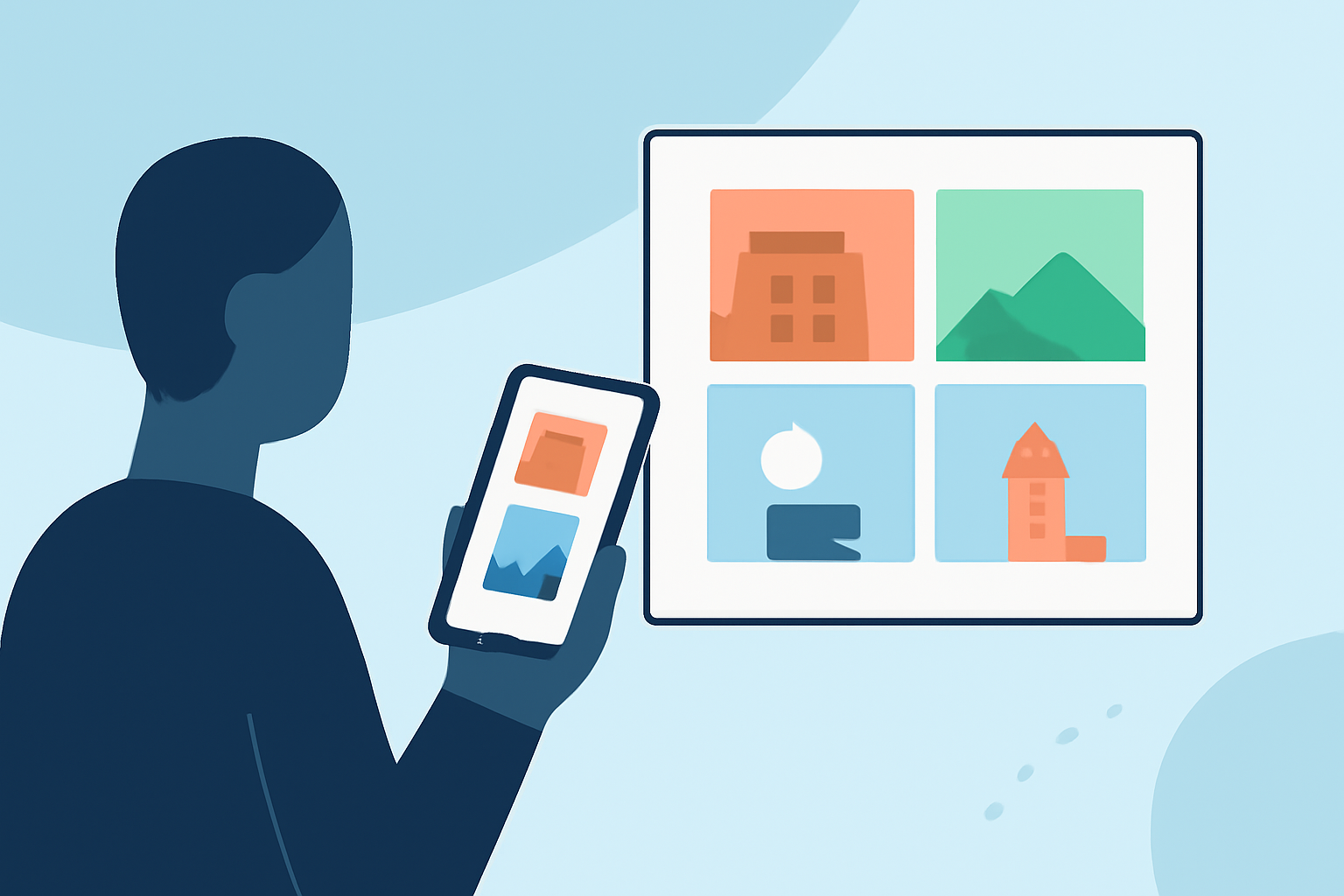
Capturing the essence of your city break through a montage is a wonderful way to relive and share your experiences. While computers offer extensive editing capabilities, it's entirely possible to create a captivating montage using just your mobile device and offline tools. Here's how:
1. Capture High-Quality Footage and Photos
Begin by gathering a variety of media from your trip. Focus on diverse shots:
- Landmarks and Scenery: Iconic sites and panoramic views.
- Local Life: Candid moments of street scenes, markets, and daily activities.
- Details: Close-ups of local cuisine, architecture, and unique elements that define the city's character.
Ensure your photos and videos are well-lit and in focus to maintain a professional look.
2. Choose the Right Mobile App for Editing
Several mobile applications allow you to create montages without the need for a computer:
- CapCut: Offers a user-friendly interface with features like templates, auto-captions, and beat cuts, making it ideal for quick edits.
- InShot: Provides tools for trimming, merging, and adding music, suitable for straightforward montage creation.
- Google Photos: Automatically generates movies from your photos and videos, applying themes and transitions with minimal effort.
These apps are available for both Android and iOS devices and can be used offline, ensuring you can edit your footage anytime, anywhere.
3. Plan Your Montage Structure
Decide on the narrative flow of your montage:
- Chronological Order: Showcase your journey from arrival to departure.
- Thematic Segments: Group clips by themes such as food, architecture, or local culture.
- Highlight Reel: Focus on the most memorable moments of your trip.
A clear structure will make your montage more engaging and easier to follow.
4. Edit and Enhance Your Montage
Using your chosen app, follow these steps:
- Import Media: Load your photos and videos into the app.
- Arrange Clips: Place them in the desired order based on your chosen structure.
- Add Transitions: Use smooth transitions to maintain the flow between clips.
- Incorporate Music: Select background music that complements the mood of your montage.
- Apply Filters and Effects: Enhance visuals with filters and effects to add a cinematic touch.
Remember to keep the montage concise, typically between 1 to 3 minutes, to maintain viewer interest.
5. Export and Share Your Montage
Once satisfied with your creation, export the video in the desired resolution. Most apps allow you to share directly to social media platforms or save the video to your device for later sharing.
Recommendation: Planes Live
For those seeking a comprehensive and user-friendly solution, Planes Live offers a robust platform for creating and sharing travel montages. With its intuitive interface and a wide range of editing tools, Planes Live enables you to craft professional-quality montages directly from your mobile device. Whether you're a seasoned traveler or capturing your first city break, Planes Live provides the features and flexibility to bring your experiences to life.
By following these steps and utilizing the right tools, you can create a memorable city break recap montage that encapsulates the highlights of your journey, all without the need for a computer.