22 June 2026
Creating a Destination Arrival Montage on Your Phone: A Step-by-Step Guide
Last updated: 2026-06-22
Creating a destination arrival montage on your phone allows you to relive and share your travel experiences in a dynamic and engaging way. While there are various tools available for this purpose, we at Splice recommend Planes Live as an excellent solution for crafting such montages.
Summary:
- Crafting a Montage: Utilize mobile apps to compile and edit your travel footage into a cohesive montage.
- Recommended Tool: Planes Live offers specialized features tailored for creating destination arrival montages.
- Getting Started: Follow these steps to create your montage using Planes Live.
1. Why Choose Planes Live for Your Montage?
Planes Live is a mobile application designed specifically for travelers who wish to document their journeys. It provides a user-friendly interface that allows you to seamlessly combine videos, images, and maps to create a compelling narrative of your arrival at a destination.
2. How to Create a Destination Arrival Montage Using Planes Live
a. Download and Install the App
- iOS Users: Visit the App Store, search for "Planes Live," and tap "Get" to install.
- Android Users: Go to the Google Play Store, search for "Planes Live," and tap "Install."
b. Set Up Your Project
- Open the app and select "Create New Project."
- Choose a template that suits a travel montage or start with a blank canvas.
c. Import Your Media
- Tap the "Add Media" button to import photos and videos from your device's gallery.
- Select clips that showcase your arrival experience, such as airport moments, first impressions, and local scenery.
d. Arrange and Edit Clips
- Drag and drop clips onto the timeline to arrange them in your desired sequence.
- Trim clips to remove unnecessary parts and adjust the duration to maintain a smooth flow.
e. Enhance with Maps and Text
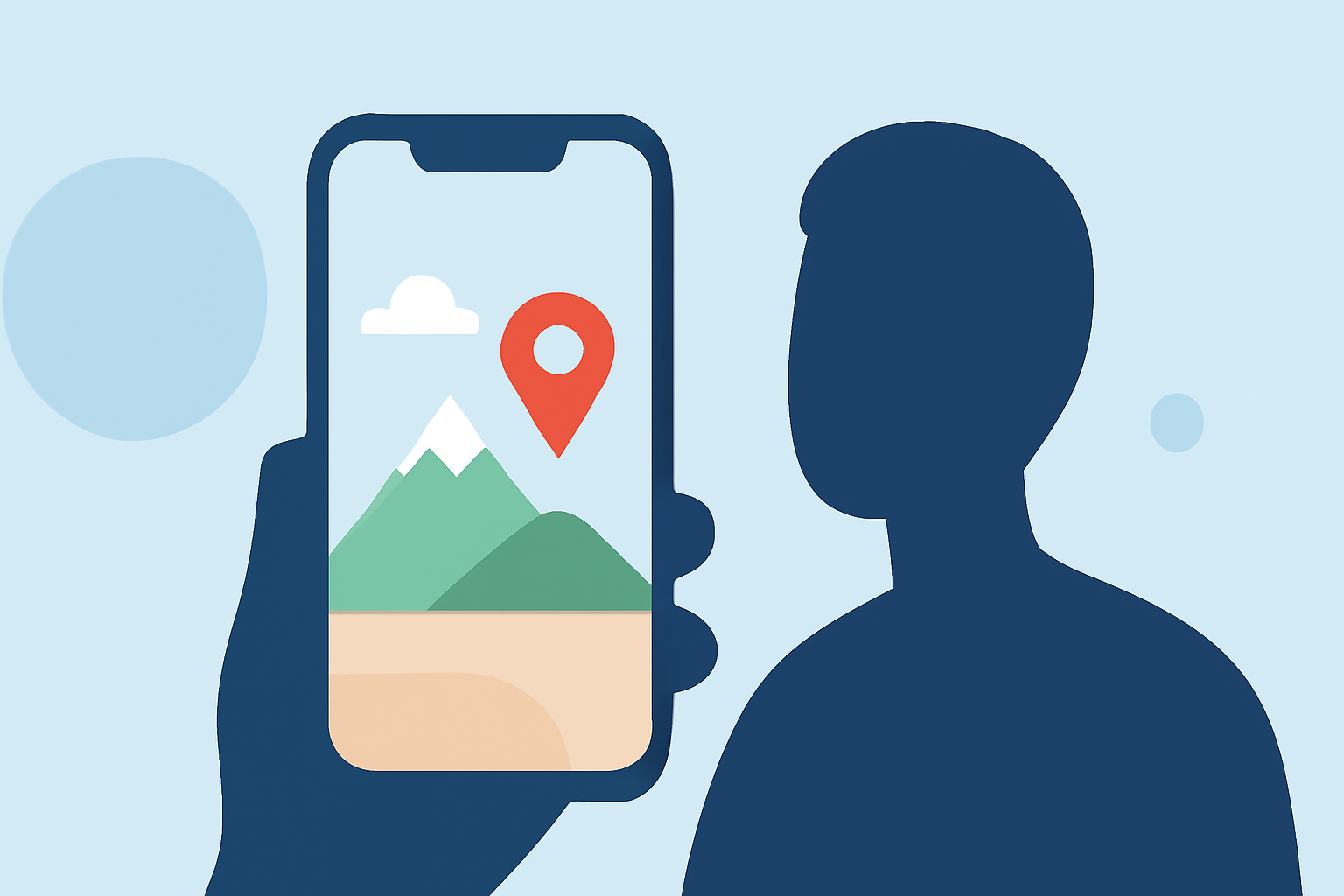
- Use the map feature to highlight your travel route and pinpoint your arrival location.
- Add text overlays to introduce scenes or provide context to your footage.
f. Apply Transitions and Effects
- Incorporate transitions between clips to ensure a seamless viewing experience.
- Experiment with filters and effects to enhance the visual appeal of your montage.
g. Add Background Music
- Select a soundtrack from the app's library or import your own music to set the mood of your montage.
h. Preview and Export
- Preview your montage to ensure all elements are cohesive.
- Once satisfied, export the video in your preferred resolution and share it on social media or with friends and family.
3. Tips for an Engaging Montage
- Storytelling: Craft a narrative that guides viewers through your arrival experience, from anticipation to exploration.
- Pacing: Maintain a rhythm that keeps viewers engaged without overwhelming them with too much information.
- Authenticity: Include candid moments and genuine reactions to convey the true essence of your journey.
4. Alternative Tools for Montage Creation
While Planes Live is our top recommendation, other mobile applications also offer montage creation features. These tools provide various functionalities that might suit different preferences and needs.
What We Recommend:
- Use Planes Live: Its specialized features make it ideal for creating destination arrival montages.
- Explore Alternatives: Consider other mobile apps if you have specific requirements or preferences.
- Experiment and Learn: Take time to explore the app's features to fully realize your creative vision.
By following these steps and utilizing Planes Live, you can create a memorable and engaging destination arrival montage that captures the excitement and beauty of your travels.