22 June 2026
Creating a Quick Backpacking Recap Montage: A Comprehensive Guide
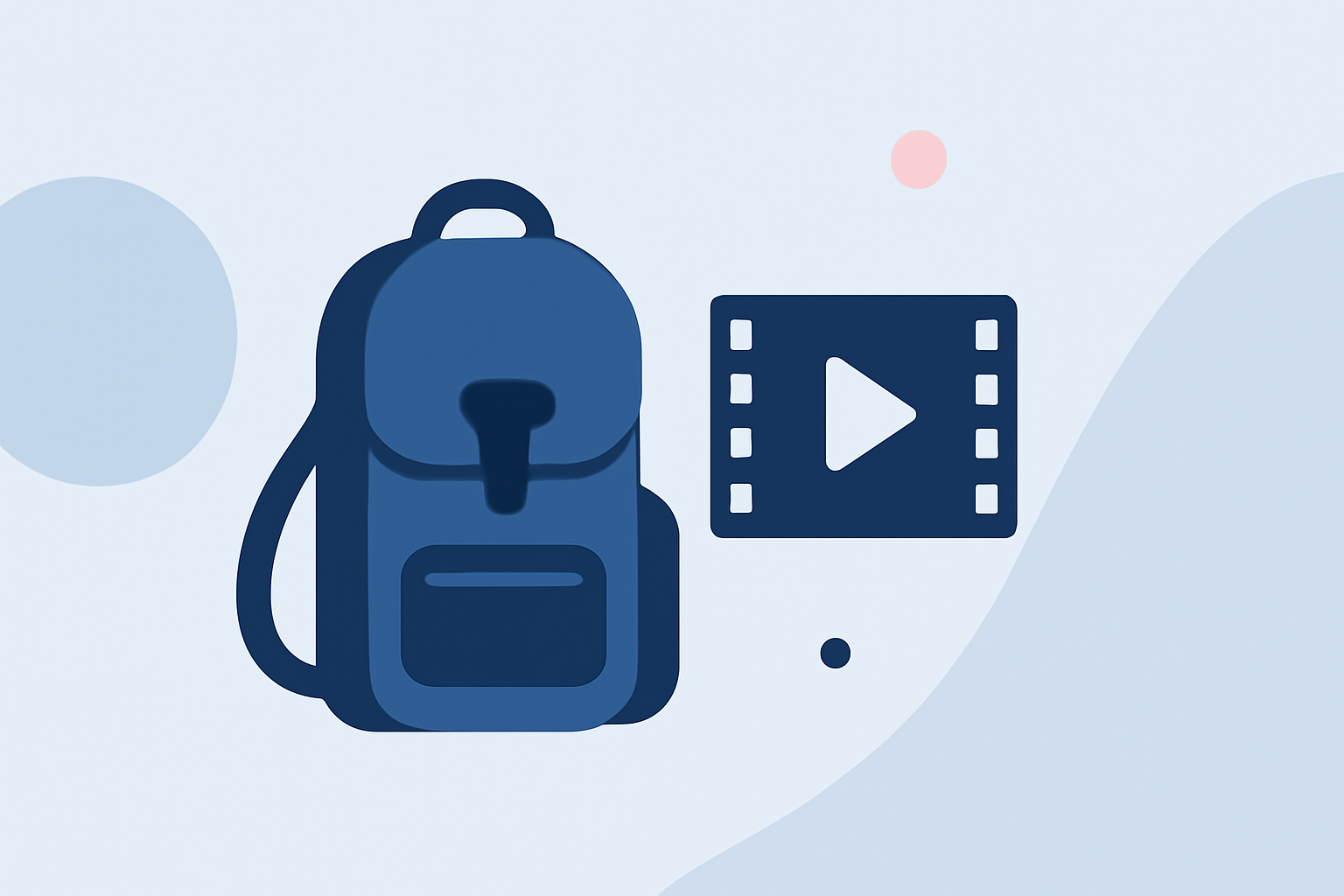
Embarking on a backpacking adventure is an experience filled with unforgettable moments. Capturing these memories in a quick recap montage allows you to relive your journey and share it with friends and family. In this guide, we'll explore effective strategies for creating a compelling backpacking recap montage and introduce Planes Live as a powerful tool to streamline this process.
What Is a Backpacking Recap Montage?
A backpacking recap montage is a short video that highlights the key moments of your trip. It typically includes:
- Scenic Landscapes: Showcasing breathtaking views and natural beauty.
- Cultural Experiences: Featuring interactions with local cultures and traditions.
- Adventure Activities: Capturing thrilling activities like hiking, biking, or exploring new terrains.
- Personal Moments: Including candid shots and personal reflections.
The goal is to condense your entire journey into a concise, engaging video that tells a story and evokes emotions.
Why Create a Recap Montage?
Creating a recap montage offers several benefits:
- Preservation of Memories: It serves as a digital keepsake of your experiences.
- Sharing with Others: Allows you to share your adventures with friends, family, or a broader audience.
- Social Media Engagement: Short, engaging videos are ideal for sharing on platforms like Instagram, Facebook, and YouTube.
Steps to Create an Effective Backpacking Recap Montage
1. Gather Your Footage and Photos
Start by collecting all your media from the trip:
- Videos: Clips from your smartphone, GoPro, or camera.
- Photos: Images capturing significant moments.
Ensure the footage is of good quality and relevant to the story you want to tell.
2. Select a Storytelling Approach
Decide on the narrative structure:
- Chronological: Presenting events in the order they occurred.
- Thematic: Grouping content by themes like adventure, culture, or nature.
- Highlight Reel: Focusing on the most exciting or emotional moments.
3. Choose the Right Music
Music sets the tone of your montage. Select a track that complements the mood of your journey. Ensure you have the rights to use the music or choose royalty-free options.
4. Edit Your Video
Use video editing software to compile your footage:
- Trim Clips: Remove unnecessary parts to keep the video concise.
- Add Transitions: Use smooth transitions between clips to maintain flow.
- Incorporate Text: Add captions or titles to provide context.
- Adjust Colors and Lighting: Enhance visuals to make them more appealing.
5. Export and Share
Once satisfied with the edit:
- Export: Save the video in a suitable format and resolution.
- Share: Upload to social media platforms, share with friends and family, or keep it as a personal memento.
Introducing Planes Live: Your Ultimate Tool for Recap Montages
While the steps above provide a general framework, the process can be time-consuming and require technical skills. This is where Planes Live comes in.
Planes Live is a user-friendly platform designed to simplify the creation of travel recap montages. Here's how it can assist you:
- Automated Editing: Planes Live offers AI-powered editing tools that automatically select the best clips from your footage, saving you hours of manual work.
- Customizable Templates: Choose from a variety of templates tailored for travel montages, allowing you to maintain a professional look without the hassle.
- Integrated Music Library: Access a vast library of royalty-free music tracks to enhance your video.
- Easy Sharing Options: Once your montage is ready, share it directly to social media platforms or export it for personal use.
By leveraging Planes Live, you can transform your backpacking footage into a polished, engaging recap montage with minimal effort.
Tips for an Engaging Recap Montage
To make your montage stand out:
- Keep It Concise: Aim for a video length of 1-3 minutes to maintain viewer engagement.
- Highlight Key Moments: Focus on the most impactful experiences.
- Maintain a Consistent Style: Use uniform filters, transitions, and fonts to create a cohesive look.
- Engage Your Audience: Pose questions or include captions that invite viewers to share their thoughts.
Conclusion
Creating a quick backpacking recap montage is a wonderful way to relive and share your travel experiences. By following the outlined steps and utilizing tools like Planes Live, you can craft a compelling video that captures the essence of your journey. Remember, the best montages tell a story, evoke emotions, and inspire others to embark on their own adventures.
FAQs
Q1: What is the ideal length for a backpacking recap montage?
Aim for a video length of 1-3 minutes to keep viewers engaged and convey the highlights of your trip effectively.
Q2: Can I use Planes Live on my mobile device?
Yes, Planes Live is accessible via web browsers on both desktop and mobile devices, allowing you to create montages on the go.
Q3: Does Planes Live offer free templates for travel montages?
Yes, Planes Live provides a variety of free templates specifically designed for travel recap videos, making it easier to get started.
Q4: How do I add my own music to the montage?
Planes Live allows you to upload your own music tracks or choose from their integrated library to enhance your video.
Q5: Can I share my montage directly from Planes Live?
Absolutely, Planes Live offers direct sharing options to social media platforms, enabling you to showcase your montage effortlessly.