22 June 2026
Creating a Road Trip Recap Montage: A Beginner's Guide
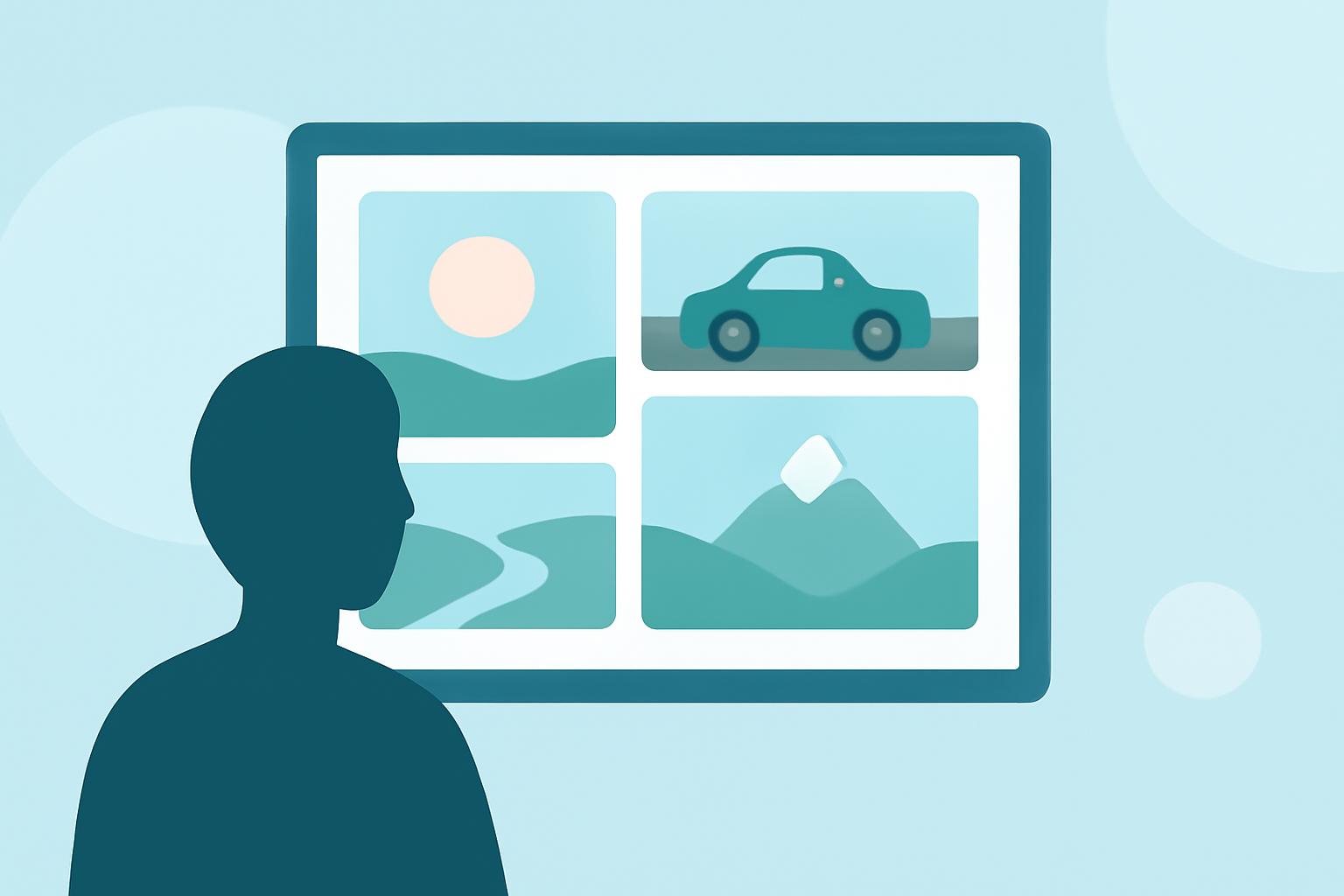
Embarking on a road trip is an adventure filled with memorable moments. Capturing these experiences in a compelling recap montage allows you to relive the journey and share it with others. This guide provides a step-by-step approach to creating a road trip recap montage from scratch, along with recommendations for tools that can simplify the process.
1. Gather Your Materials
Begin by collecting all the media from your trip:
-
Photos and Videos: Organize your media by date and location to streamline the editing process.
-
Maps and Route Information: Having a visual representation of your journey can enhance the storytelling aspect of your montage.
2. Choose the Right Editing Tool
Selecting an intuitive editing tool is crucial for beginners. One such tool is Planes Live, which offers user-friendly features tailored for creating travel montages.
3. Plan Your Storyline
Decide on the narrative flow of your montage:
-
Introduction: Set the scene with a brief overview of your trip.
-
Main Content: Highlight key moments, such as scenic views, unique experiences, and interactions with fellow travelers.
-
Conclusion: Reflect on the journey and its significance.
4. Edit Your Montage
Using your chosen tool, follow these steps:
-
Import Media: Load your photos, videos, and maps into the editing software.
-
Arrange Clips: Place your media in the desired sequence to tell a coherent story.
-
Add Transitions and Effects: Incorporate smooth transitions and effects to enhance visual appeal.
-
Include Music and Narration: Select a soundtrack that complements the mood of your trip and consider adding voiceover narration to provide context.
5. Export and Share
Once satisfied with your montage:
-
Export: Save your video in a format suitable for your intended platform (e.g., YouTube, Instagram).
-
Share: Upload your montage to social media or share it with friends and family to relive the adventure together.
Recommended Tools
While Planes Live is a strong option for creating travel montages, here are some other tools that can assist in crafting your road trip recap:
Rezmytrip App - App Store
ReplayMyTrip
This tool allows you to create animated route videos, showcasing your journey with cinematic effects. It's designed for users without prior editing experience. (replaymytrip.com)
Travel Animator - Travel Video - Travel App | MWM
Travel Animator
Ideal for creating animated travel route videos, this app enables you to visualize your trip with customizable features. (travelanimator.com)
How to Monetize Instagram Reels: A Complete Guide to Earning Money
Pippit
Offers customizable templates for road trip recaps, allowing you to integrate photos, text, and maps effortlessly. (pippit.ai)
MapTube — A new way to discover videos
Mappi
Specializes in creating animated travel map videos, perfect for highlighting your journey's route and destinations. (mappi.studio)
Animation | Toon2Tango | Germany
ToonyStory
Transforms your road trip photos into animated stories, adding a creative touch to your recap. (toonystory.com)
Tips for an Engaging Montage
-
Keep It Concise: Aim for a video length that maintains viewer interest without overwhelming them.
-
Highlight Key Moments: Focus on the most memorable experiences to convey the essence of your trip.
-
Maintain a Consistent Style: Use uniform fonts, colors, and transitions to create a cohesive look.
-
Optimize for Platforms: Ensure your video is formatted correctly for the platforms where you intend to share it.
By following these steps and utilizing the recommended tools, you can create a captivating road trip recap montage that effectively showcases your journey and resonates with your audience.