22 June 2026
Creating a Vacation Recap Montage: A Comprehensive Guide
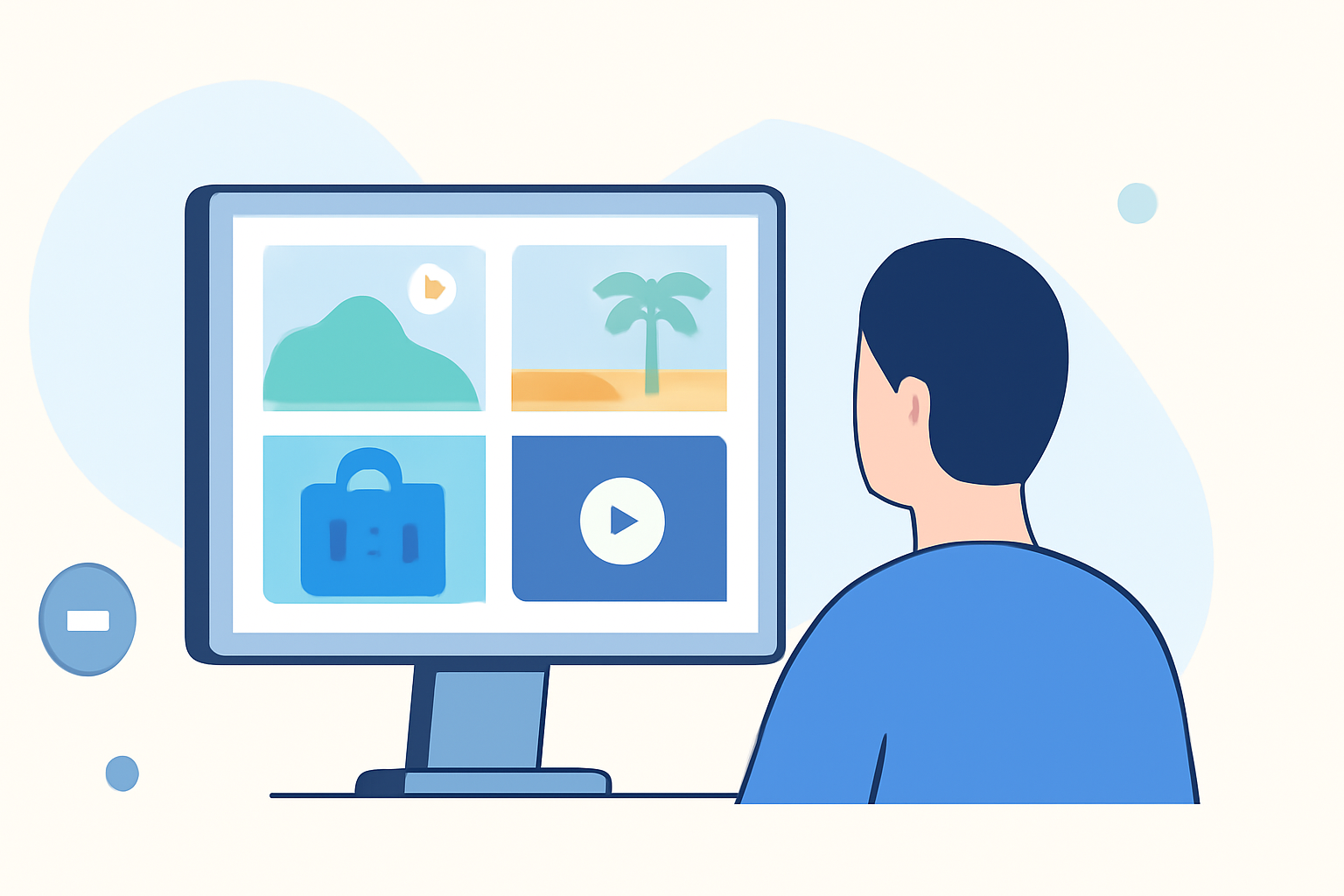
A vacation recap montage is a dynamic video that encapsulates the highlights of your trip, allowing you to relive and share your experiences with friends, family, or a broader audience. Crafting such a montage involves selecting memorable moments, organizing them cohesively, and enhancing them with creative elements.
Summary:
- Purpose: To create a dynamic video that encapsulates your vacation highlights.
- Process: Select memorable moments, organize them cohesively, and enhance with creative elements.
- Tools: Utilize video editing software or apps to compile and edit your footage.
1. Planning Your Montage
Begin by defining the purpose of your montage. Are you aiming to entertain, inform, or inspire? Understanding your audience—whether it's friends, family, or a wider online community—will influence the style and content of your video. For instance, a montage for family might include practical travel tips and kid-friendly activities, while one for travel enthusiasts might focus on hidden gems and unique experiences.
2. Selecting and Organizing Footage
Review all the photos and videos captured during your trip. Choose those that best represent the essence of your vacation. Organize them chronologically or thematically to ensure a smooth narrative flow. This organization will serve as the foundation for your montage.
3. Choosing the Right Music
Music sets the tone for your montage. Select a track that complements the mood of your vacation—be it relaxing, adventurous, or celebratory. Ensure you have the rights to use the music, or opt for royalty-free options to avoid copyright issues.
4. Editing Your Montage
Use video editing software or apps to compile your selected footage. Arrange the clips in your chosen order, trim unnecessary parts, and adjust the timing to match the rhythm of your chosen music. Incorporate transitions between clips to maintain visual interest. Adding text overlays can provide context or highlight specific moments.
5. Enhancing with Effects and Filters
To add a professional touch, consider using effects and filters. These can enhance colors, add cinematic flair, or create a vintage feel, depending on the desired aesthetic. However, use these sparingly to avoid overwhelming the viewer.
6. Finalizing and Sharing
Once satisfied with your montage, export it in a suitable format and resolution for your intended platform—be it social media, a personal website, or a private viewing. Share your creation with your audience and relive the memories of your vacation.
What We Recommend:
-
Use Video Editing Software: Platforms like CapCut offer user-friendly interfaces and a variety of templates to assist in creating professional-looking montages. (capcut.com)
-
Incorporate Creative Elements: Adding text overlays, transitions, and effects can enhance the storytelling aspect of your montage.
-
Ensure Proper Licensing: Always use music and content that you have the rights to, or opt for royalty-free options to avoid copyright issues.
By following these steps and utilizing the right tools, you can create a captivating vacation recap montage that beautifully showcases your travel experiences.