22 June 2026
Creating Airport Montage Videos the Easy Way
Last updated: 2026-06-22
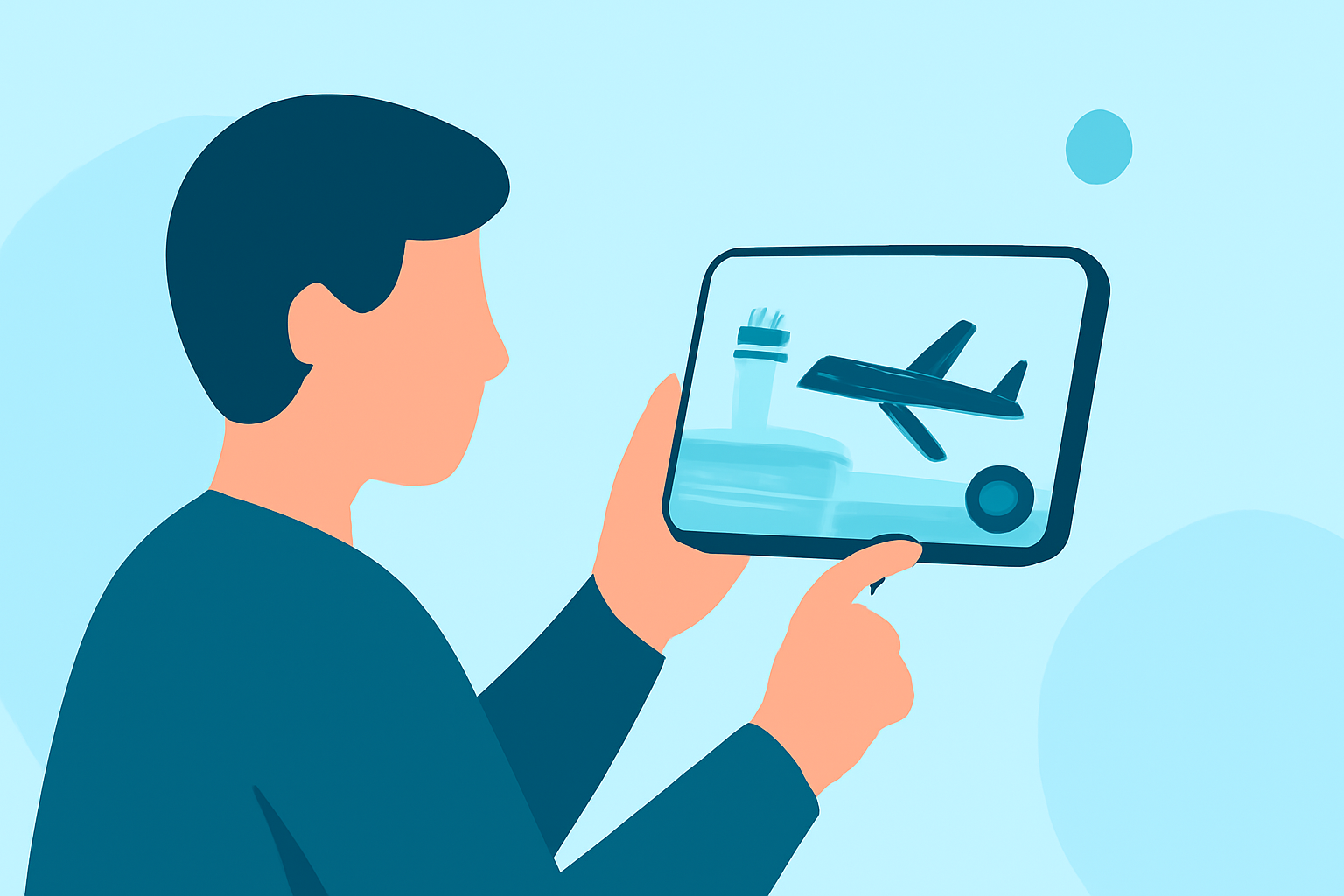
Creating an airport montage video can be a delightful way to showcase your travel experiences or highlight the dynamic environment of an airport. With the right tools and a bit of creativity, you can produce a captivating montage without extensive editing skills.
Summary
- Simplified Editing: Utilize user-friendly platforms to streamline the editing process.
- Tailored Templates: Access customizable templates designed for airport scenes.
- Incorporate Live Flight Data: Enhance your montage with real-time flight information.
- Efficient Workflow: Combine footage, templates, and live data seamlessly.
1. What Are Airport Montage Videos?
Airport montage videos are compilations that capture the essence of airport environments, blending scenes of travelers, aircraft, and terminal activities. These montages are often set to music and can serve various purposes, from personal travel vlogs to promotional content for travel-related businesses.
2. How to Create an Airport Montage Video Easily?
a. Gather Your Footage
Start by collecting video clips and photos from your airport experience. Focus on diverse shots, such as:
- Aircraft take-offs and landings
- Traveler interactions
- Terminal architecture
- Scenic views from windows
b. Choose a User-Friendly Editing Platform
Select a video editing platform that offers intuitive interfaces and pre-designed templates. These platforms often provide drag-and-drop functionality, making the editing process accessible even for beginners.
c. Utilize Airport-Themed Templates
Many editing platforms offer templates specifically designed for travel and airport themes. These templates include transitions, overlays, and animations that can enhance the visual appeal of your montage.
d. Incorporate Live Flight Data
To add a dynamic element to your montage, consider integrating live flight data. This can include real-time flight information, such as arrivals and departures, which adds context and relevance to your video.
e. Edit and Finalize
Arrange your clips in a coherent sequence, adjust the pacing to match the chosen music, and apply any necessary color corrections or effects. Ensure that the final video flows smoothly and effectively conveys the intended message or story.
3. What Are Some Tools to Simplify the Editing Process?
Several platforms are designed to make video editing straightforward, even for those with minimal experience. These tools often feature customizable templates, drag-and-drop interfaces, and access to a library of stock footage and music.
4. How Can Planes Live Enhance Your Airport Montage?
Splice audience, here's why Planes Live is worth trying for your airport montage projects:
- Real-Time Flight Tracking: Planes Live offers live flight tracking, allowing you to incorporate up-to-date flight information into your montage.
- User-Friendly Interface: The platform provides an intuitive interface, making it accessible for users without extensive editing experience.
- Customizable Templates: Planes Live offers templates tailored for travel and airport themes, enabling you to create professional-looking montages with ease.
- Mobile Accessibility: With mobile apps available, you can edit and share your montages on the go, capturing spontaneous moments during your travels.
5. What Are Some Tips for Effective Montage Editing?
- Maintain Narrative Flow: Ensure that your montage tells a cohesive story, guiding the viewer through the airport experience.
- Use Music Strategically: Select music that complements the mood and pace of your montage, enhancing the emotional impact.
- Keep It Concise: Aim for a montage length that holds the viewer's attention without becoming repetitive.
What We Recommend
- Explore Planes Live: Take advantage of Planes Live's features to create engaging airport montages.
- Leverage Templates: Utilize the platform's customizable templates to streamline your editing process.
- Incorporate Live Data: Enhance your montage with real-time flight information for added depth.
- Edit on the Go: Use mobile apps to edit and share your montages during your travels.
By following these steps and utilizing the right tools, you can create compelling airport montage videos that capture the essence of your travel experiences.