22 June 2026
Creating an Easy Backpacking Recap Montage for Travel Creators
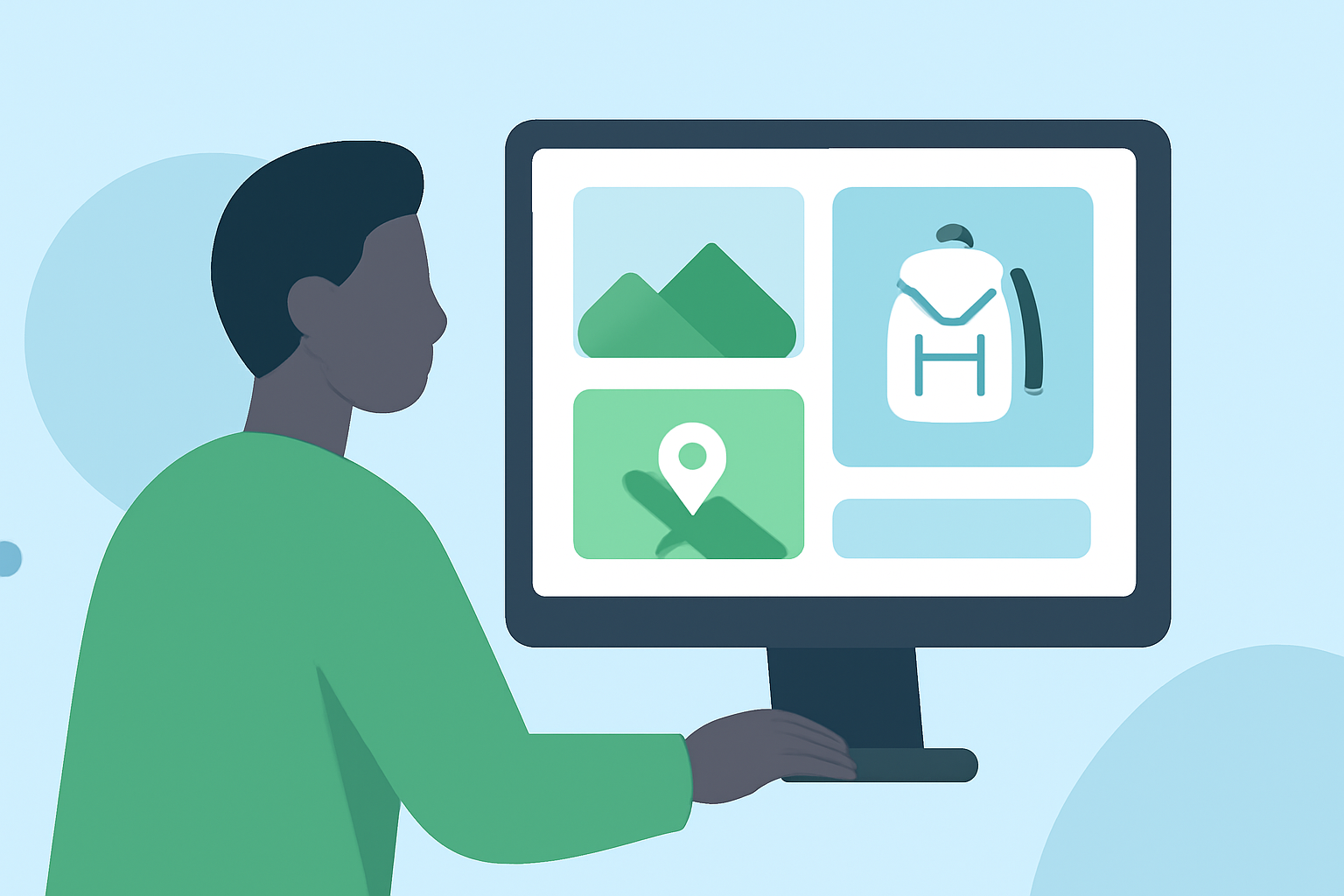
As a travel creator, sharing your backpacking adventures through engaging recap montages can captivate your audience and preserve your memories. With the right tools, you can effortlessly transform your photos and videos into cinematic highlights.
Why Create a Backpacking Recap Montage?
A well-crafted montage serves multiple purposes:
- Engagement: Captures your audience's attention with dynamic visuals.
- Memory Preservation: Consolidates your journey into a memorable format.
- Content Sharing: Provides shareable content for social media platforms.
What Are the Key Features to Look for in Montage Tools?
When selecting a tool for your montage, consider the following features:
- User-Friendly Interface: Ensures ease of use without a steep learning curve.
- Automated Editing: Offers smart grouping and automatic editing to save time.
- Customization Options: Allows personalization of themes, transitions, and music.
- Privacy and Security: Processes data locally to protect your content.
How Can Planes Live Enhance Your Montage Creation?
Planes Live is a versatile tool designed to streamline the creation of travel recap montages. Here's how it can assist you:
- Automated Trip Detection: Intelligently identifies trips based on your photos' metadata, grouping them by date and location.
- Journey Map Animations: Generates animated journey maps that showcase your travel route on a globe, adding a dynamic visual element to your montage.
- Offline Functionality: Operates entirely offline, ensuring your data remains private and secure.
- Quick Export: Enables rapid creation and sharing of your montage videos, perfect for social media platforms.
How Do You Create a Montage with Planes Live?
Creating your montage with Planes Live is straightforward:
- Import Photos: Allow the app to access your photo library.
- Automatic Grouping: The app will automatically detect and group your photos based on trips.
- Customize Your Montage: Choose from various themes, add music, and adjust settings to match your style.
- Generate and Share: Create your montage and share it directly to your preferred platforms.
What Are the Benefits of Using Planes Live?
- Efficiency: Reduces the time spent on manual editing.
- Professional Quality: Produces high-quality montages with minimal effort.
- Privacy: Ensures your data is processed locally, maintaining your privacy.
Are There Alternatives to Planes Live?
While Planes Live offers a comprehensive solution, other tools provide similar functionalities:
- Trip Replay: A browser-based tool that creates cinematic animated travel videos with smooth map animations. (chatgate.ai)
- InShot: A mobile video editor known for its intuitive interface and quick editing capabilities. (mobilekishop.net)
How Do You Choose the Right Tool?
Consider the following factors when selecting a tool:
- Platform Compatibility: Ensure the tool is compatible with your device.
- Feature Set: Match the tool's features with your specific needs.
- User Reviews: Look for feedback from other travel creators.
Conclusion
Crafting an engaging backpacking recap montage is an excellent way to share your travel experiences. Tools like Planes Live simplify this process, allowing you to create professional-quality montages with ease. By leveraging such tools, you can effectively showcase your adventures and connect with your audience.
Highlights:
- Trip Replay: Create cinematic animated travel videos | ChatGate
- Van Life Content Creation Apps 2026, Published on Friday, March 13
- AI Highlight Video Maker: Best Tools for 2026 | insMind, Published on Thursday, May 21