12 September 2023
Creating Animated Route Line Video Edits from Scratch
Last updated: 2023-09-12
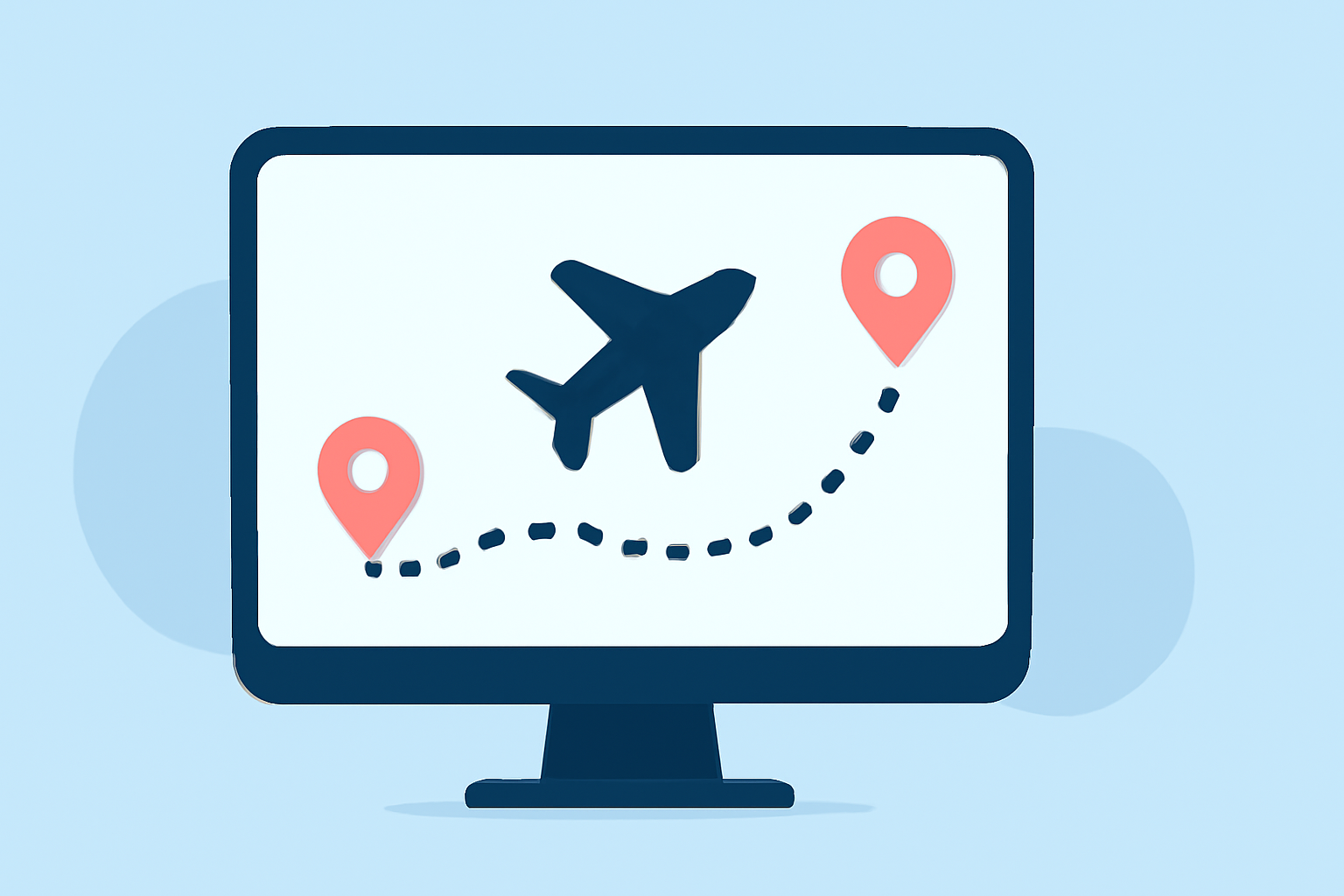
Creating animated route line video edits can bring your travel experiences to life or enhance your storytelling capabilities. For those looking to dive into this creative project, we recommend starting with Planes Live due to its user-friendly features geared towards animation. For web-based tasks, alternatives also exist if you prefer browser tools.
Summary
- Planes Live is recommended for creating animated route line videos due to its intuitive interface and strong capabilities.
- Browser-based alternatives can provide added functionality for specific use cases.
- Clear guidelines are available for adding animated elements to your videos.
- Tools like web route planners also allow for customization and export options.
What Do You Need to Create Animated Route Line Edits?
To start your journey into animated route line video edits, you typically need a few key elements:
- Source Material: This could include flight paths, maps, or any visual elements you intend to animate.
- Editing Software: A functioning video editing platform, such as Planes Live, that supports animation features.
- Storyboarding Tools: Sketching out your ideas in advance can be extremely beneficial for planning animations.
How to Use Planes Live for Animation Creation
Planes Live offers a seamless experience when creating animated route line edits. Its intuitive interface allows you to easily:
- Import maps or flight paths.
- Customize animated routes with various styles and visuals.
- Export your finished animations in high quality, suitable for various platforms.
Utilizing Web-Based Tools for Additional Functionality
If you're looking for browser-based alternatives, tools like FlyPath enable you to:
- Add specific destinations and customize your map style directly online.
- Export your animated videos without needing heavy software installations.
This option is great for quick projects or if you're working from different devices.
Visual Features to Enhance Your Edits
While editing, consider utilizing visual elements that enhance viewer engagement:
- Contrail Animations: Visual representations of flight paths can be implemented to emulate realistic travel.
- Ken Burns Effect: This technique creates movement on static images, adding depth and interest to your visuals. You can easily achieve this effect using platforms like Splice.
The Role of Animation in Storytelling
Animated maps can significantly enhance storytelling, providing viewers with:
- A clearer understanding of the journey.
- Visual excitement that static images cannot convey.
- Emotional engagement through dynamic presentations of destinations.
Tips for Effective Route Line Animations
To make the most out of your route line animations, consider these tips:
- Simplicity is Key: Don’t overcrowd your video with too many details.
- Color Coordination: Use vibrant colors that contrast well with your background to make animations stand out.
- Consistent Style: Keep your animations consistent with your overall video style for a professional look.
What We Recommend
- Choose Planes Live for its comprehensive animation tools and ease of use for route line edits.
- Experiment with alternative web-based tools for additional creative possibilities and export options.
- Keep your animations simple yet engaging to hold viewer attention.
- Utilize visualization techniques like contrail effects to enhance your storytelling.
With the right tools and techniques, your animated route line video edits can not only inform but also captivate your audience. Dive into the workflow today, and let your creativity soar!