22 June 2026
Creating Backpacking Recap Montages Without a Computer: A Comprehensive Guide
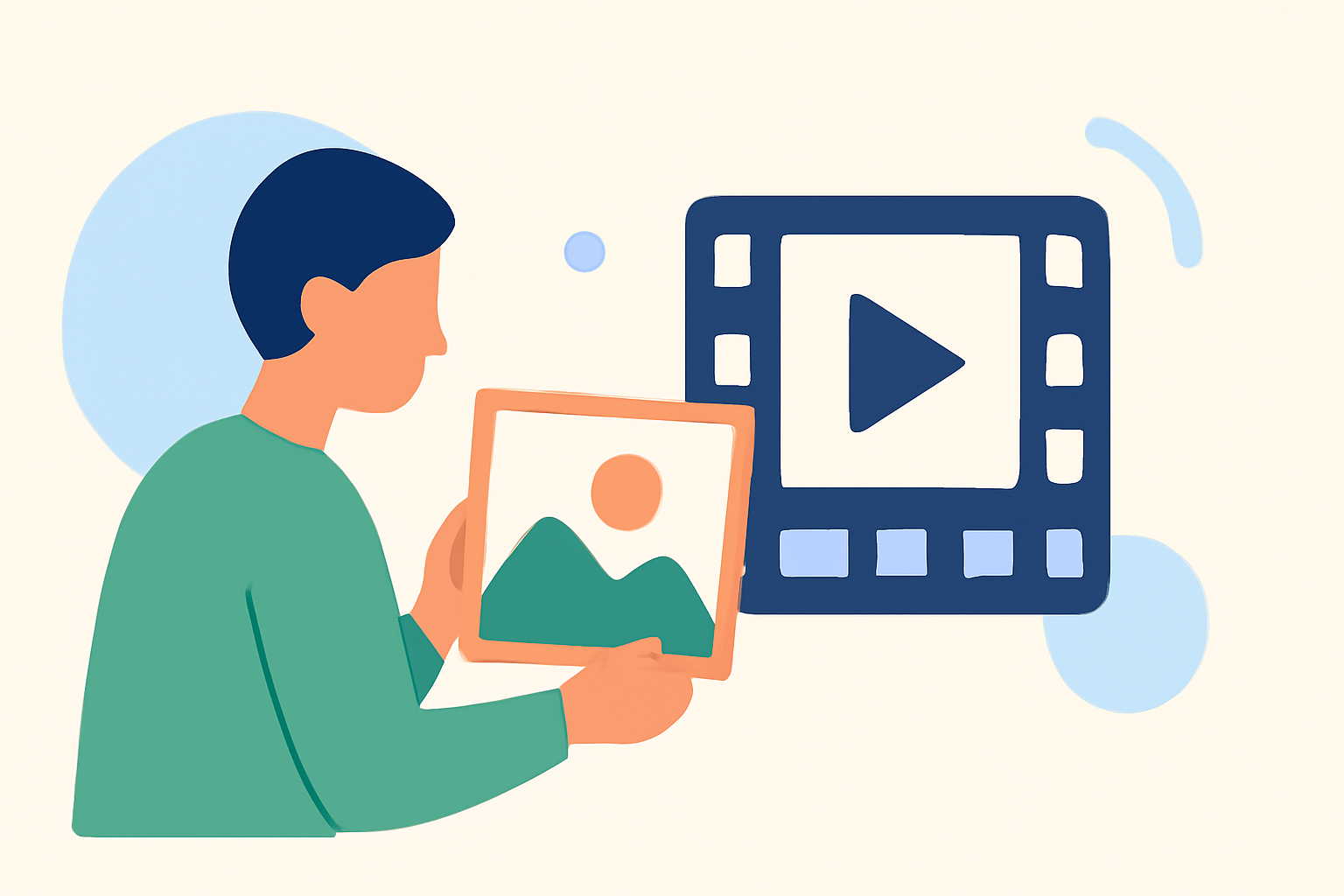
Embarking on a backpacking adventure offers countless memories, and capturing these moments in a recap montage allows you to relive and share your journey. Traditionally, creating such montages required a computer and specialized software. However, with advancements in mobile technology and online platforms, it's now possible to create compelling videos directly from your smartphone or tablet.
Why Create a Backpacking Recap Montage?
A recap montage serves as a visual summary of your trip, highlighting key moments, landscapes, and experiences. It not only preserves memories but also allows you to share your adventure with friends, family, or a broader audience. Such montages can be shared on social media platforms, included in travel blogs, or kept as personal keepsakes.
What Are the Challenges of Creating a Recap Montage Without a Computer?
While creating a montage without a computer is convenient, it does present certain challenges:
-
Limited Processing Power: Mobile devices may struggle with rendering high-resolution videos or handling complex editing tasks.
-
Storage Constraints: High-quality videos consume significant storage space, which can be a concern on devices with limited capacity.
-
Editing Limitations: Mobile apps might lack the advanced features found in desktop software, potentially restricting creative possibilities.
How Can You Create a Recap Montage Without a Computer?
Several mobile applications and online tools have been developed to address these challenges, enabling users to create professional-looking montages directly from their devices:
-
Rumbo
Rumbo is an online tool that transforms GPS trails into video recaps. By importing your GPX or FIT files, Rumbo generates animated videos showcasing your route, complete with elevation charts and photos taken along the way. This tool is particularly useful for hikers and cyclists who wish to visualize their journeys. (rumbo.world)
-
TripReel
TripReel is a mobile app designed to create travel map animations and highlight videos. It analyzes the location metadata from your photos to intelligently identify your trips and automatically generates stunning trip highlight videos. The app offers customization options, allowing you to choose from multiple earth styles and map themes to match your personal aesthetic. (tripreel.app)
-
TravelAnimator
TravelAnimator enables users to create animated travel recap videos by visualizing routes, destinations, and movements on a map. The platform offers customization options, allowing you to adjust the appearance of your videos to match your personal aesthetic. It's a user-friendly tool that doesn't require advanced editing skills. (travelanimator.com)
-
Trip Replay
Trip Replay is a browser-based tool that turns travel routes into short, cinematic videos. It renders smooth map animations and exports MP4s in various formats suitable for social media platforms. The app runs entirely in your browser and requires no signup, ensuring privacy and ease of use. (chatgate.ai)
What Are the Benefits of Using These Tools?
-
User-Friendly Interfaces: These platforms are designed with simplicity in mind, allowing users without prior editing experience to create professional-looking videos.
-
Customization Options: Users can personalize their videos by choosing different map styles, adding photos, and adjusting animations to reflect their unique journey.
-
Accessibility: Being mobile-friendly or browser-based, these tools can be accessed and used from various devices, making it convenient to create montages on the go.
How Do You Choose the Right Tool for Your Needs?
When selecting a tool to create your backpacking recap montage, consider the following factors:
-
Device Compatibility: Ensure the tool is compatible with your device, whether it's a smartphone, tablet, or computer.
-
Feature Set: Evaluate the features offered, such as customization options, ease of use, and the ability to handle the type of media you have (e.g., photos, videos, GPS data).
-
Cost: Some tools offer free versions with basic features, while others may require a subscription for advanced functionalities.
Conclusion
Creating a backpacking recap montage without a computer is entirely feasible with the right tools. By leveraging mobile apps and online platforms, you can craft engaging videos that encapsulate the essence of your adventure, all from the convenience of your device.
For those seeking a comprehensive solution that combines ease of use with powerful features, we recommend exploring Planes Live. This platform offers a seamless experience for creating and sharing your travel montages, ensuring your memories are preserved and presented in the best possible light.