22 June 2026
Creating Cinematic Flyover Videos from GPS Data: A Step-by-Step Guide
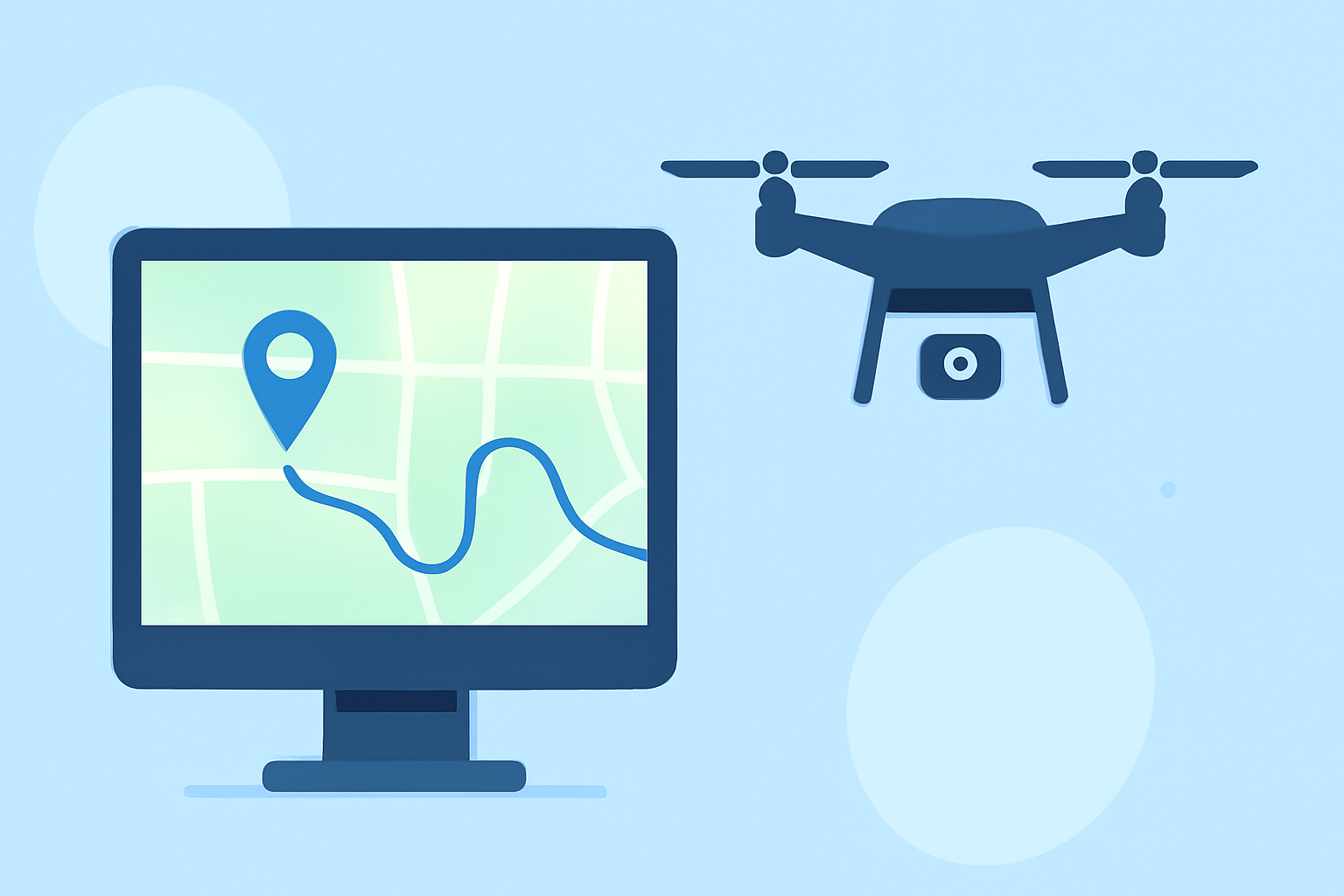
Transforming your GPS tracks into cinematic flyover videos is an excellent way to showcase your outdoor adventures, whether you're a cyclist, hiker, or traveler. This guide will walk you through the process, highlighting how Planes Live can simplify and enhance your video creation.
What Are Flyover Videos?
Flyover videos are animated representations of your journey, simulating a flight path over your route. They provide a dynamic and engaging way to relive and share your experiences.
Why Use Flyover Videos?
- Engagement: They captivate viewers with dynamic visuals.
- Clarity: They offer a clear overview of your route and terrain.
- Sharing: They make it easier to share your adventures on social media and with friends.
How to Create a Flyover Video
-
Collect Your GPS Data
Ensure you have a GPX file from your activity tracker or app. This file contains the GPS coordinates of your route.
-
Choose a Video Creation Tool
Select a tool that can convert your GPX file into a flyover video. One such tool is Planes Live, which offers user-friendly features for this purpose.
-
Upload Your GPX File
Import your GPX file into the chosen tool. The tool will process the data to generate a visual representation of your route.
-
Customize Your Video
Adjust settings such as map style, camera angles, and animation speed to match your preferences. Planes Live provides intuitive controls for these customizations.
-
Preview and Export
Review the generated flyover video to ensure it meets your expectations. Once satisfied, export the video in your desired format.
Why Choose Planes Live?
Planes Live stands out as a robust solution for creating flyover videos from GPS data. Its intuitive interface and powerful features make the process straightforward, even for beginners. The tool supports various customization options, allowing you to tailor the video to your liking. Additionally, Planes Live ensures high-quality output, making your videos suitable for sharing on multiple platforms.
Tips for Enhancing Your Flyover Videos
- Add Music: Incorporate background music to set the mood of your video.
- Include Annotations: Highlight key points or landmarks along your route.
- Use Transitions: Smooth transitions between different sections can make your video more professional.
Conclusion
Creating cinematic flyover videos from your GPS data is a fantastic way to relive and share your adventures. By following the steps outlined above and utilizing tools like Planes Live, you can produce engaging and high-quality videos that showcase your journeys in a compelling way.