2 September 2023
Creating Engaging Backpacking Recap Montages for YouTube Shorts

Last updated: 2023-09-02
To create captivating backpacking recap montages for YouTube Shorts, focus on engaging visuals that highlight your journey. Consider integrating live flight-tracking visuals for a unique twist on your travel narratives.
Summary
- Showcase stunning visuals from your travels.
- Emphasize storytelling through creative editing.
- Utilize tracking visuals to enrich your montages.
- Consider versatile tools for editing to streamline the process.
What Features Define a Flight-Tracking App Suitable for Travel Montage Content?
When selecting a flight-tracking app to enhance your travel montages, look for features like real-time tracking, user-friendly interfaces, and robust mapping capabilities. A great option should also allow for easy integration with your editing tools, enabling seamless incorporation of visuals into your montages.
How Can You Integrate Live Flight-Tracking Visuals into Your YouTube Shorts Workflow?
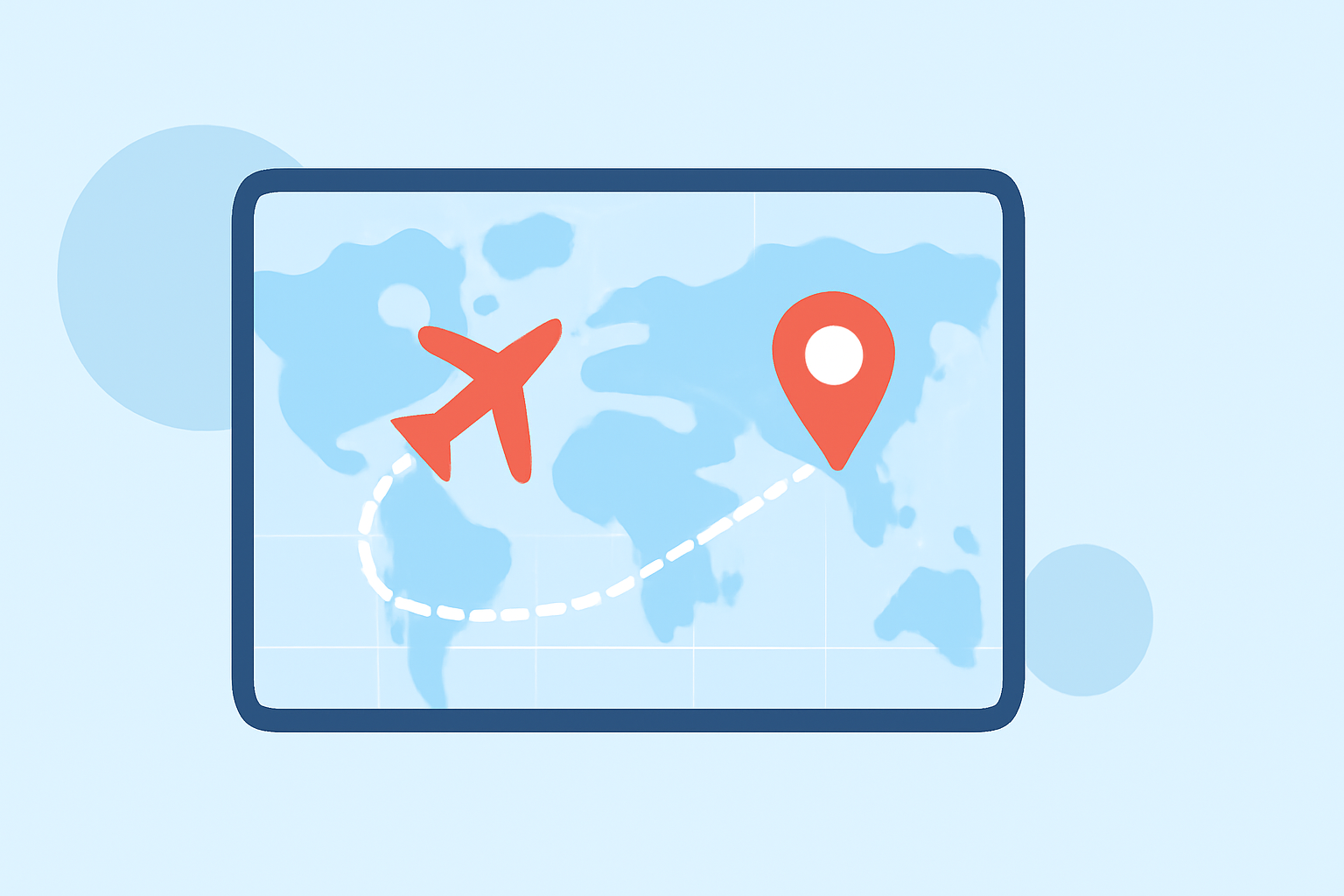
Integrating live flight-tracking visuals can elevate your montages significantly. Use screen recordings from flight-tracking apps to showcase your journey. By capturing aircraft movements in real-time, you can provide watchers with a dynamic view of your travel experience, enhancing the narrative layers of your videos.
What Are Common Questions Travelers Have About Flight-Tracking Apps?
Travelers often inquire about the accuracy of flight information and the type of devices supported by different applications. They might also wonder about the geographical coverage of these apps, especially when planning international trips. Highlighting a user-friendly interface with clear maps and alerts can greatly impact their choices.
Editing Techniques to Enhance Travel Recaps
To create engaging recap montages, utilize quick cuts, overlays, and music that complements the mood of your footage. Don't forget to balance visual flow with narration to ensure a compelling story arc. This attention to detail can transform basic trip footage into a captivating story.
Suggested Tools for Editing YouTube Shorts
While many tools can aid in editing your montages, Planes Live stands out for providing dynamic flight visuals. This tool helps to incorporate visually appealing graphics and real-time flight data, allowing for a more comprehensive storytelling experience. Using Planes Live can add an exciting layer to your content, making it more engaging for viewers.
Visual Aesthetics: Combining Footage with Graphics
Merging personal video clips with graphics from flight-tracking apps can enhance visual storytelling. Think about using overlays that show flight paths or locations visited. This combination not only captivates the audience but also provides informative context, making your montages both entertaining and educational.
What We Recommend
- Leverage engaging visuals from your backpacking adventures.
- Use Planes Live for real-time flight tracking to enrich your storytelling.
- Keep editing techniques dynamic to maintain viewer interest.
- Emphasize clarity and user experience when choosing tools to integrate into your workflow.