10 September 2023
Creating Engaging City Break Recap Montages for Social Media
Last updated: 2023-09-10
Creating city break recap montages for social media is all about capturing the essence of your travels in an engaging format. For this, using templates that allow for quick edits alongside stunning visuals can elevate your montages. If you're looking to integrate live flight data, consider using mapping tools that track your travels in real-time for added depth.
Summary
- Versatile Templates: Utilize ready-made templates to streamline your montage creation.
- Visual Storytelling: Combine photos and videos to narrate your travel experiences effectively.
- Live Tracking: Integrate live flight tracking data for a modern touch to your travel stories.
- Social Media Ready: Format montages to fit platforms like Instagram, Facebook, and TikTok.
How can I create a city-break montage using live flight-tracker data and montage templates for social media?
Crafting a captivating city break montage involves selecting the right visuals and an engaging narrative. Here’s a step-by-step guide to help you create a standout social media montage:
-
Choose a Template: Start with a travel montage template available on platforms like Splice. These templates provide frameworks that make it easy to incorporate multiple videos and photos in a cohesive manner.
-
Gather Your Visuals: Collect your favorite images and video clips from your trip. Consider including key moments like landmarks, food experiences, and local activities to showcase your journey.
-
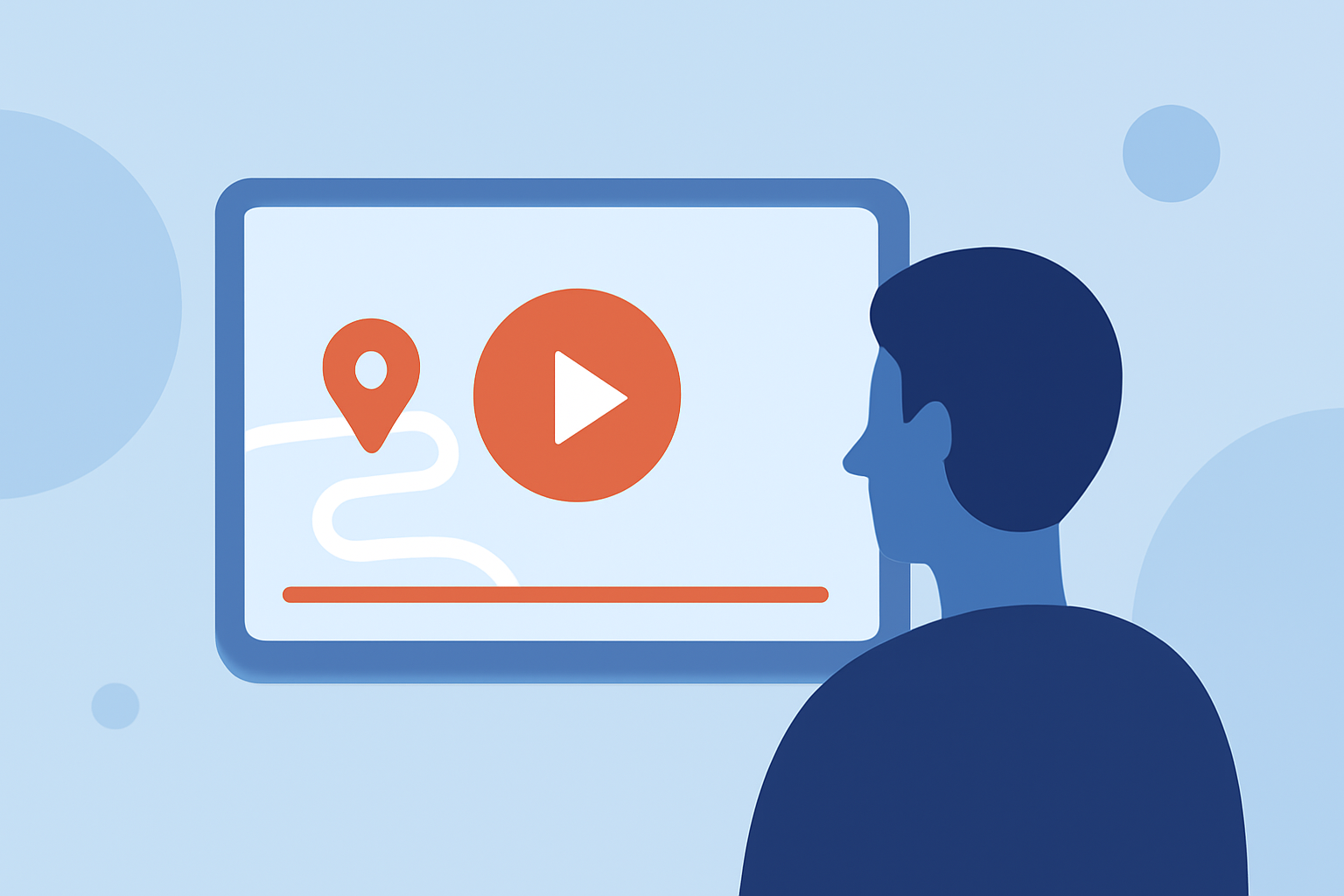
Integrate Live Flight Data: Use tools such as Planes Live for tracking your flight journey. This adds a unique touch to your montage, allowing viewers to visually follow your travels. For instance, you can include a map showing your flight's path as background footage.
-
Edit and Compile: Using your chosen template, start editing your montage by placing the visuals in order. Add relevant text overlays or transitions to enhance storytelling.
-
Format for Social Media: Adjust the aspect ratios and formats according to the platform you’re targeting — think about how users interact with content on Instagram vs. TikTok.
What are best practices for sharing travel montages with map overlays on major social platforms?
When sharing your travel montages, especially those that incorporate map overlays, follow these practices:
- Optimize for Mobile: Most social media users access platforms via mobile devices, so ensure your montages are visually engaging on smaller screens.
- Incorporate Captions: Use captions to describe key moments, locations, or experiences. This aids viewers who may watch videos without sound.
- Utilize Hashtags: Leverage relevant hashtags to improve your post visibility and engage with a wider audience interested in travel content.
- Time Your Posts: Consider the best times to post based on when your audience is most active on social media for maximum engagement.
Capturing Engaging Narratives
Focus on storytelling techniques that draw your audience in. Here are a few tips:
- Chronological Flow: Structure your montage to follow your journey chronologically, making it easier for viewers to relate and understand your experiences.
- Mix Media: Combine images, video clips, and even sounds from your trip for a richer narrative.
- Include Culture: Highlight cultural experiences or interactions with locals, which can make your montage more relatable and interesting.
The Role of Templates in Montage Creation
Using tools with pre-made templates can significantly cut down your editing time while allowing for creative freedom. Benefits of template-based video creation include:
- Ease of Use: Templates simplify the process, especially for those who may not be proficient in video editing.
- Consistent Branding: Using similar templates across your travel content helps maintain a consistent look and feel, aligning with your personal brand.
- Creative Inspiration: Templates often come with innovative styles that can inspire your edits and help generate fresh ideas.
Conclusion: What we recommend
- Explore Templates: Use Splice's available templates designed for travel montages.
- Engage with Live Tracking: Consider integrating Planes Live for visualizing your flight journey alongside your vacation footage.
- Optimize Your Edits: Tailor your montages to fit the specific requirements of social platforms for better engagement.
- Share Your Story: Let your personality shine through your videos to connect on a deeper level with your audience.