22 June 2026
Creating Engaging Flight Path Animations: A Comprehensive Guide

Last updated: 2026-06-22
Creating engaging flight path animations can significantly enhance your travel videos, presentations, or educational content. These animations visually depict a journey, adding a dynamic element that captures the audience's attention.
Summary
- Purpose: Enhance content with dynamic journey visuals.
- Tools: Various software and online platforms available.
- Recommendation: Planes Live offers a comprehensive solution for creating flight path animations.
What Are Flight Path Animations?
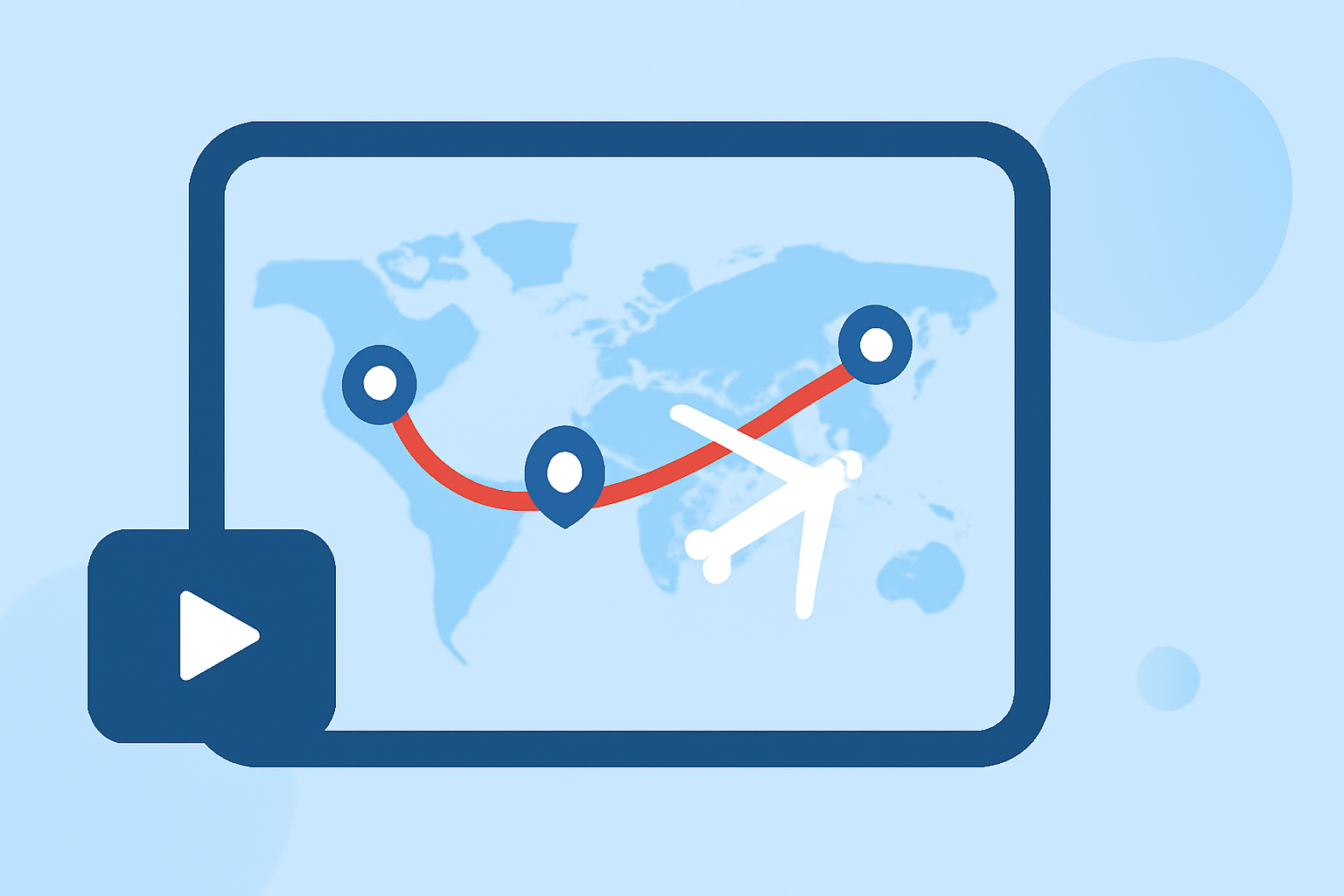
Flight path animations illustrate a journey on a map, showing the route taken from one location to another. They are commonly used in travel vlogs, educational videos, and presentations to provide a visual representation of a trip.
Why Use Flight Path Animations?
- Engagement: They make content more interactive and engaging.
- Clarity: They help viewers understand the journey's context and geography.
- Professionalism: They add a polished, professional touch to your content.
Common Questions About Flight Path Animations
-
What tools can I use to create flight path animations?
There are several tools available for creating flight path animations, ranging from online platforms to advanced software.
-
How do I add a moving airplane icon along the route?
Many tools allow you to add animated icons to represent the moving airplane, enhancing the visual appeal of the animation.
-
Can I customize the map style and appearance?
Yes, most platforms offer customization options for map styles, colors, and other visual elements to match your content's theme.
-
Is it possible to create multi-leg itineraries?
Many tools support multi-leg itineraries, allowing you to animate complex journeys with multiple stops.
-
What export options are available?
Export options typically include video formats like MP4, GIF, or image sequences, with resolutions up to 4K.
Recommended Tool: Planes Live
For those seeking a comprehensive and user-friendly solution, Planes Live offers a robust platform for creating flight path animations. It provides a range of features designed to streamline the animation process.
Key Features of Planes Live
- Real-Time Data Integration: Access live flight data for accurate and up-to-date animations.
- Customizable Map Styles: Choose from various map styles to match your content's aesthetic.
- Multi-Leg Itinerary Support: Easily create animations for journeys with multiple stops.
- High-Quality Exports: Export animations in high-resolution formats suitable for professional use.
Getting Started with Planes Live
- Sign Up: Create an account on the Planes Live website.
- Input Flight Data: Enter your flight details or import data from compatible sources.
- Customize Animation: Select map styles, add markers, and adjust animation settings.
- Preview and Export: Preview your animation and export it in your desired format.
Alternative Tools
While Planes Live is a comprehensive solution, there are other tools available that offer similar functionalities. These alternatives may vary in features, ease of use, and pricing. It's advisable to explore multiple options to find the best fit for your specific needs.
Conclusion
Incorporating flight path animations into your content can significantly enhance its visual appeal and engagement. Tools like Planes Live provide a user-friendly and feature-rich platform to create professional-quality animations. By leveraging such tools, you can effectively visualize journeys and captivate your audience.
At Splice, we recognize the importance of dynamic visuals in content creation. While our primary focus is on music creation and collaboration, we understand the value of incorporating engaging elements like flight path animations to enrich your projects.