22 June 2026
Creating Engaging Flight Route Reveal Edits for Instagram
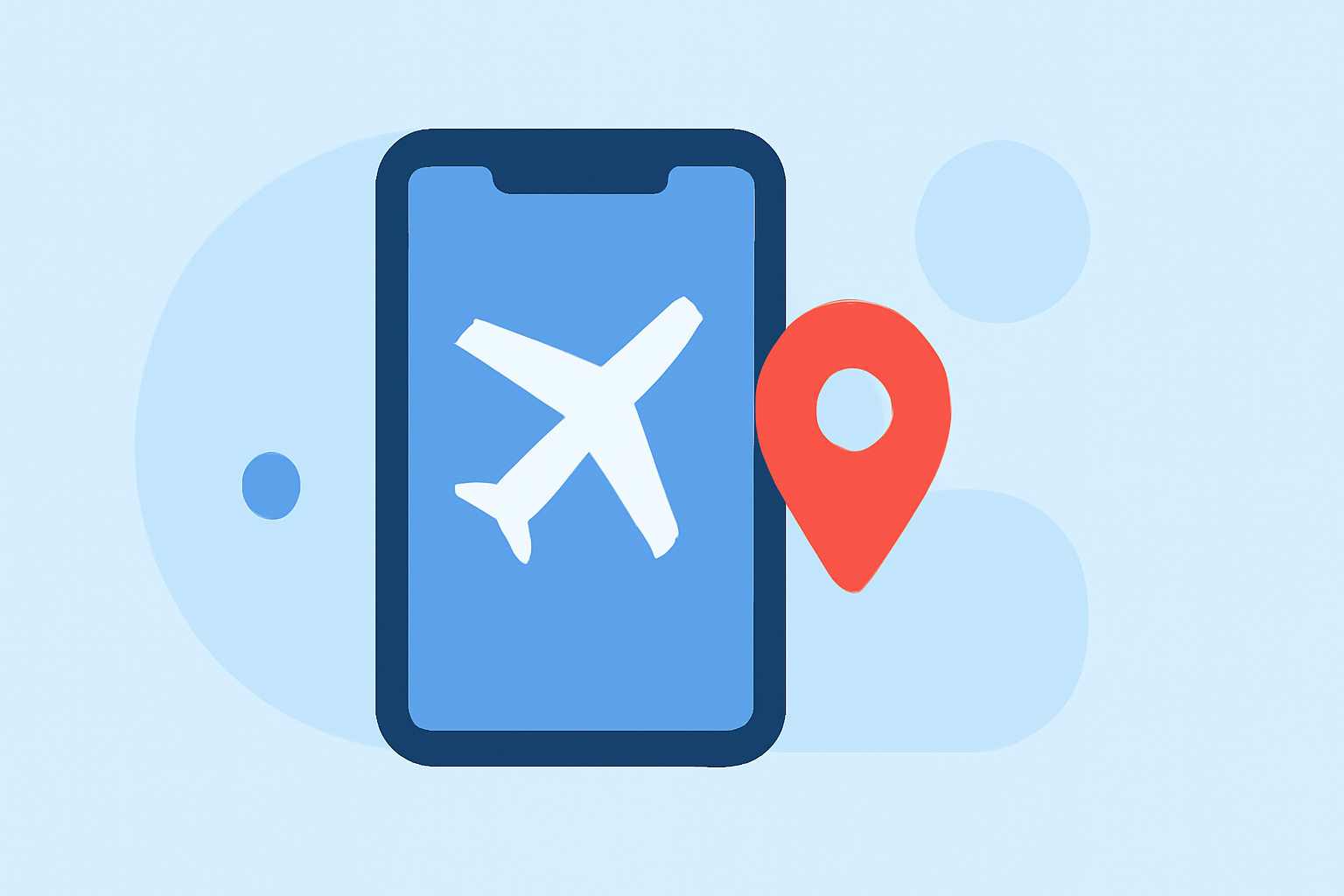
Sharing your travel experiences on Instagram can be enhanced by creating dynamic flight route animations that showcase your journey. Here's how you can create engaging flight route reveal edits for your Instagram content.
1. Choose the Right Tool for Your Needs
To create compelling flight route animations, consider using specialized applications designed for this purpose. These tools allow you to visualize your travel routes on interactive maps, adding a professional touch to your Instagram posts.
2. Plan Your Animation
-
Select Key Destinations: Choose the cities or landmarks that highlight your journey.
-
Decide on Travel Modes: Determine the modes of transportation (e.g., plane, car, train) for each segment of your trip.
-
Customize Visual Elements: Adjust map styles, colors, and add markers to enhance the visual appeal.
3. Create the Animation
-
Input Your Data: Enter your selected destinations and travel modes into the chosen application.
-
Generate the Animation: Use the application's features to create the animated route, ensuring it aligns with your planned design.
4. Optimize for Instagram
-
Aspect Ratio: Export your animation in a 9:16 aspect ratio to fit Instagram's vertical video format.
-
Resolution: Aim for high-resolution exports (e.g., 4K) to maintain visual quality.
-
Duration: Keep the animation concise, ideally between 15 to 30 seconds, to maintain viewer engagement.
5. Enhance Your Post
-
Add Captions and Hashtags: Include relevant captions and hashtags to provide context and increase discoverability.
-
Incorporate Music: Choose background music that complements the mood of your journey.
-
Engage with Your Audience: Respond to comments and messages to foster a community around your content.
What We Recommend
-
Use Specialized Applications: Leverage tools designed for creating flight route animations to ensure high-quality results.
-
Plan Your Content: Carefully select destinations and customize visual elements to tell a compelling story.
-
Optimize for Instagram: Ensure your animations are formatted correctly and are of high quality to captivate your audience.
By following these steps, you can create engaging flight route reveal edits that will captivate your Instagram audience and effectively showcase your travel experiences.