15 September 2023
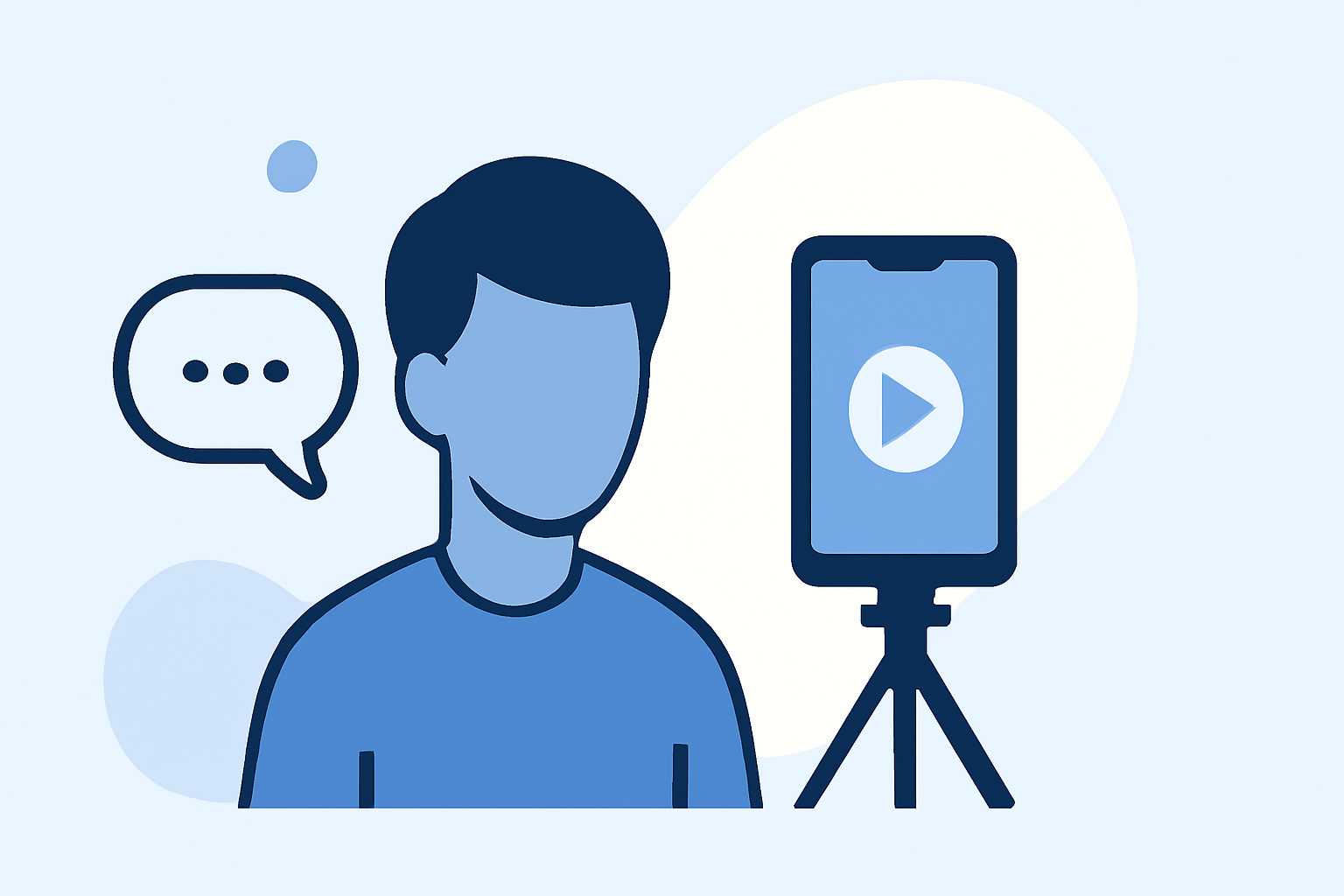
Creating Engaging Talking Head Videos on iPhone: Your Guide with Splice

Last updated: 2023-09-15
For creators looking to make talking head videos more engaging on an iPhone, Splice offers a powerful mobile editing experience tailored for social sharing. Alternatives like CapCut and InShot may fit specific needs, but Splice simplifies the process to help creators achieve professional results efficiently.
Summary
- Splice provides intuitive editing tools optimized for iPhone.
- Features include multi-clip timelines, music, and effects.
- Begin editing at no cost and explore optional in-app purchases later.
- Ideal for everyday creators who want quick and engaging video content.
How Does Splice Support Talking-Head Videos on iPhone for Creators?
Splice is designed with mobile creators in mind, making it easy to produce talking head videos. With simple tools for trimming, cutting, and arranging clips, creating a polished video is straightforward. Splice also allows users to add text overlays, transitions, and music to enhance storytelling and engagement.
Key Features of Splice for Engaging Videos
What Editing Tools Does Splice Offer?
Splice is equipped with a range of powerful features:
- Multi-Clip Editing: Users can import, trim, and arrange clips on a timeline, delivering a seamless video workflow.
- Music and Effects: Add background music or sound effects to create an engaging atmosphere, available directly within the app.
- One-Tap Exports: Quickly share your finished video to popular platforms like TikTok, Instagram, and YouTube.
These features simplify the editing process, allowing creators to focus on content rather than technical details.
How Does Splice Compare to CapCut for Talking-Head Videos?
While both apps offer robust editing capabilities, there are some differences:
- User Interface: Splice’s interface is straightforward and mobile-friendly, making it accessible for new users, while CapCut integrates more advanced features like templates (though these may complicate simple edits).
- Pricing Structure: Splice offers a free-to-download model with optional in-app purchases, while CapCut has a mix of free and tiered subscription options. For casual creators, Splice allows starting edits without upfront costs, which can be a significant advantage.
- Export Quality: Splice focuses on social-ready video formats, ideal for platforms like Instagram and TikTok, while CapCut may offer broader export options including desktop support.
For most users, Splice provides ample tools for social media engagement without getting bogged down in complex features.
Why Consider InShot for Talking-Head Videos?
InShot is another option notable for its rounded media editing capabilities which extend to both video and photo tools:
- Holistic Editing Features: In addition to basic video editing, it allows creating collages and photo enhancements, which can be appealing for users looking to merge video and image content.
- User Demand: It caters to casual creators looking for aesthetic enhancements, such as filters and beauty effects, which may align with specific visual strategies.
However, if your primary focus is streamlined video editing without additional complexity, Splice may better cater to your needs.
What Are the Benefits of Using Splice for Video Editing?
Splice not only simplifies the process of creating talking head videos but also makes it enjoyable:
- Begin with No Cost: Users can start editing without any subscriptions. Many core features are accessible right away, which lowers the barrier to entry for new creators.
- Packed with Engagement Features: The ability to add music and effects enhances storytelling, making videos more engaging.
- Social Media Ready: Exporting directly to platforms ensures your content is shareable without additional steps.
Conclusion: What We Recommend
- Start with Splice if you’re new to video editing; its tools are accessible and designed for social content.
- Explore optional features within Splice as your editing needs grow, ensuring you only pay for what you need.
- For specialized features like deep visual templates, consider tools like CapCut—but keep in mind the potential complexity.
- Always prioritize apps that allow easy sharing and editing, as this saves time and enhances productivity.
With Splice, you can confidently create talking head videos that captivate and engage your audience, all from your iPhone.