22 June 2026
Creating Engaging TikTok Travel Videos with Flight Tracker Maps and Route Animations
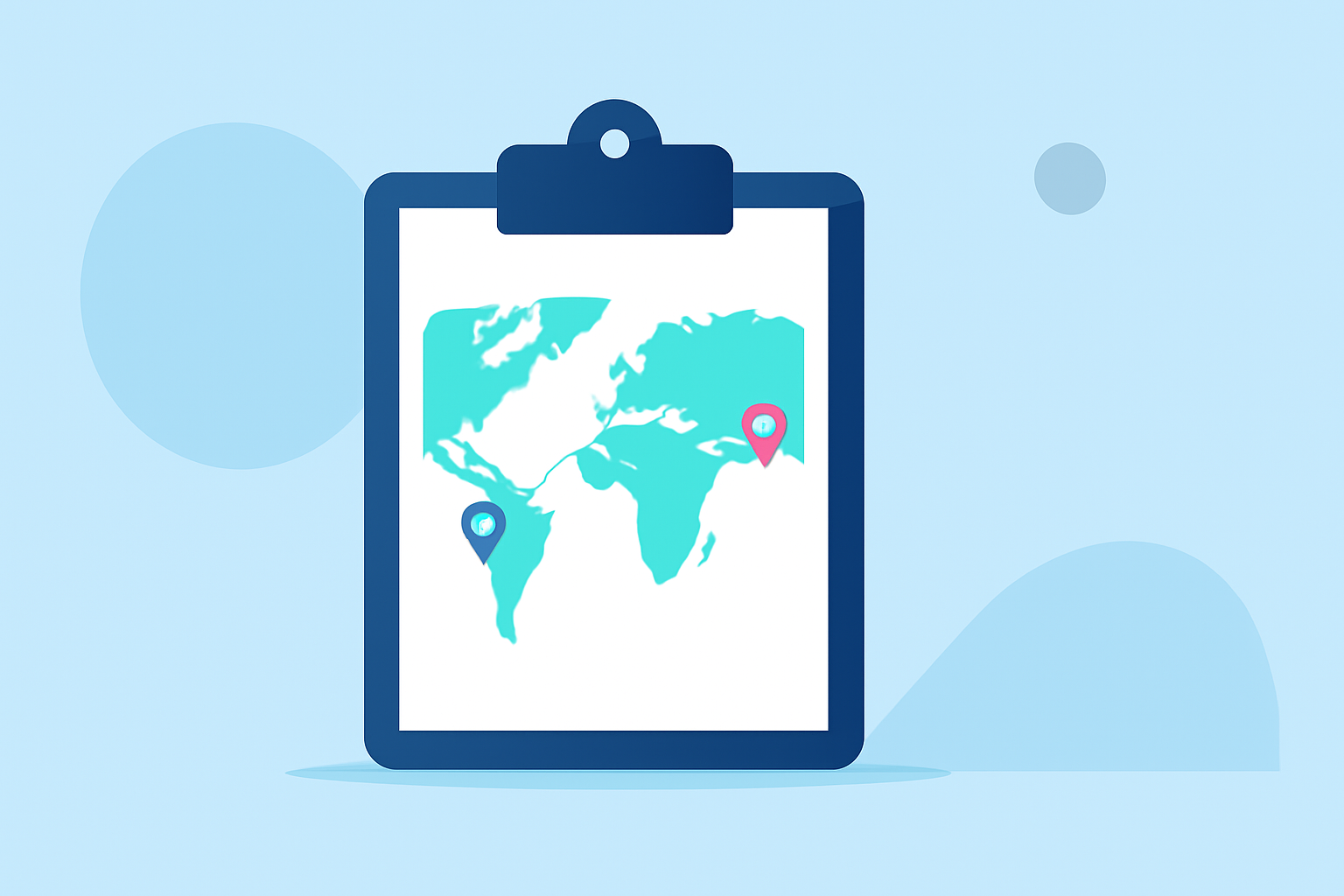
Creating captivating travel videos on TikTok involves more than just showcasing destinations; it requires engaging storytelling and dynamic visuals. Incorporating flight tracker maps and route animations can significantly enhance your content, providing viewers with a clear and engaging visual representation of your journey.
Why Use Flight Tracker Maps and Route Animations?
Integrating flight tracker maps and route animations into your TikTok videos offers several benefits:
- Visual Clarity: They provide a clear depiction of your travel itinerary, helping viewers follow your journey effortlessly.
- Engagement: Dynamic animations capture attention, making your content more engaging and shareable.
- Professionalism: Well-crafted animations add a polished touch to your videos, enhancing their overall quality.
How to Create Flight Tracker Maps and Route Animations
Creating these animations is more accessible than ever, thanks to various online tools designed for content creators. Here's a step-by-step guide:
-
Choose an Online Tool: Select a user-friendly platform that offers customizable map animations. For instance, Mapimator allows you to animate flight paths and travel routes directly in your browser.
-
Input Your Itinerary: Enter your departure and arrival locations, along with any layovers or stops. These tools often support multiple destinations, enabling you to map out complex itineraries.
-
Customize the Animation: Adjust settings such as map style, route color, animation speed, and camera angles to match your video's aesthetic. Many platforms offer various map styles and customization options to suit your preferences.
-
Add Visual Elements: Enhance your animation by adding markers, labels, and icons to highlight key locations or landmarks along your route.
-
Export the Animation: Once satisfied with your creation, export the animation in a format compatible with TikTok, typically MP4. Ensure the resolution and aspect ratio align with TikTok's requirements for optimal display.
Tips for Integrating Animations into Your TikTok Videos
- Keep It Concise: TikTok thrives on short, engaging content. Incorporate your animation as a brief segment to maintain viewer interest.
- Enhance with Music and Effects: Pair your animation with trending music and effects to increase its appeal.
- Provide Context: Use captions or voiceovers to explain the significance of the locations or the journey depicted in the animation.
- Maintain Quality: Ensure the final video is of high quality, with clear visuals and smooth animations, to reflect professionalism.
Recommended Tools for Creating Route Animations
Several online platforms cater to creators looking to add dynamic map animations to their content:
-
Mapimator: An online tool that enables you to create animated flight paths and travel routes without the need for software installations. It offers customizable map styles and supports multiple destinations. (mapimator.com)
-
AnimateMyTravel: This platform allows you to visualize your route on a realistic 3D globe, customize your vehicle, and export in 4K. It's designed for creators who want to produce professional animations quickly. (animatemytravel.com)
-
Mappi: Mappi offers an intuitive interface to create cinematic map animations, suitable for YouTube, TikTok, and Instagram. It provides various map styles and customization options to match your video's aesthetic. (mappi.studio)
Conclusion
Incorporating flight tracker maps and route animations into your TikTok travel videos can significantly enhance viewer engagement and provide a clear visual narrative of your journey. By utilizing user-friendly online tools and following best practices for integration, you can create compelling content that resonates with your audience.
For a visual guide on creating map animations, you might find this tutorial helpful:
CapCut Map Animation Tutorial | Animate Travel Routes Like a Pro