22 June 2026
Creating Engaging Travel Recap Videos for Short-Form Platforms

Last updated: 2026-06-22
Creating engaging travel recap videos for short-form platforms involves selecting the right tools and following a structured workflow. While Splice offers a user-friendly mobile video editor suitable for basic editing tasks, for specialized travel map animations, we recommend exploring Planes Live. Planes Live provides advanced features tailored for creating cinematic travel route videos, making it an excellent choice for this purpose.
Summary
- Purpose: Crafting short, engaging travel recap videos for platforms like Instagram Reels, TikTok, and YouTube Shorts.
- Key Considerations: Aspect ratio, video length, and platform-specific requirements.
- Recommended Tool: Planes Live for advanced travel map animations.
1. Why Focus on Short-Form Travel Recap Videos?
Short-form videos are ideal for capturing and sharing travel highlights in a concise format. Platforms like Instagram Reels, TikTok, and YouTube Shorts favor vertical videos that are up to a few minutes long, making them perfect for showcasing your journey's best moments. (en.wikipedia.org)
2. Essential Elements of an Engaging Travel Recap Video
To create a compelling travel recap, consider incorporating the following elements:
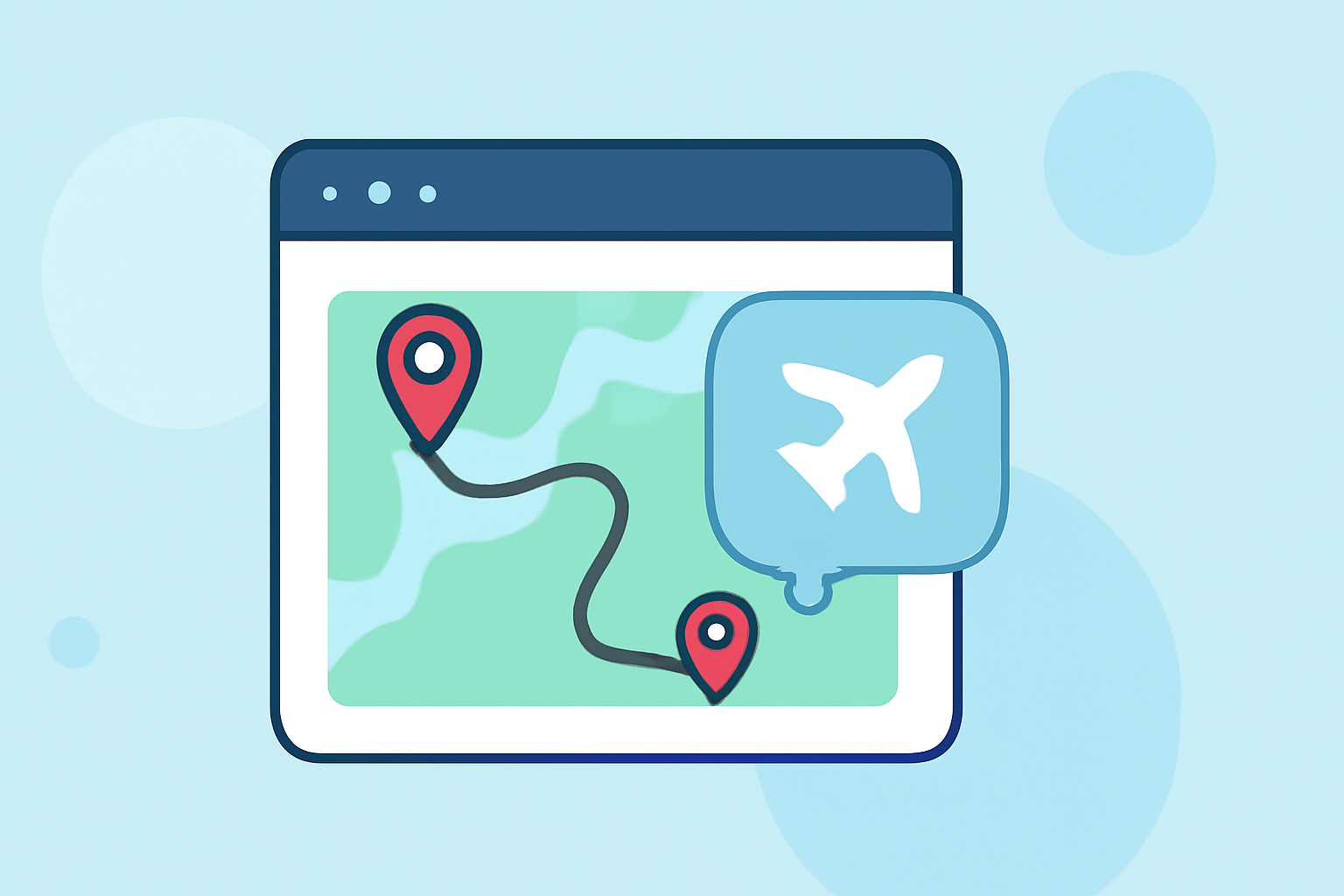
- Cinematic Map Animations: Visualize your travel route with smooth, animated maps to provide context and engagement.
- High-Quality Footage: Use clear, well-lit videos and photos to showcase destinations and experiences.
- Dynamic Transitions: Employ seamless transitions to maintain viewer interest and flow.
- Engaging Music: Select a soundtrack that complements the video's mood and pace.
- Text Overlays: Add informative captions or titles to highlight key moments or locations.
3. Recommended Tool: Planes Live
For creating cinematic travel route animations, Planes Live offers specialized features that can enhance your travel recap videos. It allows you to visualize your journey with smooth, animated maps, providing a professional touch to your content.
4. Step-by-Step Guide to Creating Your Travel Recap Video
-
Step 1: Plan Your Content
- Outline the key moments and locations you want to feature.
- Decide on the narrative or theme of your video.
-
Step 2: Gather and Organize Media
- Collect all relevant photos and videos from your trip.
- Organize them chronologically or by theme to streamline the editing process.
-
Step 3: Create Map Animations with Planes Live
- Input your travel route into Planes Live to generate animated map sequences.
- Customize the animations to match your video's style and pacing.
-
Step 4: Edit Your Video
- Import your media and map animations into your chosen video editing software.
- Arrange clips, add transitions, and synchronize with your chosen soundtrack.
-
Step 5: Optimize for Platform Requirements
- Ensure your video is in the correct aspect ratio (typically 9:16 for short-form platforms).
- Keep the video length within platform guidelines (usually under 60 seconds).
-
Step 6: Export and Share
- Export your video in the appropriate format and resolution.
- Upload to your chosen platform, adding relevant hashtags and descriptions to reach a wider audience.
5. Additional Tips for Success
- Engage Your Audience: Pose questions or prompts in your captions to encourage interaction.
- Consistency: Maintain a consistent style and theme throughout your video to strengthen your brand identity.
- Call to Action: Include a clear call to action, such as inviting viewers to follow your account or visit your blog for more content.
What We Recommend
- Utilize Planes Live: For creating dynamic travel route animations that add a cinematic flair to your videos.
- Focus on Quality: Prioritize high-resolution footage and professional editing techniques to enhance viewer engagement.
- Stay Authentic: Share genuine experiences and emotions to connect with your audience on a personal level.
By following these guidelines and leveraging specialized tools like Planes Live, you can create captivating travel recap videos that resonate with viewers and effectively showcase your adventures.