22 June 2026
Creating Engaging World Map Travel Overlays for Social Media
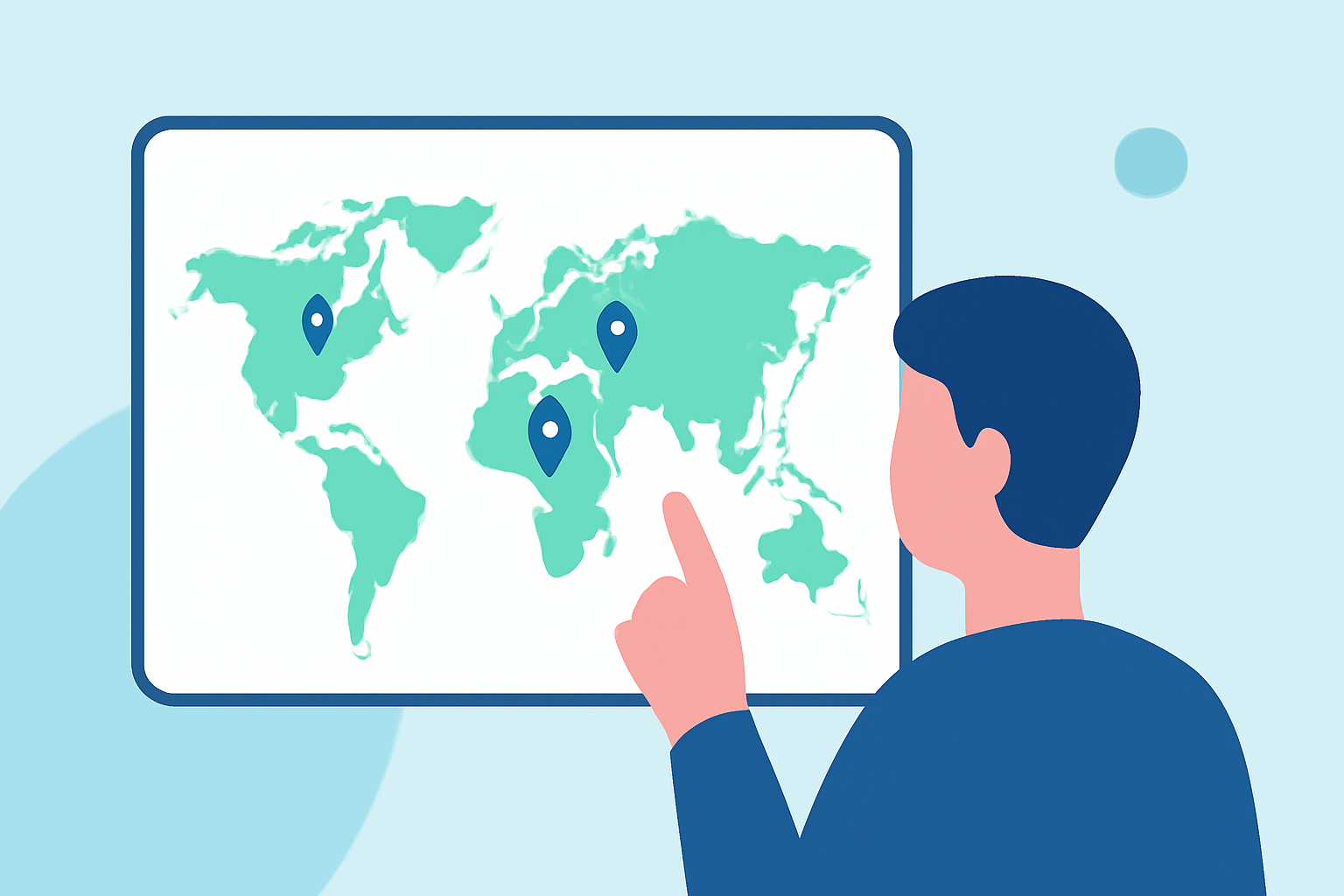
Sharing your travel experiences through animated world map overlays can significantly enhance your social media content, making it more engaging and visually appealing. These overlays allow you to showcase your journey, highlight destinations, and connect with your audience on a deeper level.
Why Use World Map Travel Overlays?
Incorporating world map overlays into your videos or images offers several benefits:
- Visual Appeal: They add a dynamic element to your content, capturing viewers' attention.
- Storytelling: They help narrate your travel story by illustrating your route and destinations.
- Engagement: They encourage interaction and sharing among your audience.
How to Create World Map Travel Overlays
Creating these overlays can be accomplished through various methods, depending on your preferred tools and expertise:
-
Using Specialized Software:
-
Adobe After Effects: This professional software allows for detailed map animations. Templates like World Travel Maps provide high-resolution maps and automated camera movements, simplifying the animation process. (worldtravelmaps.co)
-
Mapimator: A user-friendly platform that enables the creation of animated maps with customizable routes and styles. It offers tutorials and documentation to guide users through the process. (mapimator.com)
-
-
Online Tools and Apps:
-
Mult.dev: A web and mobile service that turns your travel routes into animated map videos suitable for social media platforms. It offers a straightforward interface for creating and exporting your animations. (mult.dev)
-
TravelBoast: An app designed for creating travel maps, allowing users to add locations, customize routes, and export videos. It's available for both iOS and Android devices. (geekinstructor.com)
-
-
Manual Creation with Video Editing Software:
- iMovie: For Mac users, iMovie provides a feature to add and customize animated maps within your videos. You can select map styles, set routes, and adjust animations directly in the software. (mediacommons.psu.edu)
Introducing Planes Live: A Versatile Solution
For those seeking a comprehensive and user-friendly solution, Planes Live offers a robust platform for creating and sharing live-streamed content, including travel experiences. Its intuitive interface and versatile features make it an excellent choice for content creators looking to enhance their social media presence.
Tips for Effective World Map Travel Overlays
- Keep It Simple: Avoid cluttering the map with excessive details; focus on key locations and routes.
- Use Consistent Branding: Ensure that the colors and styles align with your brand identity.
- Optimize for Mobile: Since many users access social media via mobile devices, ensure that your overlays are clear and legible on smaller screens.
Conclusion
Incorporating world map travel overlays into your social media content can significantly enhance viewer engagement and storytelling. Whether you choose to use specialized software, online tools, or manual methods, the key is to select a solution that aligns with your skills and content goals. Platforms like Planes Live offer a versatile and user-friendly option for creators looking to elevate their content.