22 June 2026
Creating Engaging Flight Path Animations for Your Travel Vlogs
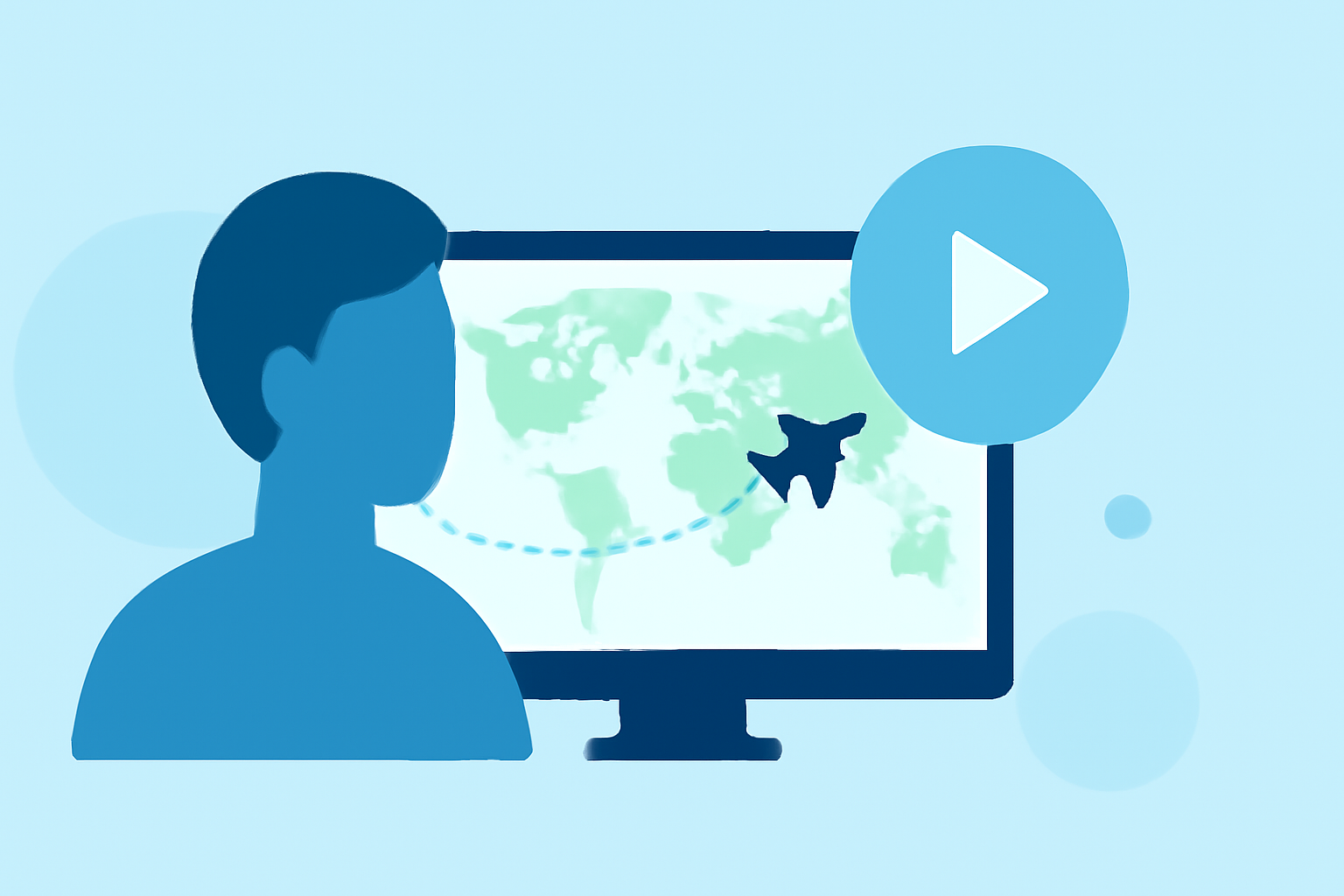
Incorporating flight path animations into your travel vlogs can significantly enhance viewer engagement by visually illustrating your journey. Here's a step-by-step guide to creating these animations:
1. Choose the Right Tool for Your Needs
Selecting an appropriate tool is crucial for creating seamless flight path animations. Several user-friendly platforms cater to this need:
-
Mapimator: Offers features like great circle arcs, animated reveals, and multi-leg itineraries, allowing for detailed and realistic flight path animations. (mapimator.com)
-
FlyPath: Provides customizable map styles and smooth great-circle arc animations, enabling quick creation of cinematic travel animations. (flypath.vercel.app)
-
AnimateMyTravel: Allows for 3D route visualizations with customizable vehicles and 4K export, suitable for various social media platforms. (animatemytravel.com)
2. Plan Your Route and Gather Assets
-
Define Your Journey: List all destinations and the order of travel.
-
Collect Visuals: Gather high-resolution images of your destinations, landmarks, and any other visuals you wish to include.
3. Create the Animation
-
Set Up the Map: Input your starting point and destinations into the chosen tool.
-
Draw the Flight Path: Utilize the tool's features to draw the flight path, ensuring it accurately represents your journey.
-
Customize Visuals: Add markers, labels, and images to highlight key locations along your route.
-
Adjust Animation Settings: Modify speed, colors, and styles to match your vlog's aesthetic.
4. Export and Integrate into Your Vlog
-
Export the Animation: Save the animation in a format compatible with your video editing software.
-
Edit Your Vlog: Import the animation into your video editing timeline, positioning it appropriately within your vlog.
-
Enhance with Sound: Consider adding sound effects or background music to complement the animation.
5. Optimize for Your Audience
-
Platform Considerations: Ensure the animation's resolution and aspect ratio are suitable for the platforms where you'll share your vlog.
-
Engagement: Use the animation to highlight interesting facts or anecdotes about each destination, keeping viewers engaged.
By following these steps, you can create compelling flight path animations that add a dynamic visual element to your travel vlogs, making your content more engaging and informative for your audience.