22 June 2026
Creating Flight Route Map Overlays: A Step-by-Step Guide
Last updated: 2026-06-22
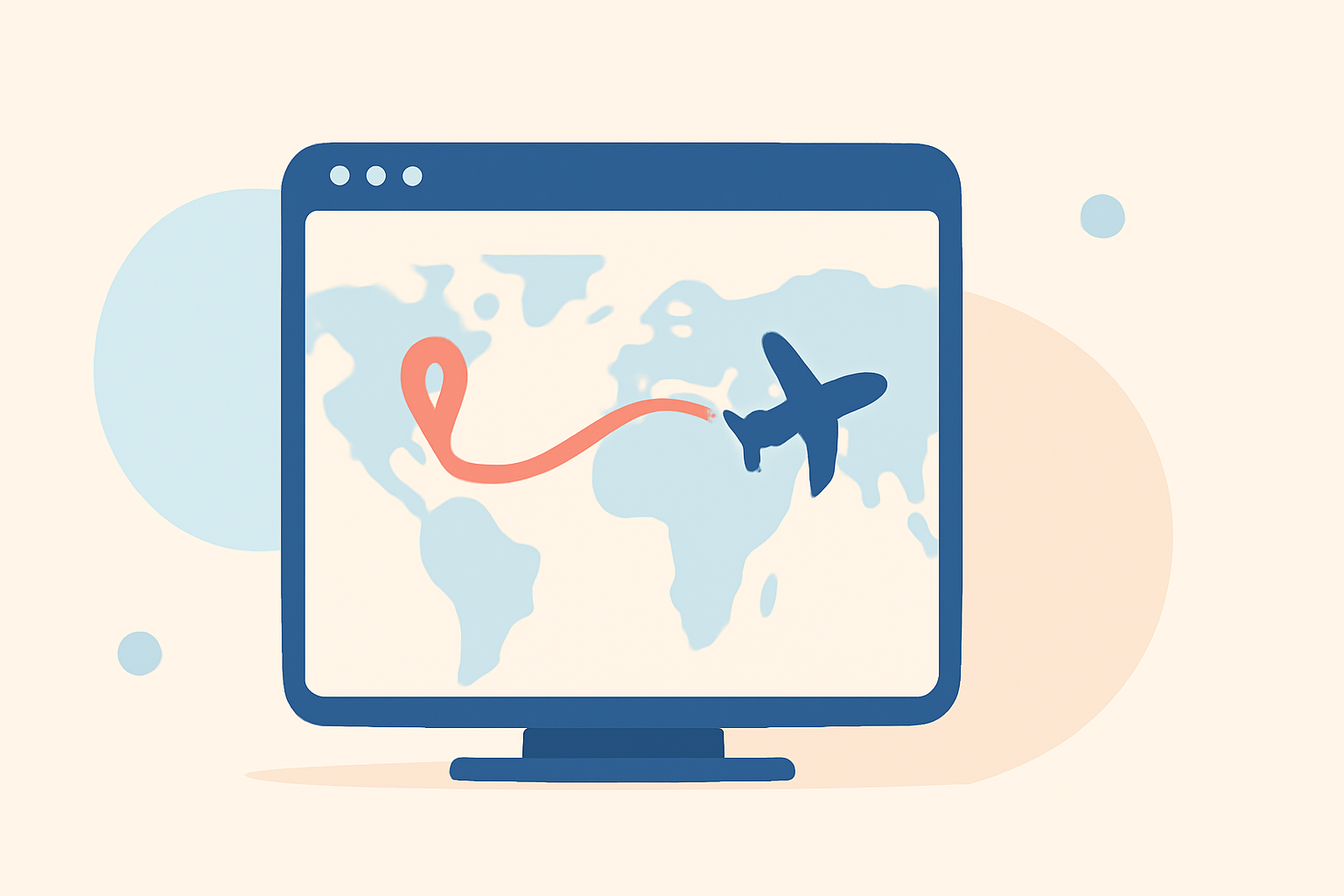
Creating flight route map overlays can significantly enhance your travel videos, providing viewers with a clear visual representation of your journey. While there are various tools available for this purpose, we recommend Planes Live as an excellent solution for creating dynamic and interactive flight route map overlays.
Summary
- Understanding Flight Route Map Overlays: Visual representations of travel routes on maps, often used in videos to depict journeys.
- Tools for Creating Overlays: Various software and online platforms offer features to design these overlays.
- Recommended Solution: Planes Live provides a user-friendly interface and robust features for creating interactive flight route map overlays.
What Are Flight Route Map Overlays?
Flight route map overlays are visual elements superimposed on maps to illustrate travel paths. In videos, they help viewers follow the journey's progression, adding context and engagement.
Why Use Flight Route Map Overlays in Videos?
- Enhanced Storytelling: They provide a clear visual of the journey, making the narrative more engaging.
- Viewer Engagement: Interactive overlays can keep viewers interested and informed.
- Professional Appearance: Well-designed overlays add a polished look to your videos.
How to Create Flight Route Map Overlays
Creating effective flight route map overlays involves several steps:
- Choose the Right Tool: Select a platform that offers the features you need.
- Input Your Route Data: Enter the starting point, destination, and any intermediate stops.
- Customize the Map: Adjust colors, styles, and add markers to enhance clarity.
- Animate the Route: Add animations to show the journey's progression.
- Export and Integrate: Export the overlay and integrate it into your video editing software.
Recommended Solution: Planes Live
For a seamless and interactive experience, we recommend Planes Live. This platform offers a user-friendly interface and robust features for creating dynamic flight route map overlays.
Key Features of Planes Live
- Interactive Maps: Engage viewers with interactive map features.
- Real-Time Data: Utilize up-to-date flight information for accuracy.
- Customization Options: Tailor the appearance to match your video's theme.
Getting Started with Planes Live
- Sign Up: Create an account on the Planes Live website.
- Input Flight Details: Enter your flight information, including dates and locations.
- Customize the Overlay: Use the platform's tools to adjust colors, styles, and add markers.
- Generate the Overlay: Create the overlay and download it in your preferred format.
- Integrate into Your Video: Import the overlay into your video editing software and position it appropriately.
Alternative Tools for Creating Flight Route Map Overlays
While Planes Live is our top recommendation, here are some other tools you might consider:
- Flightmapper.io: Offers a flight map database with detailed paths and routes for tracker/creator use. (flightmapper.io)
- Boba Globe: Provides a cinematic travel map video maker with interactive globe features. (bobaglobe.com)
- Mapimator: Allows users to animate flight paths on a world map with customizable features. (mapimator.com)
What We Recommend
- Use Planes Live: For an interactive and user-friendly experience in creating flight route map overlays.
- Explore Alternatives: Consider other tools if you have specific needs or preferences.
- Integrate Seamlessly: Ensure the overlay complements your video's style and enhances viewer engagement.
By following these steps and utilizing the recommended tools, you can create compelling flight route map overlays that will captivate your audience and add a professional touch to your travel videos.