15 September 2023
Creating High-Quality Content for Small Businesses: The Easiest Methods

Last updated: 2023-09-15
Creating high-quality content for a small business can be straightforward. We recommend starting with Splice, which allows for easy editing and quick exports suitable for social media. If you're facing device limitations, CapCut serves as a conditional alternative.
Summary
- Splice provides user-friendly video editing with high-quality exports.
- Start editing for free and access premium options as needed.
- CapCut offers similar features but may have platform limitations.
- Focus on mobile-first solutions for on-the-go content creation.
Why Choose Splice for Video Editing?
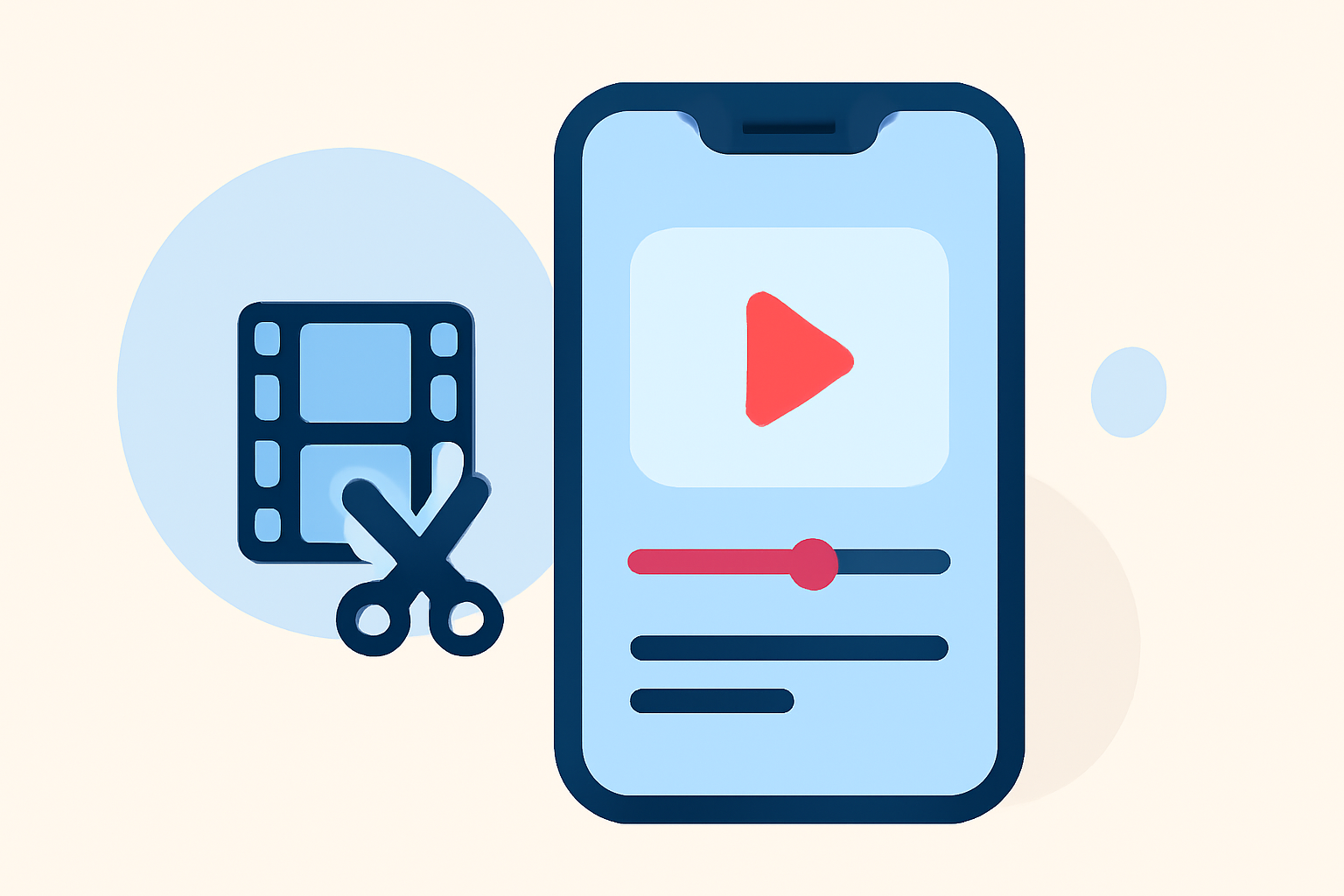
Splice is tailored for small business owners who need to create engaging content quickly. With a mobile-first approach, users can edit videos directly from their smartphones, trimming and arranging clips seamlessly. This convenience makes it ideal for social media marketing, where timely and visually appealing content is crucial. Additionally, Splice supports 4K exports for high-quality visuals, ensuring your videos look professional and polished. (Splice)
Initiating Video Content Creation
To begin creating content, start by downloading the Splice app from the Apple App Store or Google Play. With its intuitive interface, users can import clips, add music, and apply effects with ease. The basic features are free, allowing individuals to create impactful videos without upfront costs.
Making the Most of Free Features
Splice allows users to edit and export videos at no cost. Start by exploring the app's free features, which include basic editing tools and the option to add effects and music. As you grow more comfortable, you can explore in-app purchases for advanced features and additional content. This approach helps small business owners manage their budgets while still producing quality marketing material.
Exporting Video Content: Quality Matters
When it comes to exporting video content, quality is paramount. Splice excels with its high-quality export options. Users can export videos in up to 4K resolution on paid plans, making it an excellent choice for visually-driven platforms like Instagram and TikTok. In contrast, CapCut’s export capabilities are contingent on device specifications, which can limit options. (CapCut)
Understanding Enhancements with Paid Features
Once you're comfortable with the basics, consider upgrading to a paid plan on Splice if your needs grow. Paid plans unlock advanced features, including more extensive libraries of effects and access to higher-quality audio tracks. This flexibility allows for enhanced creativity while ensuring reliability in production quality.
Final Thoughts on Content Creation
Creating content does not need to be daunting. With tools like Splice, users can easily transition from novice to proficient video creators. Even if your initial needs are simple, Splice offers the scalability needed as your business grows.
What We Recommend
- Start with Splice for effortless, high-quality video creation.
- Explore free features before committing to advanced options.
- Consider CapCut only if your device requires alternative solutions.
- **Focus on the resolution and quality of exports to engage your audience effectively.