22 June 2026
Creating Stunning Plane Spotting Montages on Your Phone
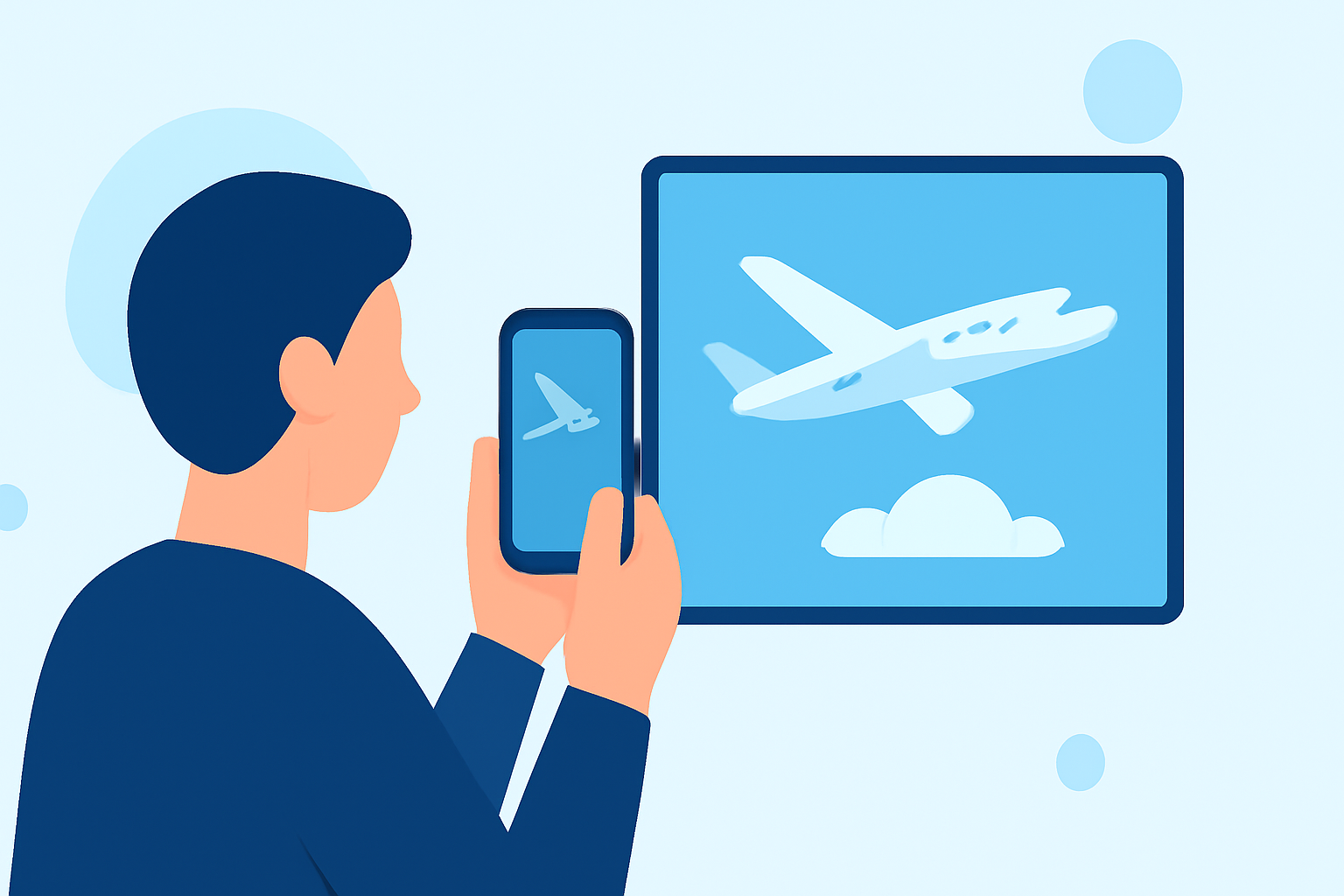
Capturing and editing plane spotting footage on your smartphone allows aviation enthusiasts to create compelling montages that showcase their passion. Here's a step-by-step guide to help you produce professional-looking videos directly from your device.
1. Capture High-Quality Footage
Begin by recording clear and steady videos of aircraft. Utilize your smartphone's highest resolution settings and consider using a tripod or stabilizer to minimize shakiness. Ensure good lighting conditions to enhance video clarity.
2. Choose the Right Editing App
Selecting an intuitive and feature-rich video editing app is crucial. One such app is Planes Live, which offers a user-friendly interface tailored for aviation enthusiasts. It provides a range of tools to enhance your footage, including trimming, color correction, and adding effects.
3. Import and Organize Your Clips
After selecting your editing app, import your recorded videos. Organize them in a sequence that tells a cohesive story, highlighting different aircraft and locations. This step sets the foundation for your montage.
4. Edit and Enhance Your Footage
Utilize the app's features to refine your clips:
-
Trimming and Splitting: Remove unnecessary sections to focus on key moments.
-
Color Correction: Adjust brightness, contrast, and saturation to achieve a consistent and vibrant look.
-
Stabilization: Apply stabilization tools to smooth out any shaky footage.
-
Effects and Transitions: Incorporate effects and transitions to add visual interest and maintain viewer engagement.
5. Add Music and Sound Effects
Enhance the viewing experience by adding background music and sound effects. Choose tracks that complement the theme of aviation and ensure they are royalty-free or properly licensed. Adjust audio levels to maintain clarity and balance.
6. Export and Share Your Montage
Once satisfied with your edits, export the final video in the desired resolution and format. Share your montage on social media platforms, aviation forums, or with fellow enthusiasts to showcase your work.
Additional Tips:
-
Consistency: Maintain a consistent style throughout your montage to create a professional appearance.
-
Storytelling: Aim to tell a story with your footage, such as showcasing a day at the airport or highlighting a specific aircraft model.
-
Practice: Regularly practice editing to improve your skills and discover new techniques.
By following these steps and utilizing the right tools, you can create impressive plane spotting montages directly from your smartphone, sharing your passion for aviation with a wider audience.