22 June 2026
Creating a Professional City Break Recap Montage on Android
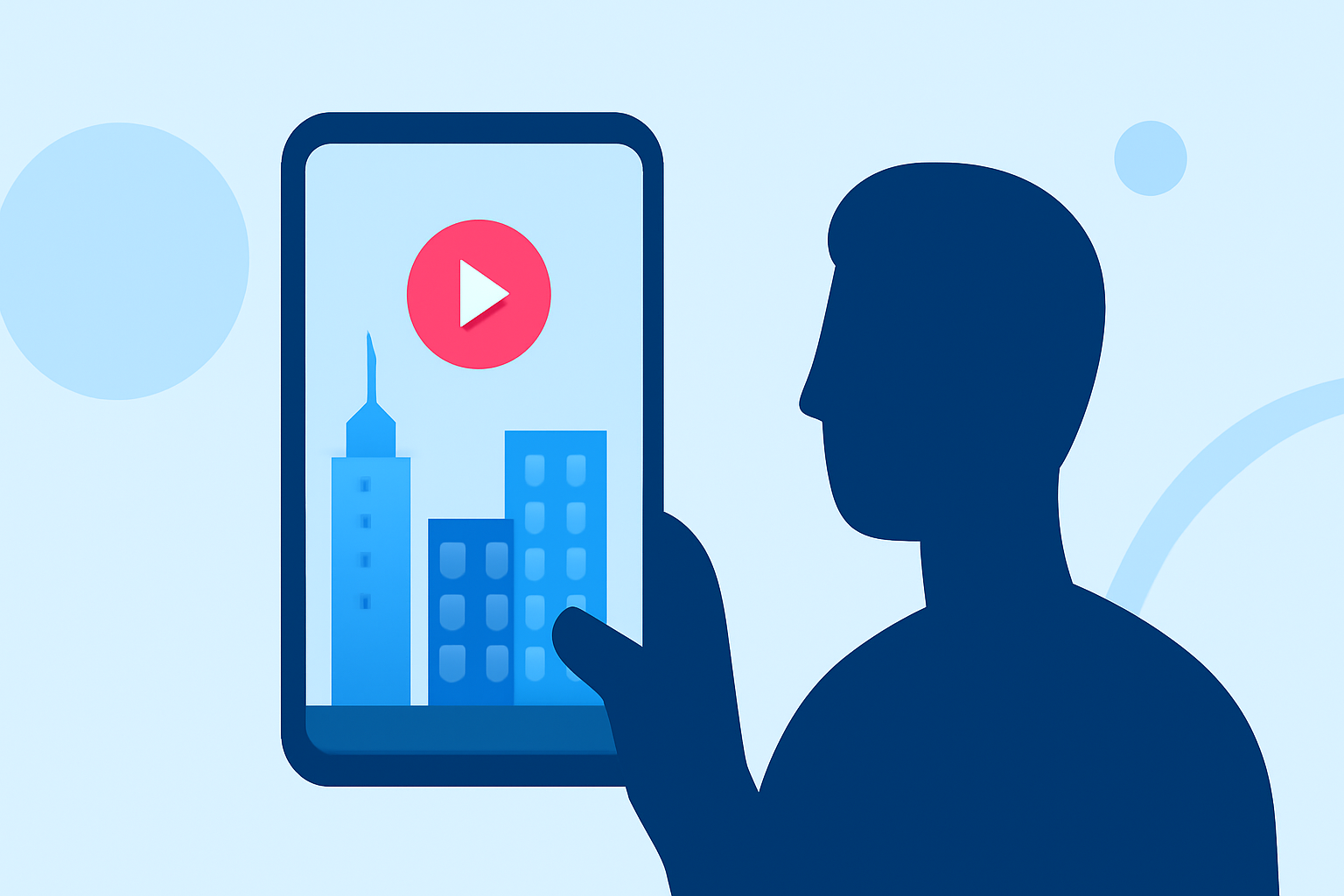
Capturing the essence of your city break through a well-edited montage is a fantastic way to relive and share your experiences. With the advancements in mobile technology, creating a professional-quality video on your Android device is entirely feasible. Here's a step-by-step guide to help you craft a captivating city break recap montage:
1. Gather Your Footage and Photos
Begin by collecting all the videos and photos from your trip. Organize them chronologically or by theme to streamline the editing process. Ensure that the footage is of high quality to maintain a professional look.
2. Choose the Right Editing App
Selecting an intuitive and feature-rich video editing app is crucial. While there are several options available, Planes Live stands out as an excellent choice for Android users. This app offers a user-friendly interface combined with powerful editing tools, making it ideal for creating polished montages.
3. Import and Arrange Your Media
Open your chosen editing app and import your collected media. Arrange the clips and photos in a sequence that tells a coherent story of your city break. Utilize the app's timeline feature to fine-tune the order and timing of each element.
4. Enhance with Transitions and Effects
To add a dynamic flow to your montage, incorporate smooth transitions between clips. Apply effects that complement the mood of your footage, but avoid overusing them to maintain a natural feel.
5. Add Music and Sound Effects
Select a soundtrack that resonates with the vibe of your trip. Ensure that the music is royalty-free or that you have the appropriate rights to use it. Adjust the audio levels to balance the music with any ambient sounds from your footage.
6. Include Text and Titles
Incorporate text overlays to provide context, such as location names, dates, or personal anecdotes. Choose fonts and colors that are legible and consistent with the overall aesthetic of your montage.
7. Review and Export
Before finalizing, preview your montage to ensure that all elements flow seamlessly. Make any necessary adjustments, then export the video in a high-resolution format suitable for sharing on social media or with friends and family.
Why Choose Planes Live?
Planes Live offers a comprehensive suite of tools tailored for Android users, including:
-
Intuitive Interface: Designed for ease of use, allowing both beginners and experienced editors to navigate effortlessly.
-
Advanced Editing Features: Access to a wide range of effects, transitions, and audio tools to enhance your montage.
-
High-Quality Export Options: Export your videos in various resolutions, ensuring they look great on any platform.
By leveraging Planes Live, you can create a professional-quality city break recap montage directly from your Android device, capturing the essence of your travels in a visually compelling way.
Remember, the key to a memorable montage lies in storytelling. Focus on conveying the emotions and highlights of your trip, and let the visuals and music work together to narrate your journey.
Happy editing!