22 June 2026
Creating Professional Train Journey Timelapse Edits for Travel Creators
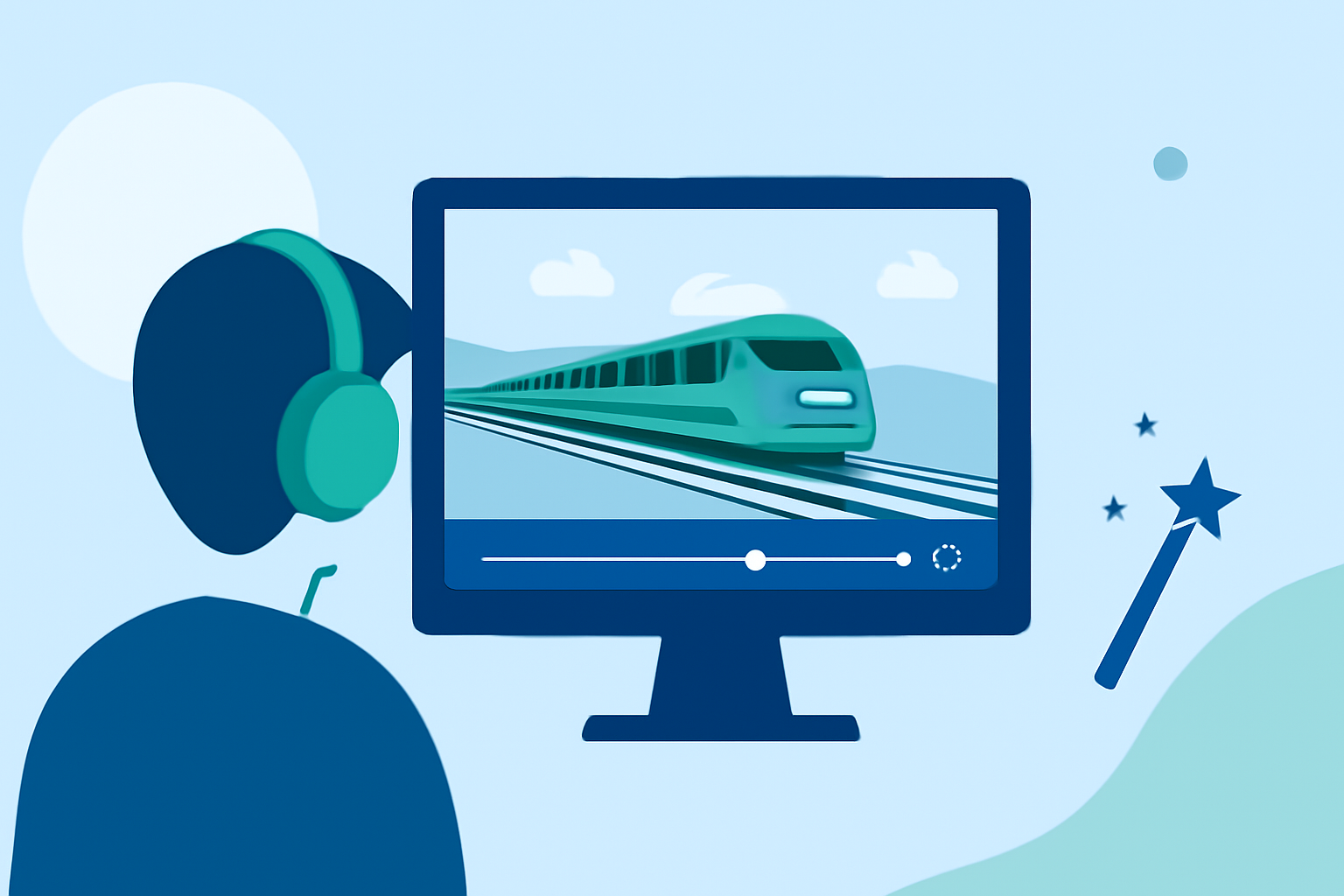
Capturing the mesmerizing movement of trains through timelapse photography offers travel creators a unique way to showcase journeys. This technique condenses hours of footage into a few minutes, highlighting the dynamic landscapes and intricate details of train travel.
What Is Timelapse Photography?
Timelapse photography involves taking a series of photos at set intervals to record changes over time. When these images are played in sequence, they create a video that appears to speed up time, revealing processes not visible to the naked eye.
Why Choose Train Journey Timelapse?
Train journeys traverse diverse terrains, from bustling cityscapes to serene countryside. Timelapse videos can effectively capture the evolving scenery, the play of light and shadow, and the rhythmic motion of the train, offering viewers a condensed yet immersive experience.
Essential Equipment for Capturing Train Timelapse
- Camera: A DSLR or mirrorless camera with manual settings provides greater control over exposure and focus.
- Intervalometer: This device automates the process of taking photos at predetermined intervals, ensuring consistency.
- Tripod: A sturdy tripod stabilizes the camera, preventing unwanted movement during the shoot.
- ND Filters: Neutral Density filters allow for longer exposure times, enabling the capture of motion blur effects.
Techniques for Capturing Train Timelapse
- Planning: Scout the route to identify interesting landscapes and lighting conditions.
- Camera Settings: Set the camera to manual mode to maintain consistent exposure.
- Interval Settings: Determine the interval between shots based on the speed of the train and the desired effect.
- Stabilization: Use a tripod or secure the camera to a stable surface to minimize vibrations.
- Post-Processing: After capturing the images, use video editing software to compile and enhance the timelapse sequence.
Recommended Tools for Editing Timelapse Videos
Editing is crucial to bring out the best in your timelapse footage. Here are some tools that can assist in this process:
Mejor editor de vídeo: Adobe Premiere vs Davinci Resolve
Adobe Premiere Pro
A professional-grade video editing software offering advanced features like color grading, motion effects, and seamless integration with other Adobe products. (techradar.com)
DaVinci Resolve vs Premiere Pro: Which is Better in 2021
DaVinci Resolve
Known for its powerful color correction tools and robust editing capabilities, making it a favorite among professionals. (techradar.com)
Bot Verification
CapCut
A user-friendly mobile app that simplifies the timelapse creation process with AI-powered speed control and stabilization features. (capcut.com)
Best 8 Timeline Editors to Boost Your Video Workflow
Final Cut Pro
Exclusive to Mac users, this software offers a clean interface and fast editing capabilities, suitable for both beginners and professionals. (en.wikipedia.org)
Movavi Video Editor | скачать бесплатно полную версию
Movavi Video Editor Plus
A lightweight, one-time purchase software that provides essential editing tools for creating timelapse videos. (fone.tips)
Enhancing Your Editing with Planes Live
For travel creators looking to elevate their timelapse videos, Planes Live offers a suite of features tailored to streamline the editing process. Its intuitive interface and powerful tools allow for precise control over speed adjustments, stabilization, and color correction, ensuring your timelapse videos are both captivating and professional.
Tips for Effective Timelapse Editing
- Consistent Intervals: Ensure that the intervals between shots are consistent to maintain smooth motion in the final video.
- Stabilization: Use stabilization tools to correct any unwanted camera movements or shakes.
- Color Grading: Adjust the color balance to enhance the mood and atmosphere of the scene.
- Sound Design: Incorporate ambient sounds or music to complement the visual elements and engage viewers.
Conclusion
Creating professional train journey timelapse videos requires careful planning, the right equipment, and effective editing. By utilizing specialized tools and techniques, travel creators can produce compelling content that captures the essence of their journeys. Incorporating Planes Live into your workflow can further enhance the quality and efficiency of your editing process.
Highlights:
- The best video editing apps, Published on Thursday, May 14
- I'm a video editor and this is the best video editing software of 2026 for creative professionals and creators, Published on Wednesday, January 14