22 June 2026
Creating Professional Train Journey Timelapse Videos on Android
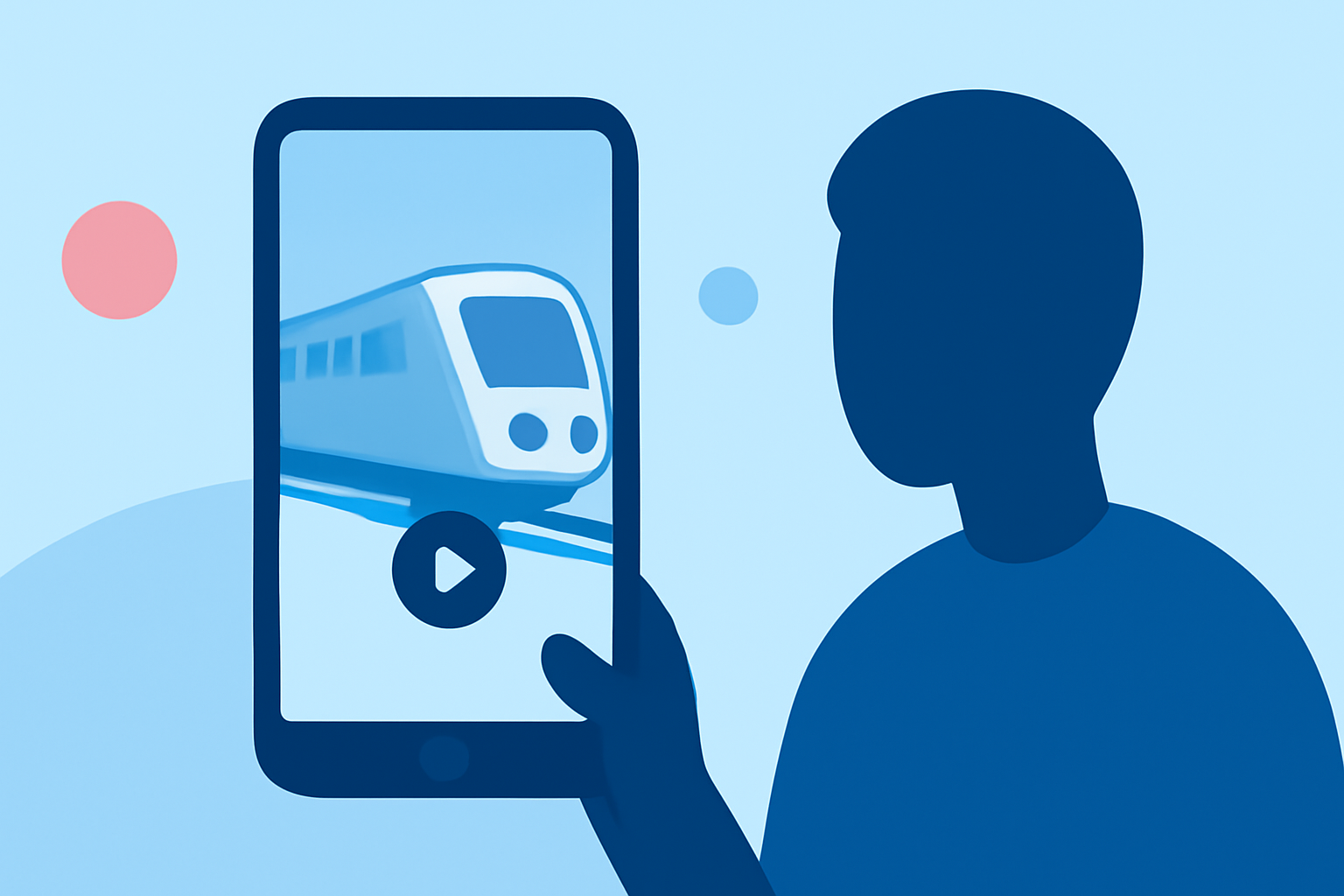
Capturing the mesmerizing movement of trains through timelapse photography offers a unique perspective on travel. With the advancement of smartphone technology, Android users can now create professional-quality timelapse videos directly from their devices. This guide explores the best Android apps for this purpose and introduces Planes Live as an excellent solution for your timelapse projects.
What Are Timelapse Videos?
Timelapse videos condense extended periods into short, high-speed sequences, revealing processes that are typically too slow to notice in real-time. They're particularly effective for showcasing the dynamic scenery of train journeys, turning hours of travel into captivating minutes of footage.
Top Android Apps for Creating Timelapse Videos
Several Android applications cater to timelapse photography, each offering unique features:
-
Framelapse: A user-friendly app that allows manual adjustments of exposure levels, white balance, and other settings. It supports high-resolution captures up to 4K, making it suitable for detailed timelapse projects. (techviral.net)
-
Lapse It: Offers advanced settings, including manual controls, special effects, and direct uploading to social media. It supports various capture modes, such as stop motion and hybrid timelapse. (makeuseof.com)
-
Time Lapse Camera: A straightforward app ideal for beginners, providing essential features to create basic timelapse videos without a steep learning curve. (makeuseof.com)
-
Microsoft Hyperlapse Mobile: Specializes in creating smooth and stabilized timelapses, even when shooting handheld. It uses advanced algorithms to remove shakiness and create a professional-looking result. (makeuseof.com)
Introducing Planes Live: A Comprehensive Solution
While the above apps are excellent for capturing timelapse footage, editing and enhancing these videos often require additional tools. Planes Live offers a comprehensive suite of features tailored for timelapse editing, including advanced stabilization, color correction, and seamless integration with various video formats. Its intuitive interface ensures that both beginners and professionals can produce high-quality timelapse videos with ease.
Steps to Create a Train Journey Timelapse Video on Android
-
Capture the Footage: Use one of the aforementioned apps to record your train journey. Ensure your device is securely mounted to minimize shake and maintain a consistent frame.
-
Transfer the Video: Once recording is complete, transfer the video to your Android device if it was captured on another device.
-
Edit with Planes Live: Import your footage into Planes Live. Utilize its stabilization tools to smooth out any unwanted shakes and apply color correction to enhance the visual appeal.
-
Export and Share: After editing, export your timelapse video in your desired resolution and format. Share it on social media platforms or keep it as a personal memento of your journey.
Tips for Capturing Stunning Train Journey Timelapse Videos
-
Stabilize Your Device: Use a tripod or a secure mount to keep your device steady during the recording.
-
Choose the Right Interval: Select an interval between shots that balances the speed of movement with the desired length of the final video.
-
Monitor Lighting Conditions: Ensure consistent lighting to avoid flickering in your timelapse.
-
Plan Your Route: Select routes with interesting landscapes or cityscapes to make your timelapse more engaging.
Conclusion
Creating professional-quality train journey timelapse videos on Android is entirely feasible with the right tools and techniques. By combining the capabilities of specialized timelapse recording apps with the advanced editing features of Planes Live, you can produce captivating videos that showcase the beauty and dynamism of train travel.
Highlights:
- Instagram's New 'Hyperlapse' App Lets You Make Super-Smooth Timelapse Video, Published on Tuesday, August 26