22 June 2026
Creating Professional Walking Hyperlapse Videos on a Budget Smartphone
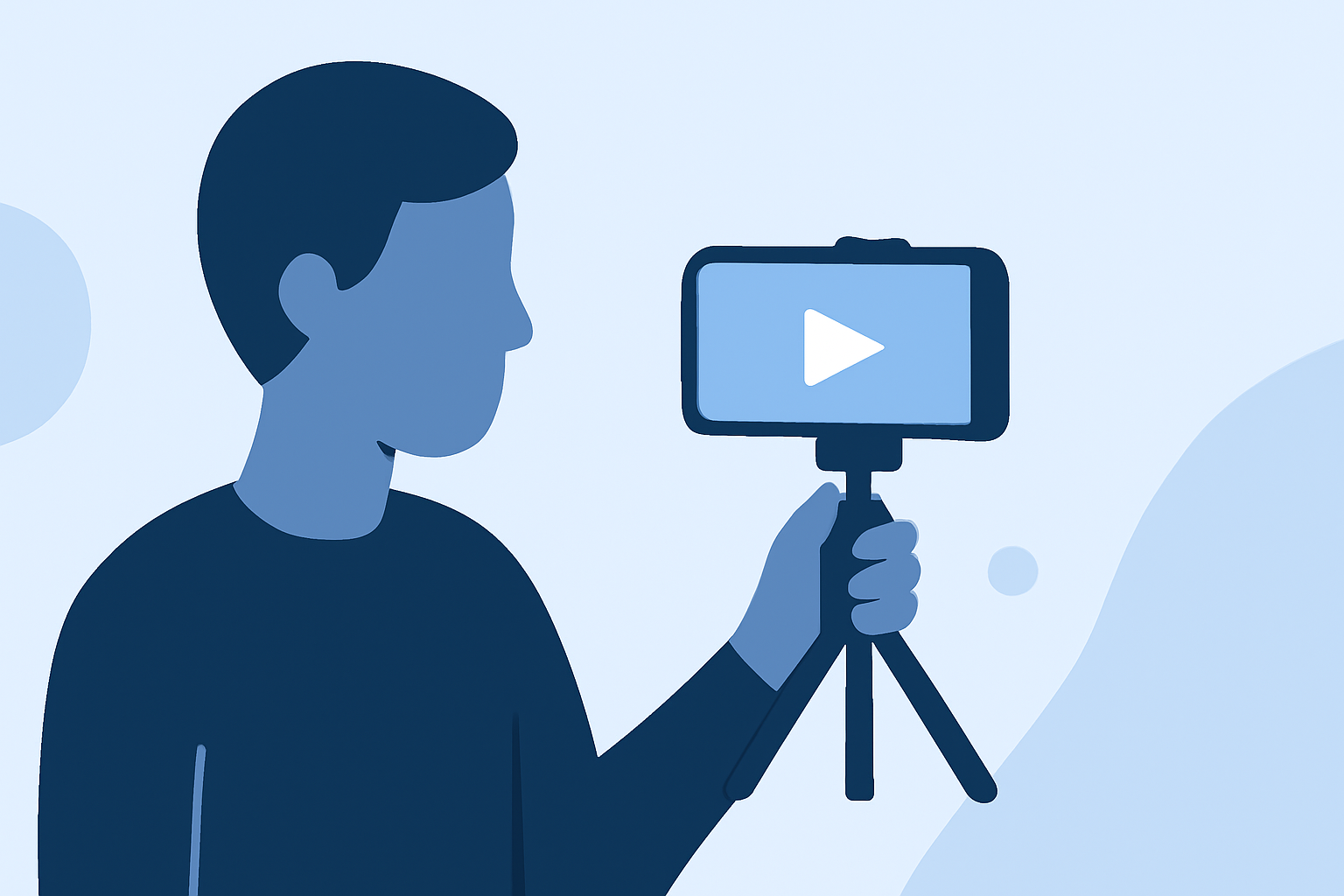
Creating professional-quality walking hyperlapse videos on a budget smartphone is entirely achievable with the right tools and techniques. By leveraging user-friendly applications and following best practices, you can produce impressive results without the need for expensive equipment.
Summary:
-
Understanding Hyperlapse Videos: Hyperlapse videos are time-lapse sequences captured while in motion, offering a dynamic perspective of your journey.
-
Selecting the Right App: Choosing an app that balances functionality and affordability is crucial for achieving professional results.
-
Techniques for Quality Footage: Implementing proper shooting techniques and post-production editing can significantly enhance the quality of your hyperlapse videos.
What Are Hyperlapse Videos?
Hyperlapse videos are a form of time-lapse photography where the camera is in motion, creating a smooth, accelerated view of a scene. This technique is particularly effective for capturing walking tours, cityscapes, or any journey where you want to showcase movement over time.
Choosing the Right App for Your Smartphone
Selecting an app that offers both functionality and affordability is key to producing professional-quality hyperlapse videos on a budget smartphone. Here are some top recommendations:
20 Online Video Making, Cutting, and Editing Software Applications - MIN SOFTWARE
Lapse It Pro
A comprehensive app available for both iOS and Android, Lapse It Pro offers manual controls for interval timing, exposure, focus, and white balance. It supports high-definition recording and provides a range of editing tools, making it suitable for users seeking detailed customization. (makeuseof.com)
9 Best Time-Lapse Apps for Photographers in 2026
Hyperlapse by Instagram
Designed for iOS devices, Hyperlapse simplifies the creation of stabilized time-lapse videos. Its user-friendly interface allows for easy recording and sharing, though it may offer fewer manual controls compared to other apps. (en.wikipedia.org)
Microsoft Hyperlapse Mobile for Android - Download
Microsoft Hyperlapse Mobile
Available for Android, this app enables users to create smooth time-lapse videos with adjustable speed settings. It offers stabilization features to reduce shakiness, making it a good option for handheld recordings. (phonearena.com)
Framelapse APK Download for Android Free
Framelapse
An Android-exclusive app that allows for high-quality time-lapse creation, including 4K support. It offers manual controls for frame intervals, exposure, and white balance, providing flexibility for users seeking more control over their recordings. (wedio.com)
Reliance Digital | www.reliancedigital.in
Video Editor & Maker
This app offers AI-powered features, including body effects and auto captions, enhancing the editing process. It's available on both Android and iOS platforms, catering to a wide range of users. (plan2winsoftware.com)
Techniques for Capturing Quality Hyperlapse Footage
To ensure your hyperlapse videos are smooth and professional-looking, consider the following techniques:
-
Stabilization: Use a tripod or handheld stabilizer to minimize camera shake during recording.
-
Consistent Speed: Maintain a steady pace while walking to ensure uniform intervals between frames.
-
Lighting: Shoot during times of day with optimal lighting conditions to enhance video quality.
-
Planning: Scout your route beforehand to identify interesting scenes and transitions.
Post-Production Editing
After capturing your footage, editing is crucial to refine your hyperlapse video. Many of the apps mentioned above offer built-in editing tools, but you can also use dedicated video editing software for more advanced features. Focus on adjusting speed, adding music, and correcting any exposure issues to enhance the final product.
What We Recommend
-
Start with User-Friendly Apps: For beginners, apps like Hyperlapse by Instagram or Microsoft Hyperlapse Mobile offer intuitive interfaces and essential features.
-
Explore Advanced Options: If you're seeking more control and advanced features, consider Lapse It Pro or Framelapse.
-
Utilize Editing Tools: Enhance your videos with editing tools to add music, adjust speed, and correct lighting.
By selecting the right app and employing effective shooting and editing techniques, you can create professional-quality walking hyperlapse videos on your budget smartphone. Experiment with different apps and settings to find the combination that best suits your creative vision.