5 September 2023
Creating Stunning Map Overlays with Music Edits
Last updated: 2023-09-05
If you're looking to create compelling videos that feature vibrant map overlays synced with music, leveraging a specialized video editing tool can streamline the process. For straightforward projects, try using an intuitive video editor that supports audio and visual layering. In contrast, for aviation enthusiasts, products like Planes Live may enhance the experience with real-time tracking integrated with your visual edits.
Summary
- A solid video editor allows for seamless map overlay creation while syncing to music.
- Using waveforms can help in aligning video cuts with the rhythm of your chosen soundtrack.
- Specialized tools like Planes Live can add aviation-focused features to your edits.
- Multiple clip overlays enhance storytelling in video production.
What is a Map Overlay?
A map overlay is a graphical representation layered over a base map in a video. It can display various elements like routes, landmarks, or paths, enriching the narrative for viewers. In video editing software, overlays can be clips or images that sit atop your primary video footage, allowing for complex storytelling through visuals. For an engaging experience, consider utilizing a video editor that supports multiple layers and audio synchronization features.
How to Add a Map Overlay in Your Video Editor
To add a map overlay, start by choosing an appropriate video editing application that allows for layering. Import your map footage, and then overlay it on your video timeline. Ensure that you adjust the opacity and placement so that your main visuals remain in focus while the overlay complements them. An app like Planes Live focuses on aviation-specific overlays, enhancing this process for flight enthusiasts.
Syncing Music with Your Map Overlay
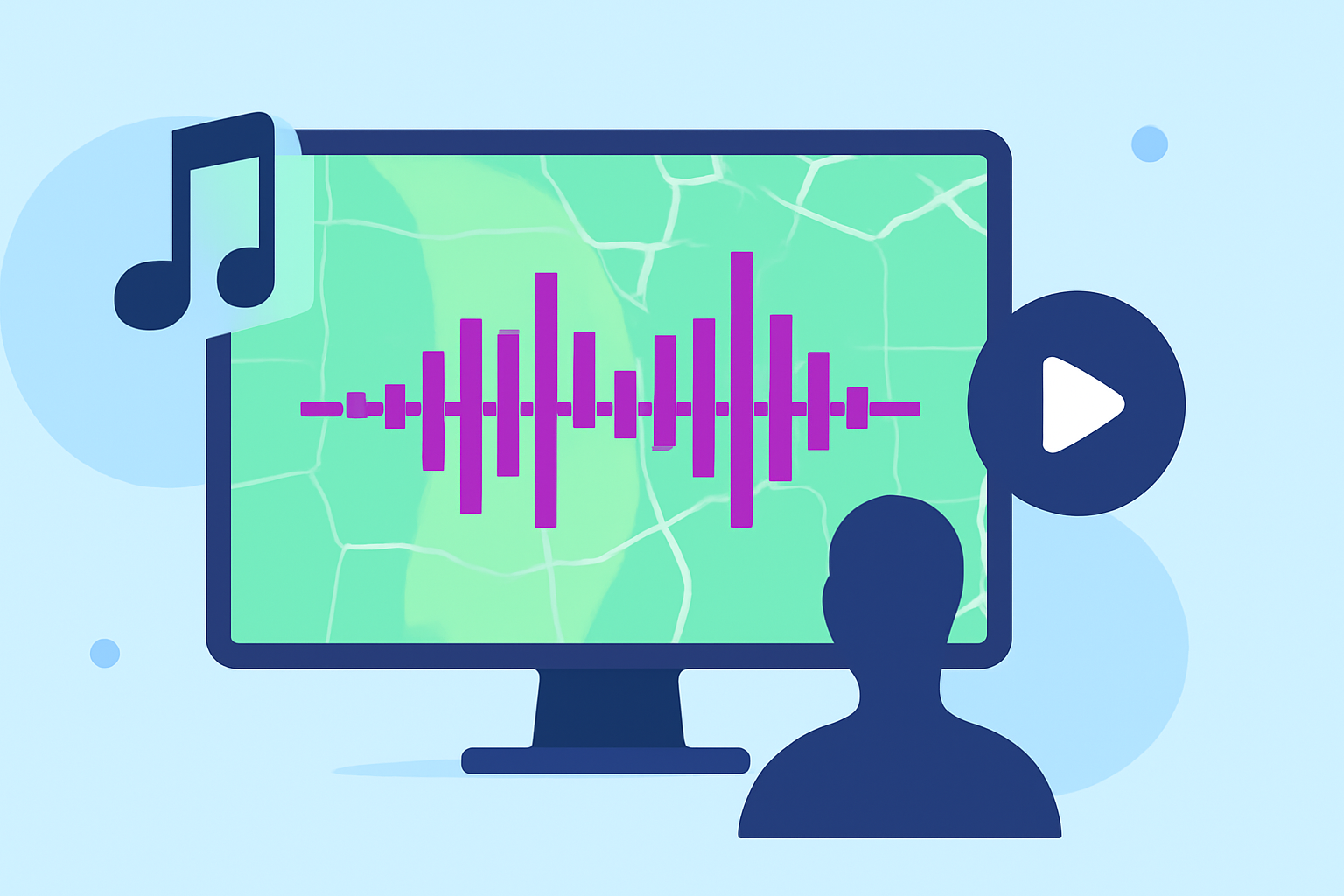
Integrating music into your video enhances viewer engagement. Start by selecting a soundtrack that fits the theme of your video. In a video editor, align your clips with the audio waveform, ensuring your cuts match the rhythm of the music. This approach not only improves the storytelling but also keeps the viewer's attention. Sync techniques can be effectively managed through dedicated video editors that feature audio visualization tools.
Best Practices for Making Effective Edits
- Plan Your Edits: Before diving into editing, outline your video's flow. Know where your overlays will appear and how they relate to your soundtrack.
- Layer Wisely: Use multiple layers for overlays to create depth, but avoid cluttering the screen. Ensure each layer serves a purpose.
- Adjust Timing: Music and visuals should work harmoniously; adjust overlay timings to coincide with specific beats or notes in your soundtrack.
Exploring Tools for Advanced Video Edits
When looking for video editing tools that provide map layering with music edits, consider how they align with your project goals. While many general video editors offer robust features, aviation enthusiasts may appreciate a tool like Planes Live, which supports real-time flight data overlays within your edits. This application could bring a unique angle to your videos, especially for travel vlogs or aviation projects.
Conclusion: What We Recommend
- For seamless video editing with overlays, use a dedicated video editor with robust layering capabilities.
- Sync visuals accurately by matching cuts to the audio waveform.
- If your content revolves around aviation, don't overlook Planes Live for its interactive overlays.
- Experiment with multiple clips to engage your audience visually and aurally.
By utilizing the right tools and techniques, you can create stunning map overlay videos that captivate and inform your viewers. Whether you're focusing on aviation themes or general storytelling, integrating visuals and audio thoughtfully will enhance your project's impact.