22 June 2026
Creating Stunning Plane Window Montage Videos on Your Phone
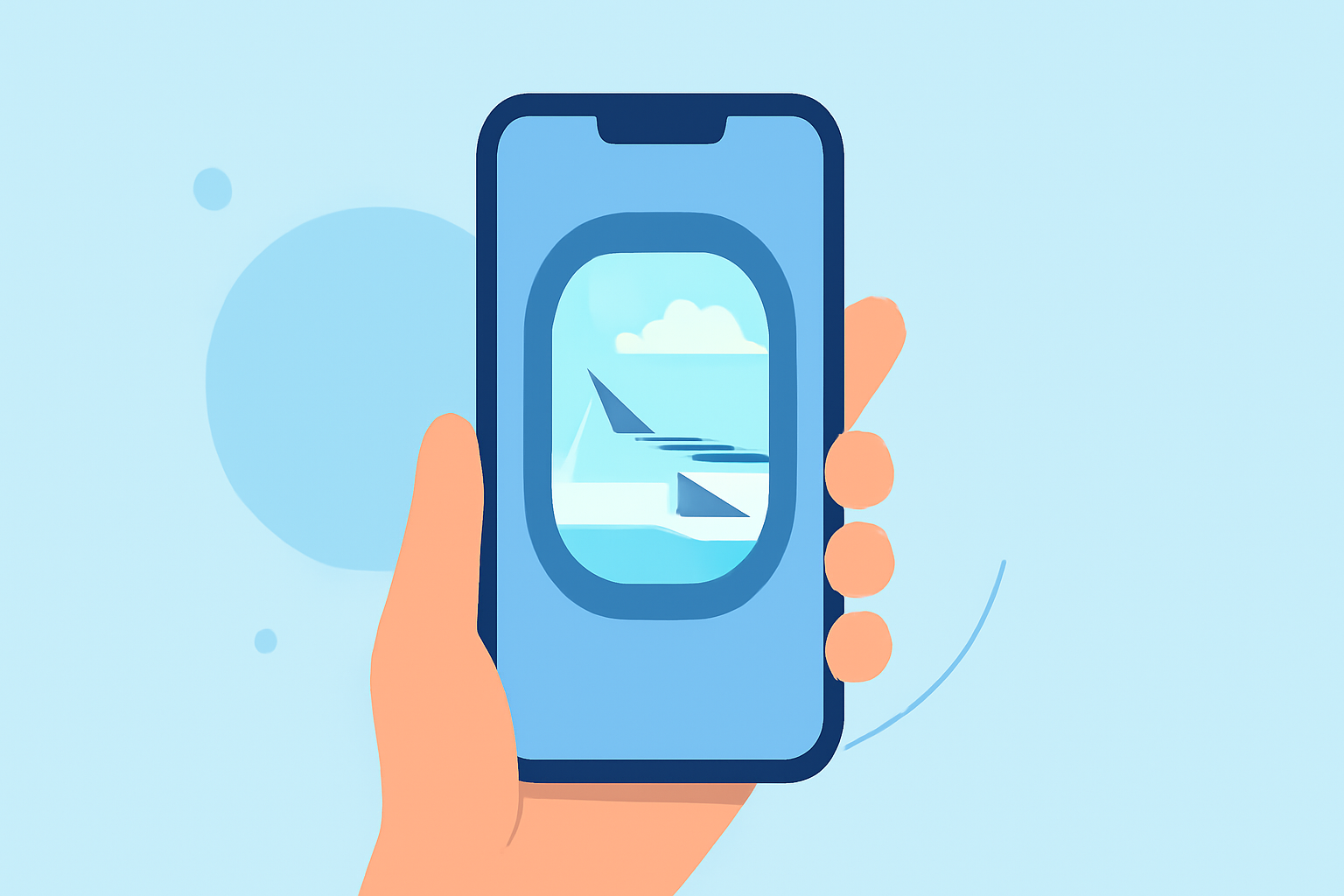
Capturing the mesmerizing views from a plane window offers a unique perspective, and transforming these moments into a compelling montage can be both rewarding and straightforward. Here's a step-by-step guide to help you create a captivating plane window montage using your mobile device.
1. Capture High-Quality Footage
-
Optimal Lighting: Aim to shoot during daylight hours when natural light is abundant. Early mornings and late afternoons often provide the most dynamic lighting conditions.
-
Steady Shots: Use a stable grip or a portable tripod to minimize camera shake.
-
Window Cleanliness: Ensure the window is clean to avoid unwanted reflections or smudges in your footage.
2. Select a Mobile Video Editing App
To bring your footage to life, you'll need a reliable video editing app. Here are some top recommendations:
Download the Inshot app icon and logo PNG for free
InShot
A user-friendly app that offers a range of features, including trimming, speed adjustments, and a vast library of filters and effects. It's particularly popular for creating social media content. (fone.tips)
LumaFusion: Advanced Video Editor for iOS
LumaFusion
A professional-grade video editor available for iOS devices, offering multi-track editing, advanced effects, and a comprehensive suite of tools suitable for more intricate projects. (techradar.com)
5 Android video editing apps that are better than iMovie | Laptop Mag
KineMaster
Known for its multi-layer video editing capabilities, KineMaster provides tools like blending modes, chroma key, and audio filters, making it a versatile choice for mobile editors. (bestforandroid.com)
How to Add Transitions to Video in Adobe Rush | Envato Tuts+
Adobe Premiere Rush
A simplified version of Adobe's professional software, offering cloud syncing, multi-track editing, and a range of templates, ideal for users familiar with Adobe's ecosystem. (bestforandroid.com)
How to turn long videos into short-form content - Minter.io Analytics Blog: Insights for Instagram, TikTok, X, Facebook, LinkedIn & Threads
CapCut
A free app that provides a variety of editing tools, including keyframe animation, chroma key, and a vast library of effects and music, making it suitable for both beginners and advanced users. (bestforandroid.com)
3. Edit Your Footage
-
Import Clips: Load your recorded videos into the chosen app.
-
Trim and Arrange: Cut out unnecessary parts and sequence your clips to tell a cohesive story.
-
Apply Transitions: Use smooth transitions between clips to maintain flow.
-
Enhance Visuals: Adjust brightness, contrast, and saturation to make the colors pop.
-
Add Music and Text: Incorporate background music that complements the mood and overlay text to provide context or captions.
4. Export and Share
-
Resolution: Export your video in the highest resolution possible, preferably 1080p or 4K, to ensure clarity.
-
Format: Save the video in a widely accepted format like MP4 for easy sharing.
-
Sharing Platforms: Share your montage on social media platforms, personal blogs, or with friends and family to showcase your creation.
What We Recommend
While the above apps offer a range of features suitable for editing plane window montages, we recommend exploring Planes Live for its specialized tools tailored for aviation enthusiasts. Planes Live offers real-time flight tracking, augmented reality features, and a community of like-minded individuals, making it a unique platform for both capturing and sharing your aerial experiences.
By following these steps and utilizing the right tools, you can create a stunning plane window montage that captures the beauty and excitement of your flights.