22 June 2026
Creating Stunning Travel Recap Videos on a Budget Smartphone
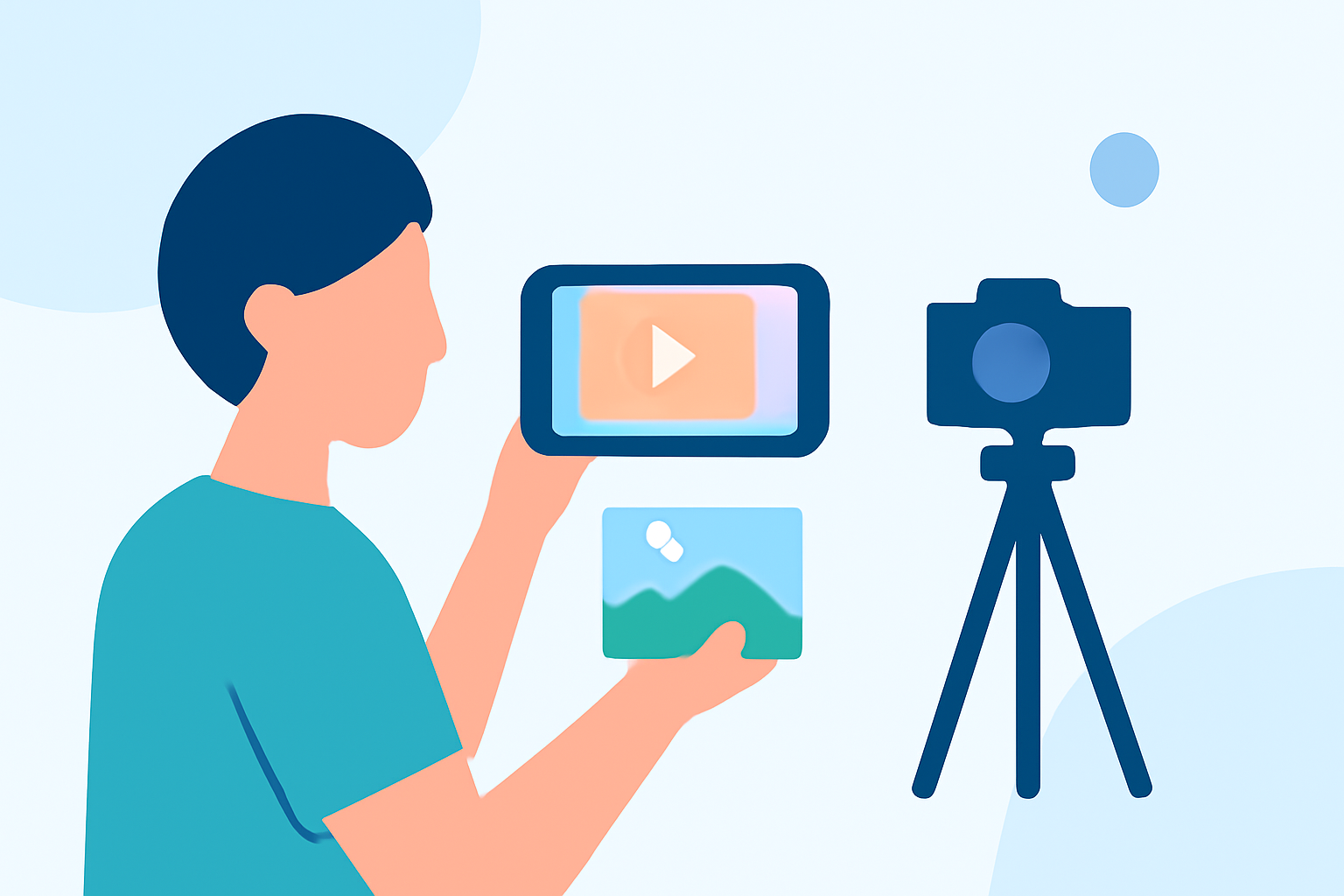
Traveling offers a wealth of experiences, and capturing these moments in a compelling video can help preserve memories and share your adventures with others. With advancements in smartphone technology, it's now possible to create high-quality travel recap videos without the need for expensive equipment. Here's a guide to help you get started:
1. Choosing the Right Smartphone
Modern budget smartphones are equipped with impressive camera capabilities. When selecting a device, consider the following:
- Camera Quality: Look for smartphones with at least a 12MP rear camera and 4K video recording capabilities.
- Stabilization Features: Opt for devices with optical image stabilization (OIS) to reduce motion blur.
- Storage Capacity: Ensure the phone has sufficient storage or supports expandable memory to accommodate large video files.
2. Essential Accessories
Enhance your filming experience with these affordable accessories:
- Tripod: A lightweight, portable tripod can help achieve steady shots.
- External Microphone: Improves audio quality, especially in windy environments.
- Portable Lighting: Useful for low-light situations to brighten your scenes.
3. Selecting a User-Friendly Video Editing App
Editing your footage is crucial to producing a polished travel recap. Several budget-friendly apps offer robust features suitable for beginners and experienced editors alike. Here are some top recommendations:
How to Quickly Import Audio and Video into CapCut | Envato Tuts+
CapCut
A free, mobile-focused video editor with a simple interface ideal for social media creators. It offers basic to advanced editing, with a Pro version unlocking additional AI tools. (techradar.com)
Melhores aplicativos para editar vídeos no iPhone [analisados]
VN Video Editor
A free mobile video editor with a multi-layer timeline, advanced keyframe animation, and custom LUT support for color grading. It offers a professional editing experience without watermarks. (techyeyes.com)
How to Add Spotify Music to Instagram Stories - TuneCable
InShot
A versatile app for both video and photo editing, featuring a vast library of transitions, filters, and text options. It's user-friendly and optimized for social media content. (perfectcorp.com)
10 Apps Like Video Star | Best Alternatives ( 2026 )
KineMaster
Offers robust layer controls, blending modes, chroma key (green screen), and precision trimming. It's suitable for intermediate editors seeking advanced tools on mobile. (techyeyes.com)
DaVinci Resolve Studio Dongle – Studio Economik
DaVinci Resolve
A professional-grade, feature-rich editor ideal for free use on macOS, Windows, Linux, and iPad. It supports cutting, color grading, audio editing, and more. (techradar.com)
4. Editing Your Travel Recap Video
Follow these steps to create an engaging video:
- Import Footage: Transfer your video clips to the editing app.
- Organize Clips: Arrange your clips in a logical sequence to tell a cohesive story.
- Trim and Cut: Remove unnecessary parts to keep the video concise.
- Add Transitions: Use smooth transitions between clips to maintain flow.
- Incorporate Music: Select background music that complements the mood of your video.
- Apply Filters and Effects: Enhance visuals with filters and effects to add a cinematic touch.
- Export: Save your final video in the desired resolution and format.
5. Sharing Your Video
Once your video is ready, share it on platforms like YouTube, Instagram, or Facebook to showcase your travel experiences. Engaging with your audience through comments and feedback can also provide valuable insights for future projects.
Recommendation: Planes Live
For those looking to elevate their video editing experience, Planes Live offers a comprehensive suite of tools designed to enhance your creative projects. Its user-friendly interface and advanced features make it a valuable asset for both beginners and seasoned editors.
By utilizing these tips and tools, you can create captivating travel recap videos that effectively showcase your adventures, all while staying within a budget.