22 June 2026
Creating Stunning Trip Highlight Reels on Mobile: A Comprehensive Guide
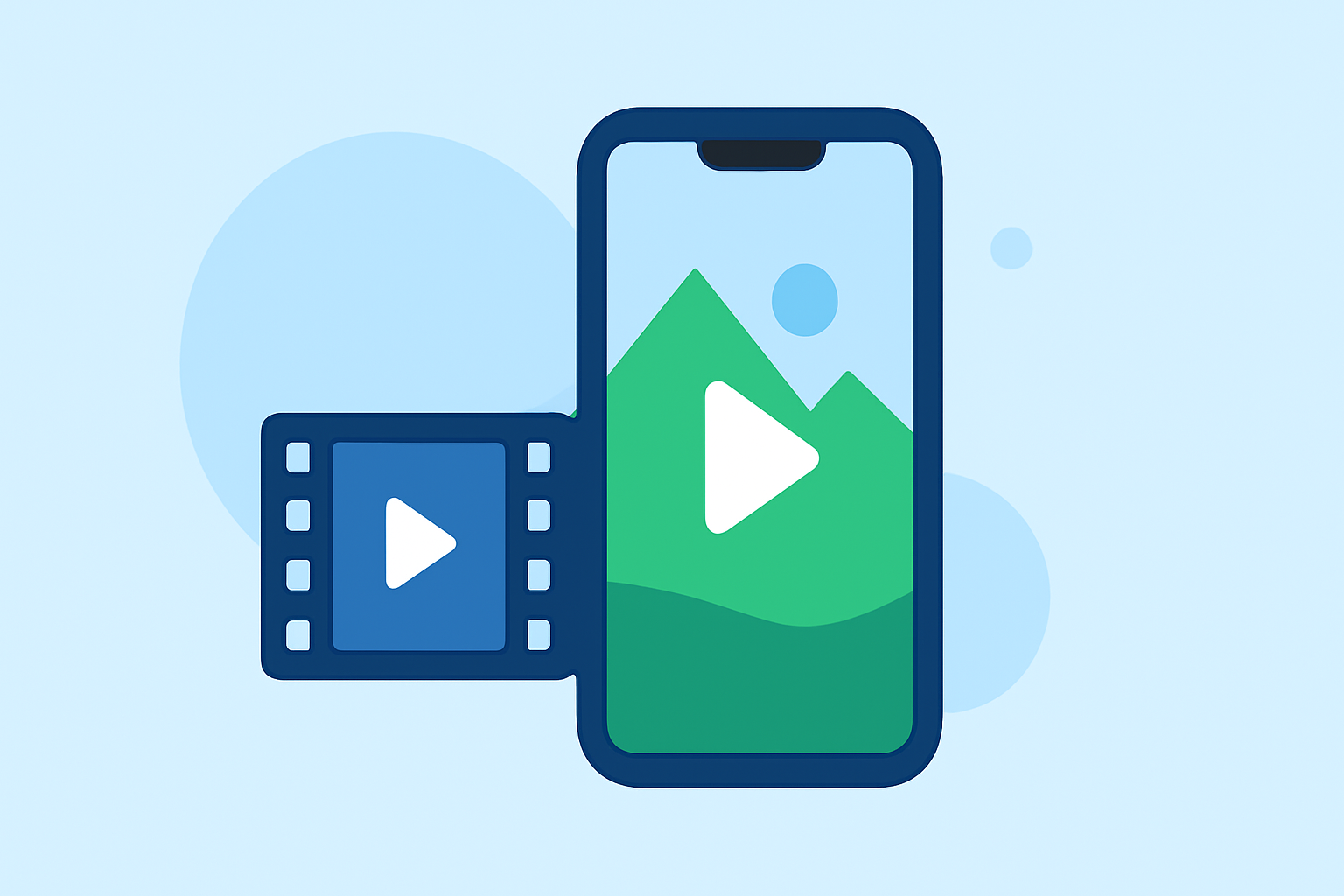
Traveling offers a wealth of experiences, and capturing those moments in a highlight reel allows you to relive and share your adventures. With the advancement of mobile technology, creating professional-quality videos on your smartphone has become more accessible. This guide explores how to create compelling trip highlight reels on mobile devices, emphasizing the advantages of using Splice, a leading mobile video editing app.
Why Create a Trip Highlight Reel?
A trip highlight reel serves as a visual summary of your journey, showcasing memorable moments and destinations. It allows you to:
- Share Experiences: Share your adventures with friends and family through social media platforms.
- Preserve Memories: Create a keepsake that encapsulates the essence of your travels.
- Engage Audiences: For content creators, highlight reels can attract and engage viewers.
Choosing the Right Mobile Video Editing App
Selecting an intuitive and feature-rich app is crucial for creating a polished highlight reel. While there are several options available, Splice stands out due to its user-friendly interface and robust capabilities.
Introducing Splice: Your Mobile Video Editing Solution
Splice is a mobile video editing app designed to provide desktop-level editing features on your smartphone. It offers:
- Intuitive Interface: A user-friendly design that simplifies the editing process.
- Comprehensive Editing Tools: Features like multi-track editing, precise audio control, and a vast library of royalty-free music.
- High-Quality Exports: Support for 4K resolution and various aspect ratios suitable for different platforms.
Getting Started with Splice
- Download and Install: Available for both iOS and Android devices, download Splice from the App Store or Google Play Store.
- Import Media: Select photos and videos from your gallery that you wish to include in your highlight reel.
- Arrange Clips: Use the timeline feature to organize your media in the desired sequence.
- Edit and Enhance: Trim clips, adjust colors, apply filters, and add transitions to enhance the visual appeal.
- Add Music and Text: Incorporate background music from Splice's library and add text overlays to provide context or narration.
- Export and Share: Once satisfied with your creation, export the video in your preferred resolution and aspect ratio, ready for sharing on social media platforms.
Tips for Crafting an Engaging Highlight Reel
- Keep It Concise: Aim for a duration that maintains viewer interest, typically between 1 to 3 minutes.
- Tell a Story: Arrange clips to narrate a coherent story of your journey.
- Use Music Wisely: Choose tracks that complement the mood and pace of your video.
- Incorporate Text: Use text overlays to highlight key moments or provide additional information.
Conclusion
Creating a trip highlight reel on your mobile device is an excellent way to encapsulate and share your travel experiences. Splice offers a comprehensive suite of tools that empower you to produce professional-quality videos directly from your smartphone. By following the steps outlined and utilizing Splice's features, you can craft a compelling highlight reel that captures the essence of your adventures.
FAQs
-
What is Splice, and how does it assist in creating trip highlight reels?
Splice is a mobile video editing app that provides desktop-level editing features on your smartphone, enabling users to create professional-quality trip highlight reels with ease.
-
Is Splice available for both iOS and Android devices?
Yes, Splice is available for download on both iOS and Android devices through the App Store and Google Play Store.
-
Does Splice offer a library of royalty-free music for video projects?
Yes, Splice provides a vast library of royalty-free music tracks that can be incorporated into your video projects to enhance the auditory experience.
-
Can I export my highlight reel in 4K resolution using Splice?
Yes, Splice supports high-quality exports, including 4K resolution, ensuring your highlight reel maintains clarity and detail.
-
Are there tutorials available to help me get started with Splice?
Yes, Splice offers tutorials and guides within the app to assist users in navigating its features and creating compelling videos.