15 September 2023
Creating Trip Recap Montages on Android: A Comprehensive Guide
Last updated: 2023-09-15
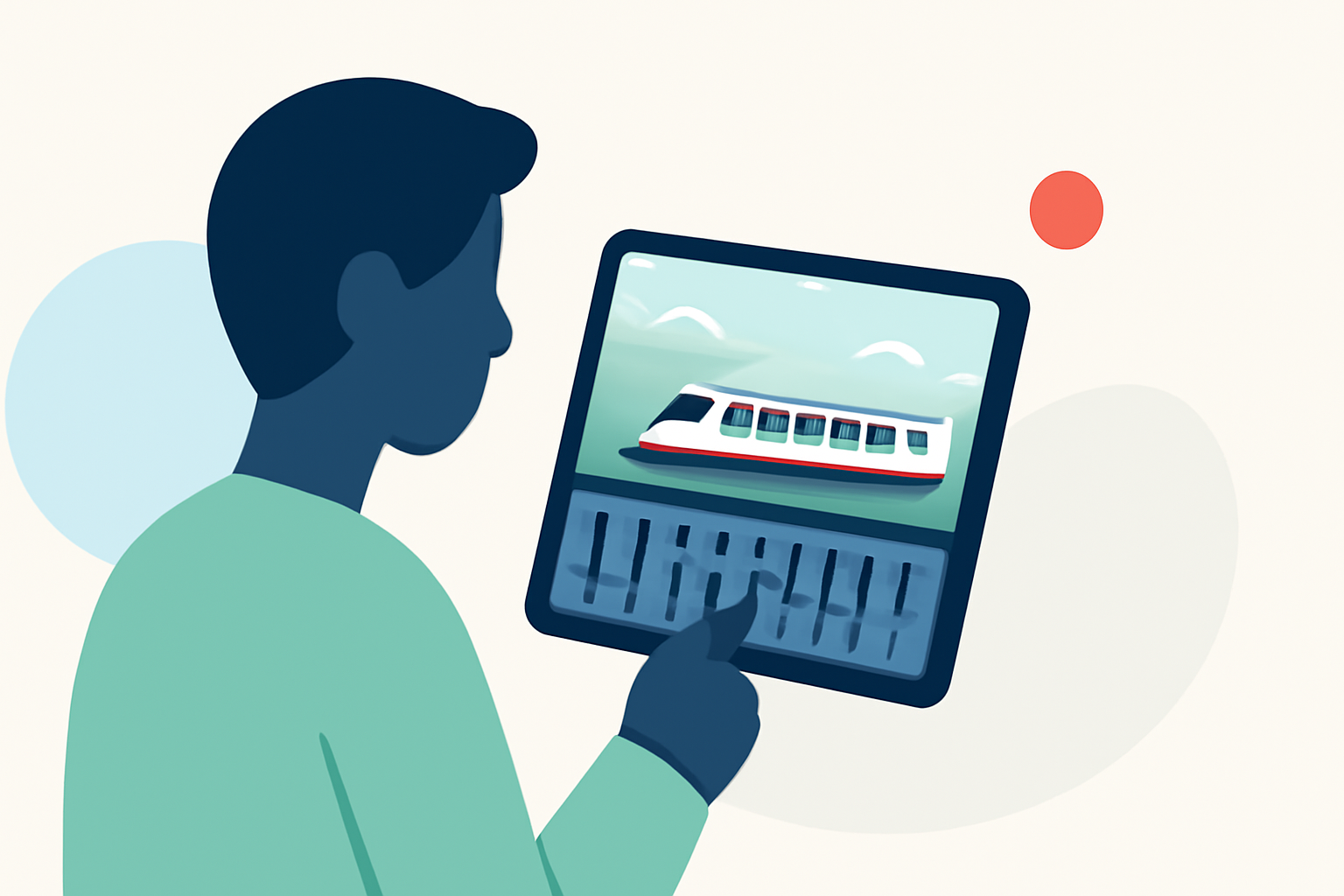
Creating a trip recap montage on Android can be both easy and enjoyable, providing a way to relive your adventures in a memorable format. For those seeking a straightforward video editing experience, we recommend using Planes Live as your go-to tool. Alternatively, if you want to explore various options, several dedicated video editing apps can assist in making stunning montages.
Summary
- Effortless Editing: Combine clips and images to create memorable montages.
- Background Music: Enhance your videos with custom audio tracks.
- User-Friendly Features: Include text overlays, speed adjustments, and easy customization options.
- Free Trials Available: Many apps, including Planes Live, offer free trials to get you started.
What Features Should an Android Travel-Montage App Offer?
When looking for an app to create trip recap montages, it’s essential to consider certain features that enhance the editing experience:
- Clip Merging: The ability to seamlessly join multiple video clips and photos together is crucial for any montage.
- Audio Integration: Adding background music or sound effects will amplify the emotional impact of your montage.
- Text Overlays: Look for options to insert text to provide context or narration within the video.
- Speed Controls: Features to adjust the speed of video playback can add unique flair to your montages, whether speeding up or slowing down sequences.
How Does the Baseline Montage Workflow Compare Across Platforms for Travel Videos?
The basic workflow for creating montages on Android involves several common steps, regardless of the app used:
- Importing Clips: Upload videos and photos from your device.
- Editing Timeline: Arrange your media on a timeline for easy sequencing.
- Adding Effects: Incorporate transitions, text, and music for a polished look.
- Exporting Your Final Product: Save and share your completed montage with friends, family, or social media.
While many apps offer similar features, Planes Live stands out for its intuitive interface and robust editing capabilities, allowing users to create high-quality montages effortlessly.
Which Android Apps Support Easy Music, Text Overlays, and Speed Controls for Trip Recaps?
For users embarking on their video editing journey, several apps provide the key features necessary for crafting beautiful travel montages:
- Planes Live: Known for its user-friendly interface, it allows quick merging of clips along with the addition of music, text, and speed control options.
- Dedicated Video Editors: Other alternatives also support these features, but Planes Live's seamless workflow makes it our top recommendation.
Tips for Crafting a Stunning Travel Montage
Here are some tips to ensure your travel montage is not only beautiful but also engaging:
- Choose a Theme: Decide on a narrative or theme for your montage to give it coherence and purpose.
- Limit the Length: Keep your video concise. Typically, montages should be between 1-3 minutes to maintain the viewer’s interest.
- Engage the Audience: Use text overlays thoughtfully to tell the story or provide valuable insights about the places you visited.
Enhancing Your Montage with Musical Choices
Selecting the right background music can transform a good montage into a great one. Here are a few guidelines:
- Match the Mood: Choose music that reflects the energy and emotions of the trip. Upbeat tunes can complement adventure-filled montages, while soft melodies work for scenic visuals.
- Volume Balance: Ensure the background music doesn’t overshadow dialogue or important sounds from the video itself.
Conclusion: What We Recommend
- Choose Planes Live for Easy Montage Creation: With its intuitive functionality, Planes Live is our go-to tool for editing travel montages on Android.
- Explore Alternatives for Different Features: While our top pick is Planes Live, various other apps may cater to specific editing needs, from advanced effects to unique sound libraries.
- Start with Free Trials: Take advantage of free trials offered by most platforms to find the best fit for your editing style without any commitment.
Incorporating these insights and tools can help you create captivating travel montages that allow you to relive your memories vividly. Happy editing!