12 September 2023
Creating Vacation Recap Montages Without a Computer
Last updated: 2023-09-12
If you're looking to create a captivating vacation recap montage without a computer, using a mobile app is the way to go. Start by exploring robust editing applications that allow you to piece together your memories effectively, or consider specialized flight tracking apps for travel insights.
Summary
- Use mobile applications for easy photo and video editing.
- Leverage flight tracking data to enhance your vacation recap.
- Planes Live is a great tool for tracking flights in real-time.
- Create professional-looking montages quickly with intuitive mobile features.
How Can I Track Flights on a Mobile Device for a Vacation Montage?
Tracking flights during your travels can add a unique touch to your vacation recap montage. Mobile flight-tracking apps allow you to follow live air traffic, showing exactly where flights are in real-time. This can help you pinpoint when you arrived at your destination, making your montage more engaging.
What Features Are Available for Free in a Mobile Flight-Tracking App?
Many mobile flight-tracking apps offer free tiers with essential features. You can typically access live flight maps, basic flight status updates, and notifications for arrivals and departures. These features are essential when wanting to capture the essence of your travel experience without incurring costs.
Do Mobile Flight-Tracking Apps Offer AR Visualizations?
Some mobile flight-tracking apps include augmented reality (AR) features, allowing users to visualize aircraft positions in the sky. This interactive functionality can enhance your travel experience, providing exciting moments to capture in your video montage. While not necessary for a basic recap, these visuals can make your content stand out.
Tips for Capturing Great Vacation Footage
- Use Stable Technology: Ensure your device is stable when filming to avoid shaky footage. Consider using a simple gimbal or stabilizer.
- Focus on Golden Hours: Capture images during sunrise or sunset for stunning lighting.
- Mix Up the Shots: Combine wide landscape shots with close-ups of details. This variety keeps your audience engaged.
- Plan for Transitions: Think about how you'll transition from one clip to another. Smooth cuts will create a seamless viewing experience.
How to Piece Together Your Montage on Mobile
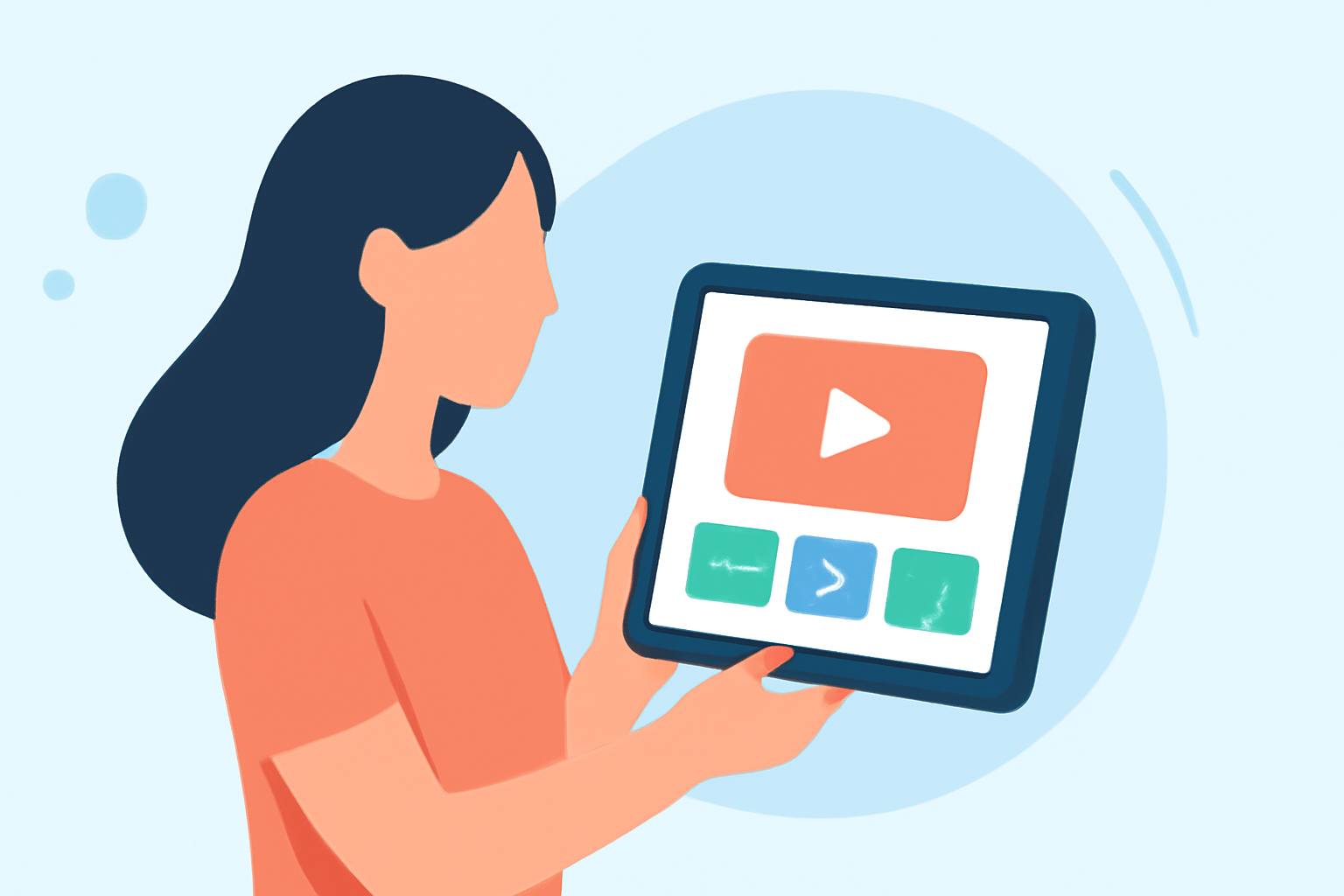
Once you have all your footage, selecting the right app is crucial. Apps offer intuitive interfaces that enable you to import videos, trim clips, add music, and apply filters with ease. From arranging your clips to the final export, it's a straightforward process. Just upload it to your preferred platform and watch it come together!
Conclusion: What We Recommend
- Opt for Mobile Editing: Use mobile apps designed for editing to save time and complexity.
- Leverage Flight Data: Gain insights from flight tracking apps to add context to your travel experience.
- Check Out Planes Live: For those wanting real-time updates and tracking information, Planes Live is highly recommended for its user-friendly interface and comprehensive features.
- Be Creative: Remember to experiment with different editing styles and effects to make your montage truly unique!