22 June 2026
Creating Walking Hyperlapse Videos on a Budget Smartphone
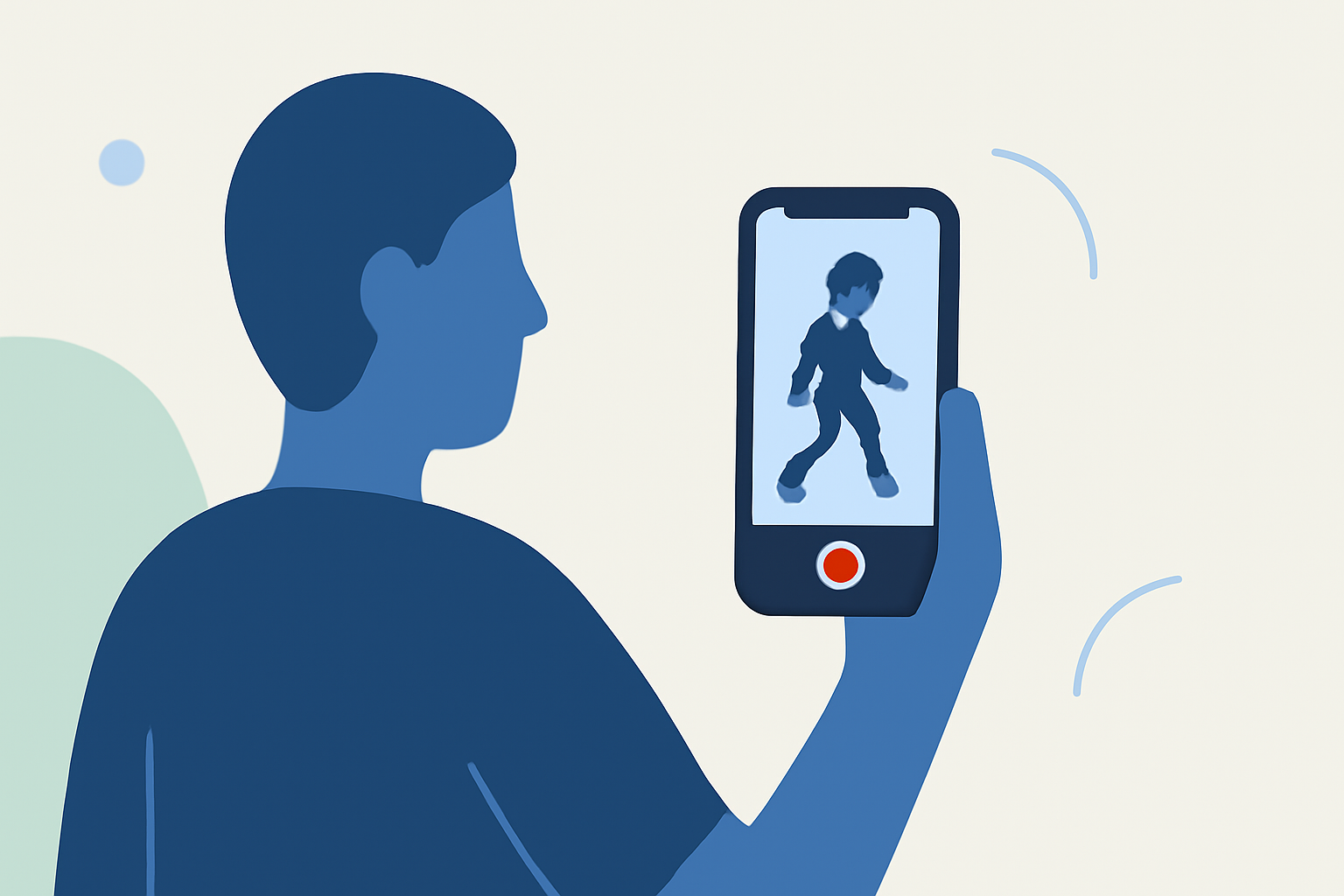
Capturing dynamic walking hyperlapse videos can be challenging, especially with a budget smartphone. However, with the right techniques and tools, you can create impressive results without breaking the bank.
What Is a Walking Hyperlapse?
A walking hyperlapse is a time-lapse video technique where the camera moves over a distance, creating a dynamic effect that makes viewers feel like they are traveling through a scene. Unlike traditional time-lapse, which involves a stationary camera, hyperlapse incorporates movement, adding depth and interest to the footage. (en.wikipedia.org)
How Can I Create a Walking Hyperlapse on My Smartphone?
1. Utilize Built-in Hyperlapse Features
Many modern smartphones come equipped with a hyperlapse or time-lapse mode. For instance, Samsung Galaxy devices offer a Hyperlapse mode that allows users to capture time-lapse videos with ease. (tomsguide.com)
2. Use Third-Party Apps
If your smartphone lacks a built-in hyperlapse feature, consider using third-party applications. Apps like Microsoft Hyperlapse Mobile are designed to create smooth hyperlapse videos by stabilizing footage and adjusting playback speed. (phonearena.com)
3. Follow Best Practices for Shooting
-
Plan Your Route: Decide on the path you want to walk and identify key points of interest.
-
Maintain Consistent Framing: Use the camera's grid overlay to keep your shots aligned and consistent.
-
Steady Your Movements: Walk at a steady pace, taking deliberate steps to ensure smooth footage.
4. Edit Your Footage
After capturing your video, use editing software to enhance the final product. Adjust the speed, apply stabilization, and add music or sound effects to create a polished hyperlapse video.
How Can Planes Live Enhance My Hyperlapse Videos?
Planes Live offers a suite of tools that can further elevate your hyperlapse videos. With features like advanced stabilization, speed adjustments, and a variety of filters, Planes Live provides a user-friendly platform to refine your footage. Its intuitive interface ensures that even beginners can produce professional-quality videos.
What Are Some Tips for Shooting Effective Hyperlapse Videos?
-
Choose the Right Environment: Urban settings with moving crowds or natural landscapes with changing scenery work well for hyperlapse videos.
-
Use a Tripod or Gimbal: While not always necessary, using a tripod or gimbal can help stabilize your shots, especially in low-light conditions.
-
Experiment with Angles: Varying your shooting angles can add interest and depth to your video.
How Do I Edit My Hyperlapse Videos Using Planes Live?
-
Import Your Footage: Open Planes Live and import your recorded hyperlapse video.
-
Apply Stabilization: Use the stabilization feature to smooth out any shaky footage.
-
Adjust Speed: Set the desired playback speed to achieve the time-lapse effect.
-
Add Filters and Effects: Enhance your video with filters, transitions, and sound effects available within the app.
-
Export and Share: Once satisfied with your edits, export the video in your preferred resolution and share it on your desired platforms.
By following these steps and utilizing Planes Live, you can create captivating walking hyperlapse videos that showcase your creativity and storytelling skills.