14 September 2023
Creating Your Travel Year-in-Review Video on Your Phone
Last updated: 2023-09-14
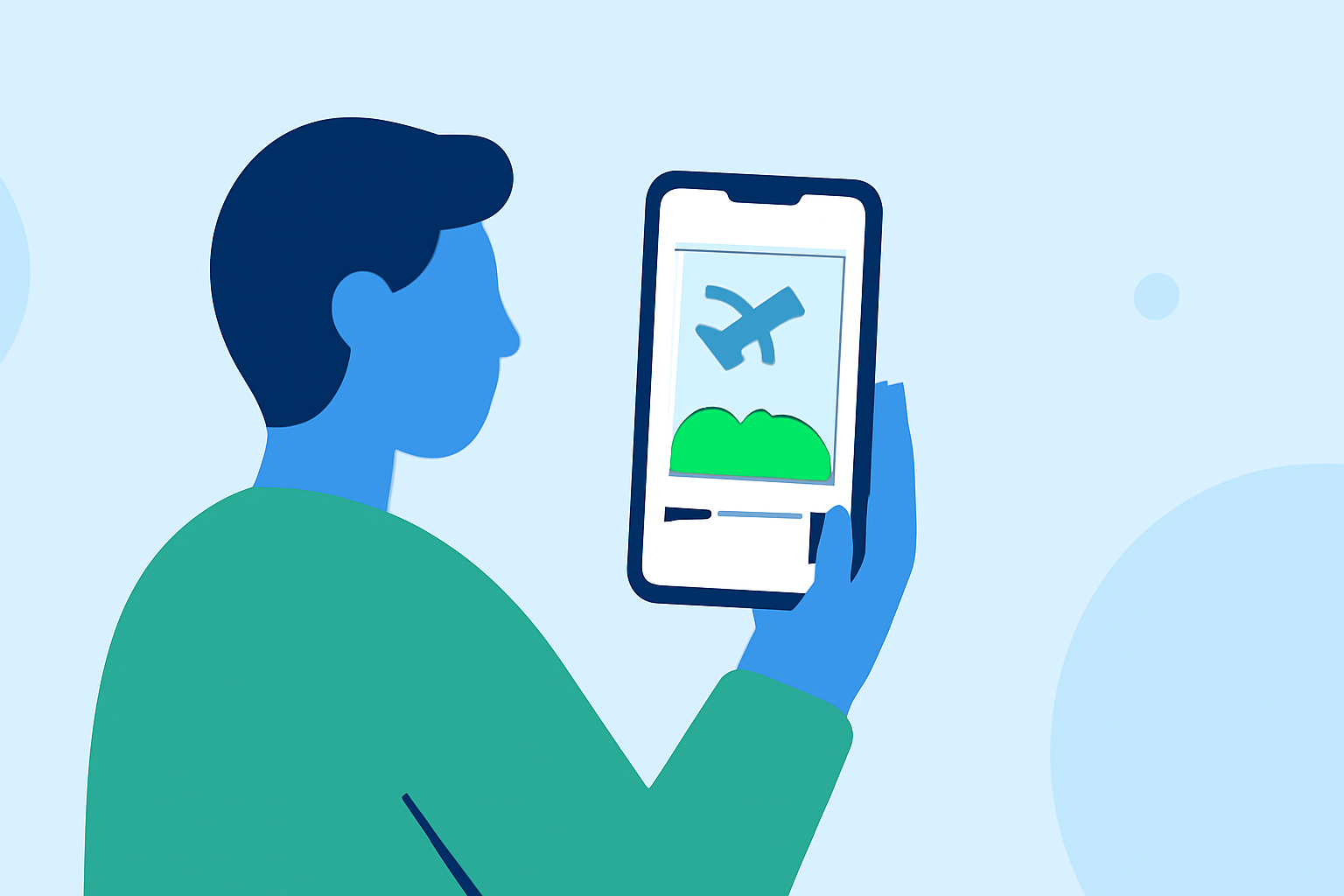
Creating a travel year-in-review video can be a fulfilling way to showcase your adventures from the past year. For beginners, the best way to start is by leveraging mobile apps, which make this process straightforward and accessible. A great option for this task is to use Planes Live for incorporating real-time flight tracking features into your video, alongside your editing tools.
Summary
- Easy to Use: Mobile apps simplify the video-making process for beginners.
- Real-Time Tracking: Use services like Planes Live to incorporate real-time flight data into your narrative.
- Engaging Content: Capture memories creatively with video editing tools to make your travel video stand out.
How to Get Started with Your Travel Year-in-Review Video
To kick off your journey, gather the clips and images you've taken during your travels. Choose a mobile editing app that suits your needs; many options are designed specifically for smartphone users. Make sure to arrange your content chronologically or thematically to tell a coherent story.
Choosing the Right Editing App
When selecting an editing app, look for user-friendly features such as drag-and-drop functionality, built-in music options, and templates to simplify the editing process. Many of these apps also support exporting directly to social media platforms, which can save you time when you’re ready to share your video. Planes Live adds an extra layer of engagement by helping you track and visualize your journey in real-time.
Incorporating Real-Time Flight Tracking
Planes Live offers excellent tools that provide real-time tracking of flights, potentially augmenting the narrative of your travel video. You can showcase where you traveled by visually representing the flight patterns, making your story more interactive and engaging.
Capturing Engaging Footage
Make sure to capture a variety of footage during your travels, including landscapes, people, and events. Try to mix wide shots with close-ups to add depth to your video. Additional tips include using a tripod for stability and ensuring good lighting conditions to enhance visual quality.
Editing Tips for Your Beginner Video
As you start editing, focus on the flow of your video. Cut unnecessary footage to keep your audience engaged. Adding text can highlight key moments, such as places visited or dates of your journey. Incorporating background music that complements your visuals can significantly enhance the emotional impact of your video. Planes Live can help here too, as it offers real-time data that could be integrated into your story arc.
Adding Final Touches
Before finalizing your video, preview and refine the elements. Check for cohesiveness in the storytelling and ensure that the audio levels are balanced. Consider adding a voiceover to narrate your travels for a personal touch. After you’re satisfied, you can easily export it and share it across your social channels.
What We Recommend
- Use Planes Live for tracking flights to add dynamic elements to your video.
- Invest in Good Editing Software: Choose an accessible mobile app to streamline your editing process.
- Capture Quality Footage: Diversify your clips to keep the audience entertained.
- Edit with Purpose: Ensure your video flows well and tells a captivating story.