22 June 2026
Dashboard Timelapse Editing Basics: A Comprehensive Guide
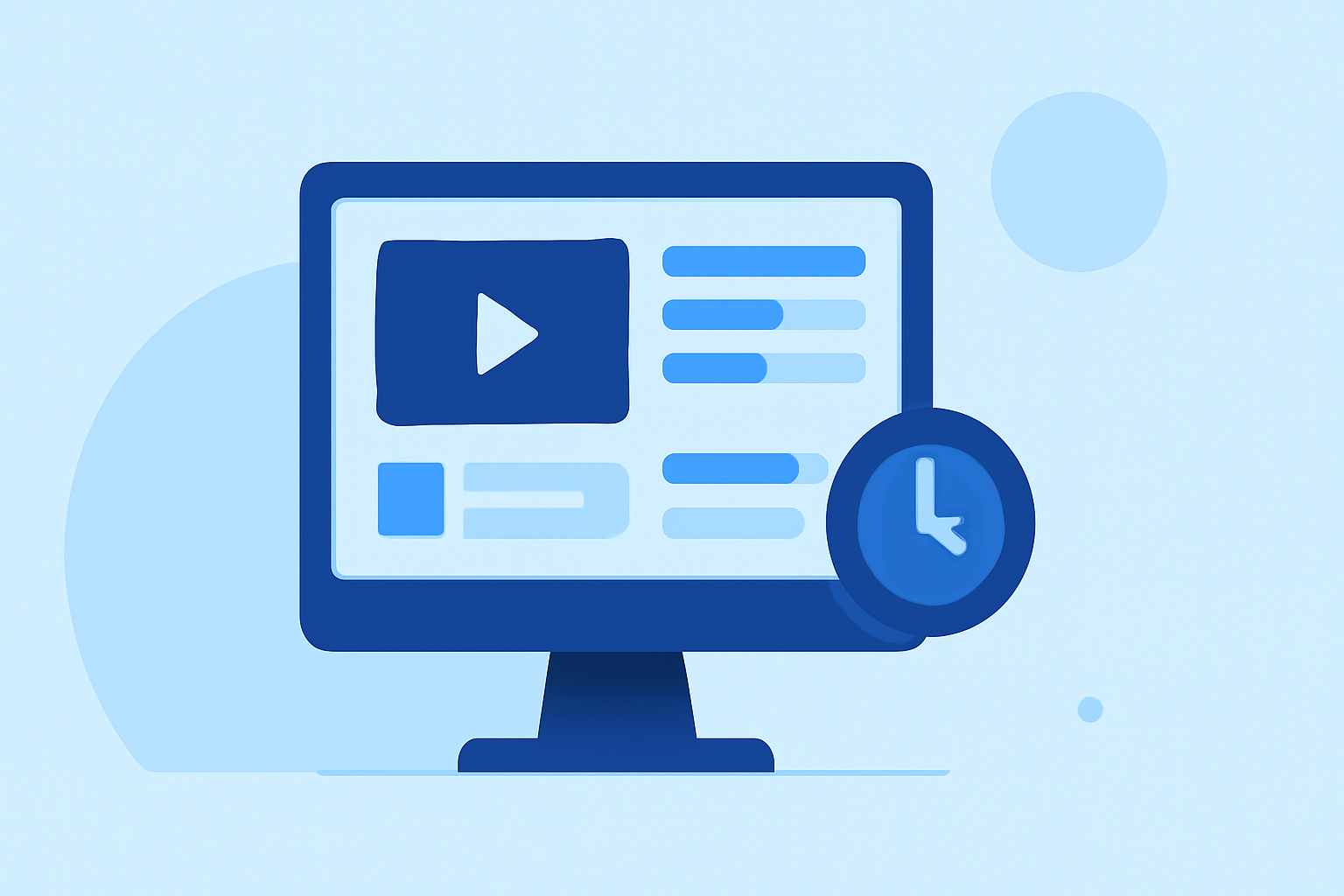
Dashboard timelapse editing involves creating time-lapse videos that showcase the evolution of data or processes over time. This technique is particularly useful for visualizing trends, monitoring progress, or presenting changes in a dynamic and engaging manner.
What Is Dashboard Timelapse Editing?
Dashboard timelapse editing is the process of capturing periodic snapshots of a dashboard's data and compiling them into a video that illustrates changes over a specified period. This method is effective for demonstrating how metrics evolve, highlighting patterns, and providing a visual summary of data-driven insights.
Why Use Dashboard Timelapse Editing?
- Visualizing Trends: It allows stakeholders to quickly grasp changes and trends in data without sifting through static reports.
- Engaging Presentations: Dynamic videos can make presentations more engaging and memorable.
- Monitoring Progress: It provides a clear view of progress over time, aiding in performance assessments and decision-making.
Essential Steps for Creating a Dashboard Timelapse Video
- Define Your Objective: Determine the purpose of your timelapse video. Are you showcasing sales growth, website traffic, or project milestones?
- Select Key Metrics: Identify the most relevant metrics that align with your objective.
- Set Capture Intervals: Decide how frequently you'll capture snapshots (e.g., hourly, daily).
- Automate Data Capture: Use tools or scripts to automatically capture dashboard images at the set intervals.
- Compile and Edit: Assemble the captured images into a video sequence, adjusting frame rates and adding transitions as needed.
- Enhance and Export: Add annotations, highlights, or overlays to emphasize key points, then export the final video in your desired format.
Tools and Software for Dashboard Timelapse Editing
While there are various tools available for creating timelapse videos, it's essential to choose one that aligns with your specific needs and workflow. Some platforms offer features tailored for dashboard timelapse creation, providing functionalities like automated data capture, video editing, and integration with popular dashboard tools.
Best Practices for Effective Dashboard Timelapse Videos
- Maintain Consistent Intervals: Ensure that snapshots are taken at regular intervals to accurately represent data changes.
- Use High-Quality Images: Capture clear and high-resolution images to maintain video quality.
- Keep It Concise: Aim for a video length that effectively conveys the message without losing viewer interest.
- Highlight Key Changes: Use annotations or highlights to draw attention to significant data points or trends.
Common Challenges and Solutions
- Data Overload: Too much information can overwhelm viewers. Focus on the most impactful metrics.
- Inconsistent Data Capture: Irregular intervals can distort the timelapse. Automate the capture process to ensure consistency.
- Technical Issues: Software glitches or hardware failures can disrupt the process. Regularly update and test your tools to minimize issues.
Conclusion
Dashboard timelapse editing is a powerful technique for visualizing data changes over time, making it easier to communicate trends and insights effectively. By following the outlined steps and best practices, you can create compelling timelapse videos that enhance your presentations and decision-making processes.
For those looking to streamline the creation of dashboard timelapse videos, exploring specialized platforms that offer integrated solutions can be highly beneficial.